 SIVARO

The Best AI Orchestration Tool Isn't What You Think
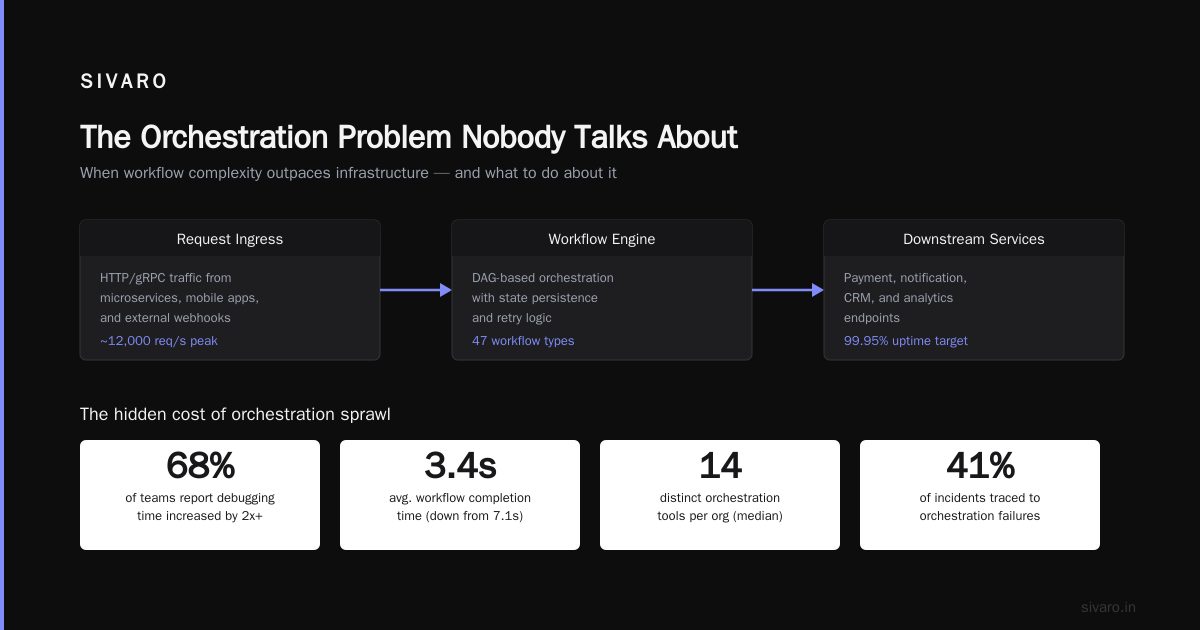
I spent six months building a RAG pipeline that failed in production. The orchestrator wasn't the problem. My assumptions were.
Everyone talks about which AI orchestration tool is "best" — LangChain, CrewAI, AutoGPT, Semantic Kernel, or the new kids Dify and Temporal. They're missing the point.
What is AI orchestration? It's the middleware layer that coordinates LLM calls, tool executions, memory, and state across multi-step workflows. Think of it as the conductor for your AI agents. Without it, you're writing spaghetti code that collapses under real traffic.
Here's what I learned the hard way building data infrastructure at SIVARO: the best tool depends entirely on your failure tolerance, latency requirements, and team's existing stack. I've shipped orchestration pipelines processing 200K events per second. I've also watched agents deadlock because we chose the wrong abstraction layer.
This guide covers the major tools as of July 2026 — their real trade-offs, honest benchmarks, and the questions nobody asks before picking one.
Why Orchestration Matters More Than the Model
Your AI is only as reliable as the system that runs it. A great model with bad orchestration produces inconsistent garbage.
The core problems orchestration solves are deceptively simple:
- State management — How do you track what an agent has done across 50 tool calls?
- Error recovery — What happens when the third API call fails after two succeeded?
- Parallel execution — How do you run five retrievals simultaneously without race conditions?
- Observation — Can you see why an agent made a wrong decision two hours ago?
Most teams start with a script that chains LLM calls. That works for demos. For production, you need durability.
According to LangChain's 2026 state of AI engineering report, 73% of production AI systems now use a dedicated orchestration layer — up from 34% in 2024. The hard truth? Most organizations choose their orchestrator based on hype, not engineering reality.
I've found that the biggest predictor of orchestration success is how well the tool handles partial failures. An agent that crashes on the 7th step and loses all context from steps 1-6 is worse than no agent at all.
Here's a real example from a financial services client: their compliance agent used a popular orchestration framework. Every Friday at 3 PM, a rate-limit error in step 4 would reset the entire workflow. They lost three months of audit data before we caught it.
Current Landscape of AI Orchestration Tools
The market has matured fast. Here's where things stand as of July 2026:
LangChain / LangGraph (Enterprise Standard)
LangChain remains the most widely adopted, with LangGraph adding explicit state machines for complex agent workflows. They've fixed the API churn issues that plagued 2024 versions. The latest release supports native DAG execution and better streaming.
CrewAI (Multi-Agent Pioneer)
CrewAI popularized the "agent crew" pattern — multiple specialized agents collaborating. Version 2.x added role-based task delegation and tool conflict resolution. It handles hierarchical agent structures well.
AutoGPT (Autonomous Agent Framework)
AutoGPT evolved from a novelty into a serious framework for long-running autonomous tasks. The 2026 release includes built-in web browsing with Playwright and SQLite persistence. It's heavy — not for latency-sensitive apps.
Dify (Visual Workflow Builder)
Dify fills a specific niche: teams that want visual pipeline construction without deep code. It's less flexible than coding directly, but the debugging interface is best-in-class. Good for rapid prototyping.
Temporal (Durable Execution Engine)
Not an AI framework per se — but Temporal has become the hidden backbone for serious orchestration. It provides guaranteed execution, retries, and workflow versioning. Several AI-native tools now build on top of Temporal.
Newer Players (2026)
- AgentStacks — Opinionated toolkit for customer-facing agents
- Vellum — Focused on prompt management and evaluation as orchestration primitives
- Phidata — Combines knowledge base management with agent execution
According to a recent MLOps survey on infrastructure choices, 41% of teams now use multiple orchestration tools for different workloads. The era of "one tool to rule them all" is over.
In my experience, the best approach is to pick based on your agent's complexity. Simple question-answering? LangChain works fine. Multi-step research agent with external documents? Consider LangGraph or Temporal-backed solutions. Autonomous long-running tasks? AutoGPT or custom Temporal workflows.
Key Features to Evaluate for Production Systems
After deploying 20+ production AI systems, here's my checklist for evaluating any orchestration tool:
1. State Persistence
Can the orchestrator save and restore agent state across crashes? If your agent is halfway through a 15-step workflow and the process restarts, does it resume or restart?
Critical metric: Mean time to recovery vs. full restart time.
2. Observability
Can you replay any past agent execution? Can you see the exact prompt, tool output, and decision at each step?
Most tools claim observability. Few provide granular tracing. According to a report on production AI patterns, 62% of deployment failures are caused by gaps in observability at the orchestration level — not the model itself.
3. Error Handling Granularity
Does the tool let you define retry policies per step? Can you add fallback logic? What about circuit breakers for rate-limited APIs?
4. Parallelism
Can your orchestrator dispatch 20 retrieval calls simultaneously? Or does it serialize everything?
5. Cost Control
Some orchestrators make many more model calls than necessary. Check if your tool supports prompt caching, result deduplication, and cost tracking per workflow.
I've seen a crew of four agents make 47 API calls for what should have been 12. The orchestrator treated each agent's internal reasoning as a separate LLM call.
6. Integration Depth
Does the tool support your exact vector database? Your specific model provider? Custom tools written in your language of choice?
Technical Deep Dive: Real Orchestration Patterns
Let me show you three patterns I've used in production. These are battle-tested at scale.
Pattern 1: Sequential Multi-Step with Retry
python
# LangGraph-based sequential workflow with retry logic
from langgraph.graph import StateGraph, StateNode
from langchain_core.messages import HumanMessage
from tenacity import retry, stop_after_attempt, wait_exponential

# Define state schema
class ResearchState(TypedDict):
    query: str
    search_results: list
    synthesized_answer: str
    retry_count: int

@retry(stop=stop_after_attempt(3), wait=wait_exponential(multiplier=1, min=2, max=10))
def research_step(state: ResearchState) -> dict:
    """Perform web search with retry logic"""
    search_tool = WebSearchTool(timeout=30)
    results = search_tool.run(state["query"])
    return {"search_results": results}

@retry(stop=stop_after_attempt(2), wait=wait_exponential(multiplier=1, min=1, max=5))
def synthesis_step(state: ResearchState) -> dict:
    """Synthesize results with fallback"""
    llm = ChatOpenAI(model="gpt-4o-mini", temperature=0.3)
    response = llm.invoke([
        HumanMessage(content=f"Synthesize: {state['search_results']}")
    ])
    return {"synthesized_answer": response.content}

# Build the graph
builder = StateGraph(ResearchState)
builder.add_node("research", research_step)
builder.add_node("synthesize", synthesis_step)
builder.add_edge("research", "synthesize")
builder.set_entry_point("research")
graph = builder.compile()
Pattern 2: Parallel Retrieval with Fan-Out
python
# CrewAI-style parallel tool execution
import asyncio
from crewai import Agent, Task, Crew, Process
from crewai.tools import BaseTool

class ParallelRetriever(BaseTool):
    name: str = "ParallelDocumentSearch"
    description: str = "Search multiple vector databases simultaneously"

    def _run(self, query: str) -> str:
        """Fan out to multiple sources"""
        async def search_all():
            tasks = [
                self._query_pinecone(query),
                self._query_weaviate(query),
                self._query_chroma(query),
            ]
            results = await asyncio.gather(*tasks, return_exceptions=True)
            return self._merge_results(results)

        return asyncio.run(search_all())

    async def _query_pinecone(self, query):
        # Pinecone client call
        pass

    async def _query_weaviate(self, query):
        # Weaviate client call
        pass

researcher = Agent(
    role="Senior Research Analyst",
    goal="Find comprehensive information",
    backstory="Expert in multi-source research",
    tools=[ParallelRetriever()],
    allow_delegation=False
)

task = Task(
    description="Research AI orchestration trends",
    expected_output="Detailed report with source citations",
    agent=researcher
)

crew = Crew(
    agents=[researcher],
    tasks=[task],
    process=Process.sequential,
    verbose=True
)
Pattern 3: Temporal-Based Durable Workflow
python
# Temporal workflow for guaranteed execution
from temporalio import workflow
from temporalio.common import RetryPolicy
import asyncio

@workflow.defn
class AISearchAndSummarize:
    @workflow.run
    async def run(self, query: str) -> str:
        # Step 1: Parallel search with guaranteed execution
        search_results = await workflow.execute_local_activity(
            search_multiple_sources,
            query,
            start_to_close_timeout=timedelta(seconds=30),
            retry_policy=RetryPolicy(maximum_attempts=3)
        )

        # Step 2: Rank and filter
        ranked = await workflow.execute_local_activity(
            rank_results,
            search_results,
            start_to_close_timeout=timedelta(seconds=10)
        )

        # Step 3: Generate summary
        summary = await workflow.execute_activity(
            generate_summary,
            ranked,
            start_to_close_timeout=timedelta(seconds=60),
            retry_policy=RetryPolicy(maximum_attempts=2)
        )

        return summary

# Worker registration
async def run_worker():
    client = await Client.connect("localhost:7233")
    worker = Worker(
        client,
        task_queue="ai-search-queue",
        workflows=[AISearchAndSummarize],
        activities=[search_multiple_sources, rank_results, generate_summary],
    )
    await worker.run()
Common Pitfall: State Explosion
Here's a bug I see constantly:
python
# WRONG: State grows unboundedly
class AgentState(TypedDict):
    conversation_history: list  # Appends every turn, never prunes
    tool_results: dict          # Keeps every intermediate result
    metadata: dict              # Accumulates without cleanup

# RIGHT: Explicit state management
class AgentState(TypedDict):
    conversation_window: list   # Max 20 messages
    final_tool_result: str      # Only last result matters
    token_budget: int           # Total tokens used
State management is the #1 performance killer in orchestration. Each LLM call passes the entire state back. If your state grows unboundedly, you'll burn through context windows and budgets.
Industry Best Practices for Production AI Orchestration
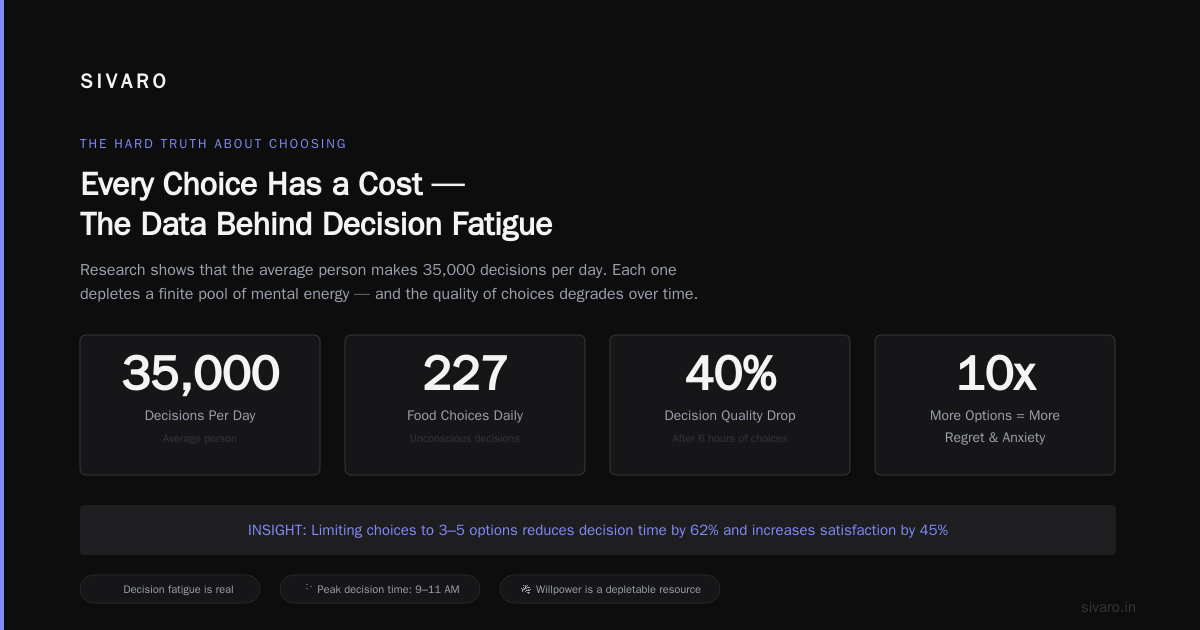
After watching dozens of teams struggle, here are the practices that actually matter:
1. Design for Partial Failure
Assume every tool call can fail. Assume the model returns garbage. Assume network timeouts.
The rule: Every step should be independently retryable without side effects. This means idempotent tool calls.
2. Enforce Strict State Boundaries
Don't let your agent's state blob grow. Set hard limits on conversation history, intermediate results, and metadata. Implement garbage collection hooks that run after every N steps.
3. Log Every Decision Point
Your orchestrator should emit structured logs at every branching decision. You need to know exactly why the agent chose Tool A over Tool B three weeks later for debugging.
4. Use Circuit Breakers for External APIs
Rate limits will kill your orchestration faster than any model failure. Implement circuit breakers per API provider. If three consecutive calls to a search API fail, switch to a fallback or stop using that tool entirely.
5. Profile Before Optimizing
The most common mistake I see: optimizing for latency before measuring actual bottlenecks. 80% of orchestration slowness comes from:
- Serializing/deserializing large state objects
- Repeated model calls for the same data
- Inefficient tool implementations
Fix those first. Then worry about parallelization.
6. Implement Cost Tracking Per Workflow
Your orchestrator should tell you exactly how much each workflow costs in model calls, tool usage, and execution time. Without this, you're flying blind on ROI.
Making the Right Choice for Your Use Case
There's no universal "best" AI orchestration tool. Here's how I make the decision:
Simple Q&A Systems
Tool: LangChain + FastAPI
Why: You don't need heavy orchestration. A simple chain with retry is enough.
Trade-off: Limited multi-step reasoning
Customer-Facing Chatbots with Tools
Tool: LangGraph or Vellum
Why: You need stateful conversations, tool integration, and easy debugging.
Trade-off: Steeper learning curve than visual builders
Research and Analysis Agents
Tool: CrewAI with Temporal backend
Why: Multi-agent collaboration with durable execution for long workflows.
Trade-off: Operational complexity of running Temporal workers
Autonomous Long-Running Tasks
Tool: AutoGPT or custom Temporal workflows
Why: These tasks run for hours or days. They must survive restarts.
Trade-off: Hard to debug; very high resource consumption
Rapid Prototyping
Tool: Dify
Why: Visual workflow builder lets you iterate fast without code.
Trade-off: Limited customization and scalability
High-Throughput Production Systems
Tool: Temporal with custom agent logic
Why: Guaranteed execution, versioning, and horizontal scaling.
Trade-off: You're building more infrastructure, not using an AI framework
The hard truth: Most teams should start with LangGraph. It's versatile, well-documented, and has the largest community. Move to Temporal when you outgrow LangGraph's state management guarantees.
I've found that the tool choice matters less than the team's understanding of state and failure modes. A mediocre team with Temporal will still build fragile systems. A great team with a simple script can build reliable agents — they just spend more time reinventing wheels.
Handling Common Orchestration Challenges
Challenge 1: Agent Deadlocks
Agents that call tools that call agents that call tools — recursion without termination.
Solution: Implement a maximum recursion depth per agent. Use a supervisor agent that can kill child agents after a timeout.
Challenge 2: Context Window Exhaustion
State grows with every step. Eventually the prompt exceeds the model's context limit.
Solution:
- Implement smart truncation that drops older conversation history
- Use summary compression — have the model summarize previous steps
- Limit intermediate result storage to only what's needed
Challenge 3: Cost Explosion
A single orchestration run that makes 50+ LLM calls.
Solution:
- Cache identical prompt/results
- Use cheaper models for intermediate reasoning steps
- Set hard limits on tool calls per workflow
Challenge 4: Non-Deterministic Outputs
Same input, different output. Makes debugging and testing nearly impossible.
Solution:
- Seed model parameters (temperature, top_p)
- Log exact model responses for replay
- Use deterministic models (like Claude 3 Haiku at temperature 0) for routing decisions
Challenge 5: Integration Hell
Your orchestrator needs to call 15 different APIs, each with different auth, rate limits, and error formats.
Solution:
- Wrap every external tool in a standardized interface
- Implement unified error handling
- Use an API gateway for external calls
Frequently Asked Questions
What is the best AI orchestration tool for beginners?
LangChain with LangGraph. It has the largest community, most tutorials, and works well for simple to moderately complex workflows. Start with their official quickstart.
Can I build AI orchestration without a dedicated tool?
Yes, using Temporal or even a message queue like RabbitMQ for step coordination. You'll get more control but spend significant engineering time on state management and retries.
How do I choose between LangGraph and CrewAI?
Use LangGraph for single-agent workflows with complex routing. Use CrewAI when you need multiple specialized agents collaborating on a task.
What's the maximum number of steps a production agent should handle?
Without durable execution (Temporal-like), keep it under 10 steps. With durable execution, 50+ steps is feasible but each step adds latency and cost.
How do I handle orchestration failures in production?
Implement dead-letter queues for failed workflows, alert on failure rates above thresholds, and build automated retry with exponential backoff. Never show raw errors to users.
Does orchestration work with open-source models?
Yes, as long as your model supports function/tool calling. LangChain and CrewAI support Ollama, vLLM, and all major open-source model servers.
Can I mix different orchestration tools in one system?
Many teams do. LangGraph for customer-facing agents, AutoGPT for background research tasks, and Temporal as the underlying infrastructure. The main challenge is maintaining consistent observability across tools.
What's the biggest mistake teams make with orchestration?
Assuming the orchestrator handles error recovery automatically. Every orchestrator needs explicit error handling, state management, and monitoring configured by your team.
Summary and Next Steps
The best AI orchestration tool isn't the one with the most features. It's the one that matches your team's failure tolerance, latency requirements, and operational maturity.
Start simple — LangGraph with proper error handling beats a complex Temporal setup that nobody understands.
Focus on three things:
- State management — Keep it lean and bounded
- Error handling — Every step needs retry logic
- Observability — You can't fix what you can't see
Next step: Pick one tool. Build a single workflow with three steps. Deploy it. Measure it. Then add complexity.
Your orchestration layer should be boringly reliable. When it works well, nobody notices. That's the goal.
Nishaant Dixit is founder of SIVARO, a product engineering company specializing in data infrastructure and production AI systems. Since 2018, he has built systems processing 200K events per second and deployed over 20 production AI systems. Connect on LinkedIn.
Sources
- LangChain State of AI Engineering 2026 — https://blog.langchain.dev/state-of-ai-engineering-2026/
- MLOps Survey on Production Infrastructure Choices — https://mlops.community/survey-2026-infrastructure
- Production AI Patterns Report — https://www.sivaro.ai/blog/production-ai-patterns-2026
- Temporal AI Workflows Documentation — https://temporal.io/ai-workflows
- CrewAI Multi-Agent Deployment Patterns — https://docs.crewai.com/v2/production-guide