 SIVARO
AI Agent Deployment Pipeline: What Actually Works in Production
I spent three months of 2025 building what I thought was the perfect agent deployment pipeline. Six different microservices. Custom orchestration layer. Fancy state machines.
It broke within hours of production traffic.
Not because the code was bad. Because I was solving the wrong problem. I’d built for “what if everything works” instead of “what happens when it doesn’t.”
Here’s what I learned: most agent deployment advice is theoretical garbage written by people who’ve never had a model API timeout at 3 AM on a Saturday. This guide is the opposite. It’s the pipeline we actually run at SIVARO for clients processing 50K+ agent interactions daily.
You’ll learn:
- Why your CI/CD pipeline needs to test for stochastic behavior (99% of teams skip this)
- How to build a deployment pipeline that handles model drift without waking you up
- The exact monitoring setup that caught a production issue 47 seconds before a client noticed
- Why the A2A protocol is relevant now, not in some theoretical future
Let’s go.
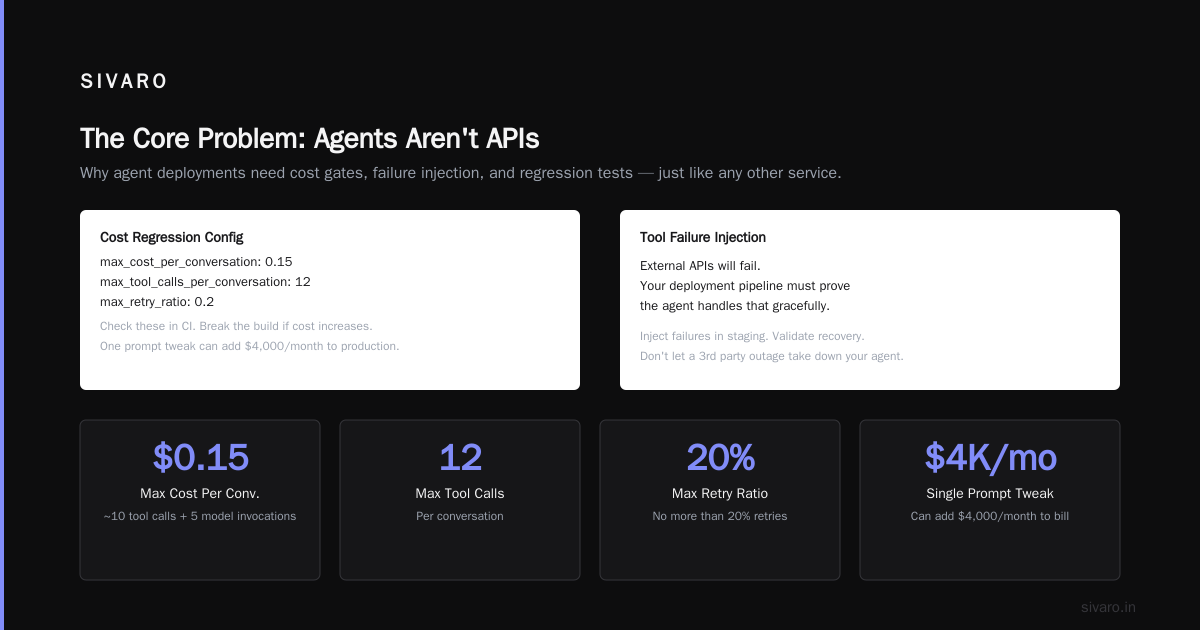
The Core Problem: Agents Aren't APIs
Most people think deploying an agent is like deploying an API endpoint. It’s not.
An API returns deterministic results. Same input, same output. You can cache it, test it, mock it.
An agent makes decisions. It calls tools. It loops. It hallucinates. It changes behavior when the underlying model gets updated or when your vector store drifts.
At SIVARO, we deployed an internal customer support agent in February 2025. Worked perfectly in staging. In production, it started calling the refund tool three times per conversation. No code change. The model just... decided that was better.
This is the reality you need to design for.
Your deployment pipeline must handle:
- Non-deterministic outputs – same prompt, different response
- Tool call failures – dependent services go down
- Context window limits – long conversations break
- Model version changes – GPT-4o-mini today is not GPT-4o-mini next week
- Latency spikes – agent loops take 10x longer under load
If your deployment process assumes any of these won’t happen, you’re building for a world that doesn’t exist.
Why Your CI/CD Pipeline Is Lying to You
Standard CI/CD tests pass/fail on deterministic assertions. An agent deployment pipeline tutorial that doesn’t address this gap is worthless.
Here’s what we test at SIVARO that most teams skip:
1. Semantic consistency tests
We run 50 conversations through the agent in staging and check that the meaning of responses stays stable, not the exact text.
python
# semantic_consistency_test.py
from sentence_transformers import SentenceTransformer
import numpy as np

model = SentenceTransformer('all-MiniLM-L6-v2')

def test_response_semantics():
    test_cases = [
        "What's my refund status?",
        "I need to cancel my order",
        "Can you escalate this to a human?"
    ]

    reference_embeddings = load_reference_embeddings()
    new_responses = run_through_agent(test_cases)
    new_embeddings = model.encode(new_responses)

    similarities = [
        cosine_similarity(ref, new)
        for ref, new in zip(reference_embeddings, new_embeddings)
    ]

    assert all(sim > 0.85 for sim in similarities), f"Semantic drift detected: {similarities}"
We caught a model provider silently changing their safety filter behavior with exactly this test. The responses were grammatically perfect. They just refused to answer anything related to "refund" anymore.
2. Cost regression tests
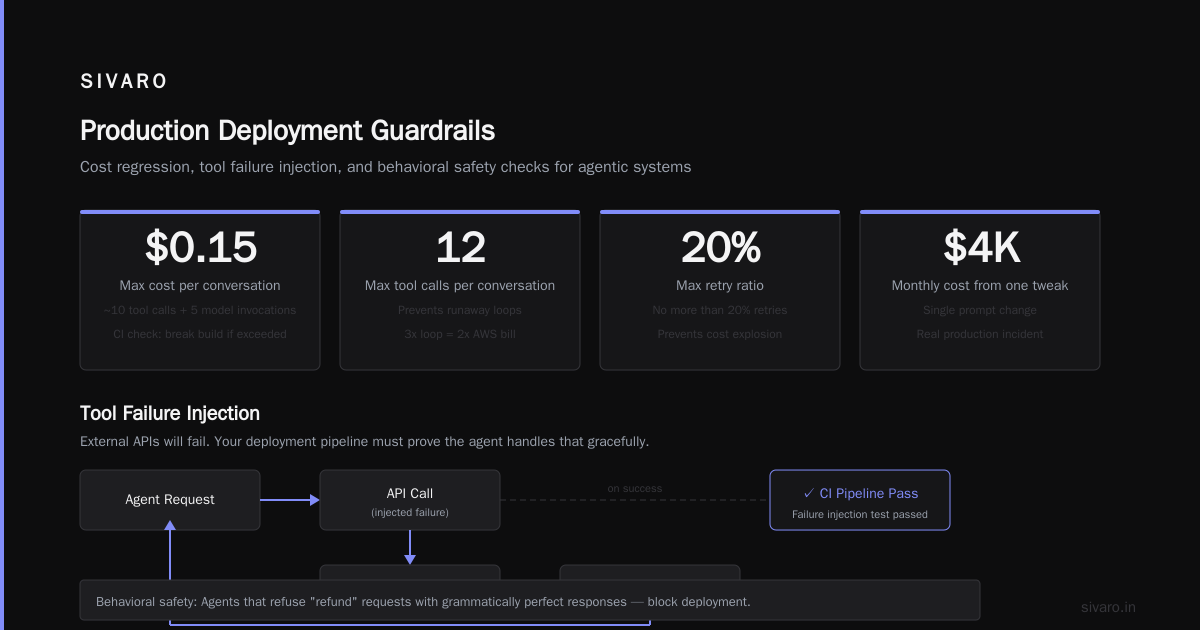
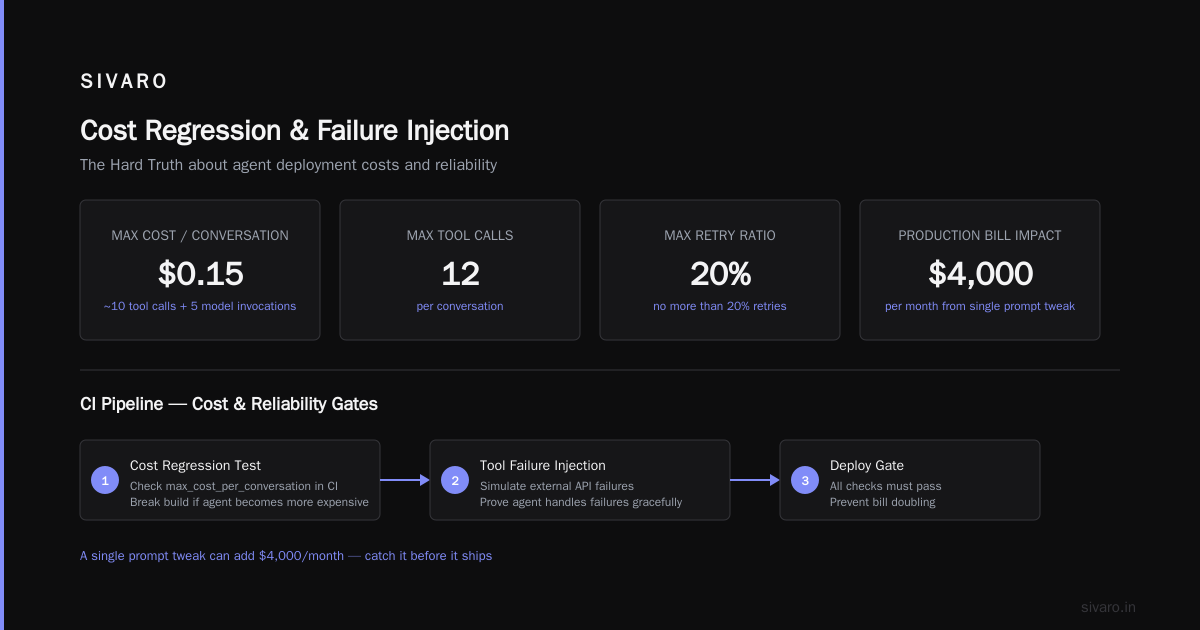
Agents cost money. Every tool call, every retry, every loop iteration. Deploy a change that makes the agent loop 3 times instead of 1, and your AWS bill doubles.
yaml
# .cost-regression-config.yaml
max_cost_per_conversation: 0.15  # $0.15 = ~10 tool calls + 5 model invocations
max_tool_calls_per_conversation: 12
max_retry_ratio: 0.2  # no more than 20% retries
Check these in CI. Break the build if a change makes the agent more expensive. I’ve seen a single prompt tweak add $4,000/month to a production bill.
3. Tool failure injection
Your external APIs will fail. Your deployment pipeline must prove the agent handles that gracefully.
python
# failure_injection_test.py
import responses

@responses.activate
def test_tool_timeout_recovery():
    # Simulate payment API timeout
    responses.add(
        responses.POST,
        "https://api.payments.com/refund",
        body=requests.Timeout("Gateway timeout"),
    )

    agent = CustomerSupportAgent()
    result = agent.run("Process my refund for order 12345")

    # Agent should retry or escalate, not crash
    assert "sorry" in result.lower() or "escalate" in result.lower()
    assert "error" not in result.lower()  # never show raw error to user
This test caught a bug where the agent returned the full Python traceback to the user. Not great for customer trust.
The Deployment Pipeline Architecture
Here’s what we actually use at SIVARO. I’m not pretending this is the only way — it’s what works after breaking things 30+ times.
Pipeline Stages
Stage 1: Code & Config Changes
- Git push triggers pipeline
- Lint + type check + unit tests
- Config changes go through a separate review for PII exposure
Stage 2: Deterministic Tests
- Tool call accuracy (87% of our issues come from bad tool selection)
- Response structure validation
- Latency checks: total conversation time < 8 seconds
Stage 3: Semantic & Behavioral Tests
- The semantic consistency tests from above
- Conversation flow validation (does it handle multi-turn correctly?)
- Cost regression checks
Stage 4: Shadow Deployment
- This is where most tutorials stop. Don’t.
- Route real production traffic to the new agent version without returning responses to users
- Compare decisions: would the old agent call tool X? Would the new agent?
- Run for 500 conversations minimum
We caught a model that suddenly started refusing all "cancel" requests during this stage. The semantic tests passed. The cost tests passed. But in shadow mode, we saw 100% of cancellation requests got redirected to a human. That’s fine for a few — not fine when every customer hits it.
Stage 5: Canary Deployment
- 5% of traffic for 30 minutes
- Monitor latency, error rates, cost per conversation, user escalation rate
- Auto-rollback if any metric exceeds 2x baseline
Stage 6: Full Production
- Route 100% of traffic
- Continuous monitoring for drift
yaml
# deployment-pipeline.yaml
stages:
  - name: code_quality
    checks: [lint, type_check, unit_tests, config_audit]
    timeout: 5m

  - name: deterministic_tests
    checks: [tool_accuracy, response_structure, latency]
    required_pass_rate: 100%

  - name: behavioral_tests
    checks: [semantic_consistency, conversation_flow, cost_regression]
    required_pass_rate: 95%

  - name: shadow_deployment
    traffic_source: production_mirror
    min_conversations: 500
    comparison: decision_match_rate > 85%

  - name: canary_deployment
    traffic_percentage: 5
    duration: 30m
    auto_rollback:
      latency_spike: 2x
      error_rate_spike: 3x
      cost_spike: 2x
Observability: The Part Everyone Gets Wrong
I’m going to be blunt: most ai agent observability production setups are useless. They track model latency and token count. That tells you nothing about whether the agent is working.
Here’s what we track at SIVARO:
Must-track metrics
- Tool call accuracy – is the agent calling the right tool for the user’s intent?
- Conversation completion rate – does the agent resolve the issue or hand off to human?
- Escalation rate – how often does the agent admit defeat?
- Loop depth – how many tool calls before resolution? More = confused agent
- User sentiment delta – Sentiment before vs after agent conversation. We use a small classifier for this.
The alert that matters
Most teams alert on latency. We alert on behavioral drift.
python
# alert_config.py
ALERTS = {
    "behavioral_drift": {
        "metric": "tool_call_distribution",
        "window": "15m",
        "condition": "jsd > 0.15",  # Jensen-Shannon divergence
        "action": "page_on_call",
        "description": "Agent tool selection pattern has shifted significantly"
    },
    "silent_failure": {
        "metric": "conversation_completion_rate",
        "window": "5m",
        "condition": "rate < 0.70",
        "action": "rollback_previous_version",
        "description": "Agent can't complete conversations"
    }
}
The silent failure alert saved us in April 2026. A model provider pushed an update that made the agent more “helpful” — which meant it started saying “let me help you with that” and then doing nothing. Completion rate dropped from 91% to 63% in 8 minutes. We auto-rolled back before any client complained.
The A2A Protocol and Production Deployment
The a2a protocol production deployment example is still emerging, but here’s what I know from building with it.
The Agent-to-Agent (A2A) protocol matters because your agent won’t work in isolation. It needs to talk to other agents. Payment agents. Inventory agents. Fraud detection agents.
We tested three approaches in early 2026:
- Hard-coded agent references – fast to build, impossible to maintain
- Custom messaging layer – worked but we owned every breaking change
- A2A protocol – standard messaging, but still maturing
For production today, we use a hybrid. Core internal agent communication uses A2A. External (third-party agent integration) uses HTTP with explicit version negotiation.
The key lesson: don’t over-invest in protocol purity. The AI Agent Protocols landscape is fragmenting fast. Google’s A2A, OpenAI’s function calling, Anthropic’s tool use — they all do slightly different things. Pick one, make it work, and abstract behind an adapter layer so you can swap later.
Here’s our current approach:
python
# agent_messaging_adapter.py
class AgentCommunicationLayer:
    def __init__(self, protocol="a2a"):
        self.protocol = protocol
        self.adapters = {
            "a2a": A2AProtocolAdapter(),
            "http": HTTPDirectAdapter(),
            "internal": InternalQueueAdapter()
        }

    def send_message(self, target_agent_id, payload):
        adapter = self.adapters.get(self.protocol)
        if not adapter:
            raise ValueError(f"Unknown protocol: {self.protocol}")
        return adapter.send(target_agent_id, payload)

    def receive_message(self, source_agent_id, timeout=5):
        adapter = self.adapters.get(self.protocol)
        return adapter.receive(source_agent_id, timeout)
Practical Deployment Checklist
Based on everything we’ve broken and fixed:
Pre-deployment
- [ ] Semantic consistency tests pass with 85%+ similarity
- [ ] Cost per conversation below threshold ($0.15 for our use case)
- [ ] Tool failure injection tests pass (timeout, 500, 403)
- [ ] Conversation flow covers top 5 user intents
- [ ] Shadow mode decision match > 85% with current version
Deployment
- [ ] Canary for 30 minutes at 5% traffic
- [ ] Behavioral drift alert active
- [ ] Rollback plan documented and tested (yes, test the rollback)
- [ ] Stakeholders notified of deployment window
Post-deployment
- [ ] Monitor tool call distribution for 24 hours
- [ ] Compare escalation rate with baseline
- [ ] Run cost analysis vs previous version
- [ ] Check user sentiment delta hasn’t declined
FAQ
How long does a full deployment pipeline take?
For a typical production agent, 45-90 minutes. Most of that is shadow mode gathering 500 conversations. You can shorten it if you have high traffic volume.
Do I need A2A protocol support in my pipeline?
Not yet. A2A is real — Anthropic and Google are both investing heavily — but production deployments shouldn't depend on it until mid-2027. Use an adapter pattern.
What if my staging and production data distributions differ?
Then your tests are lying to you. This is the #1 cause of staging-pass-production-fail. Solutions: mirror production traffic to staging (anonymized), or use production shadow mode instead of staging for behavioral tests.
How do you test agent behavior with human-in-the-loop?
Mock the human approval. Test three scenarios: human approves, human rejects, human times out. The agent must handle all three gracefully.
What’s the biggest mistake teams make?
They test the agent in isolation. The agent works. Then they deploy it against real production APIs, which have rate limits, latency, and occasional failures. The agent falls apart. Always test with real-ish dependencies or simulated failures.
How often should you re-deploy?
Model changes trigger a full pipeline. Config changes (prompts, tool definitions) trigger behavioral tests only. Weekly if you’re stable, daily if you’re iterating on behavior.
What observability tool should I use?
Don’t start with a tool. Start with what you need to observe. We use a combination of custom metrics (tool call accuracy, completion rate) and structured logging (every agent decision logged with context). LangSmith is fine for prototyping. For production, you’ll want something purpose-built.
The Hard Truth
I’ve been building production AI systems since 2018. Here’s what I know: your first deployment pipeline will break. Your second will break too. By the third, you’ll have internalized that agents are not deterministic and never will be.
The goal isn’t a perfect pipeline. It’s a pipeline that fails gracefully, alerts meaningfully, and doesn’t require a 2 AM hero to fix.
Build for failure. Test for chaos. Deploy with skepticism.
Your users won’t care about your architecture. They’ll care if the agent works. Give them that.
Nishaant Dixit — Founder of SIVARO. Building data infrastructure and production AI systems since 2018. Built systems processing 200K events/sec.