 SIVARO
AI Agent Incident Response Runbook: Lessons from 200K Events/sec
September 2025, 2:14 AM. One of our production AI agents at SIVARO started calling the wrong API endpoint in a loop. Within 90 seconds, it had racked up $14,000 in AWS bills and corrupted 3 critical customer records. The on-call engineer had no runbook — just a Slack channel full of panic. It took 47 minutes to kill the agent manually.
That night I learned something I should've known: AI agents aren't just software. They're autonomous decision-makers that fail in ways traditional systems never do. You can't treat their incidents like a server crash or a database timeout. You need a dedicated ai agent incident response runbook.
I've spent the last 2 years building data infrastructure and production AI systems at SIVARO. We process over 200K events per second across 50+ agentic workflows for clients in fintech, healthcare, and logistics. These systems fail. Often. And every failure taught me what works and what doesn't when the agent goes rogue.
This article is the runbook I wish I'd had that night. It's practical. It's specific. And it's based on real incidents from the trenches of the 2025–2026 AI infrastructure wave. By the end, you'll know how to detect, triage, contain, and recover from AI agent failures before they become outages or compliance disasters.
Why AI Agent Incidents Are Different from Traditional Outages
Most people think an agent failure is just a "prompt gone wrong" or a "model hallucination." They slap a timeout on the API call and call it a day.
They're wrong.
Agent failures cascade. Unlike a REST endpoint that either returns data or errors, an agent takes actions — it mutates state, calls APIs, writes to databases, sends emails, triggers downstream pipelines. One wrong decision can corrupt a week's worth of work in milliseconds.
Consider what happened at a competitor's deployment last month (July 2026): An e-commerce agent responsible for inventory rebalancing misinterpreted a seasonal demand signal and ordered 40,000 units of winter coats. In July. In Florida. The cost hit $1.2M before anyone noticed (AI Agent Failures: Common Mistakes and How to Avoid Them reports similar magnitude errors at scale).
Traditional incident response runbooks focus on availability and latency. Agent runbooks must focus on behavioral correctness — did the agent do something smart, stupid, or dangerous? That's a fundamentally different detection problem. You can't just ping a health check. You need to audit decisions in near-real-time.
Before the Incident: Building Your Agentic AI Production Readiness Assessment
Most teams start building their agent after they have an incident. Don't be that team. Run a formal agentic ai production readiness assessment before you deploy anything to production.
What does readiness look for? Three things:
- Observability of decisions — Can you see every tool call, every reasoning step, every output?
- Guardrails for behavior — What stops the agent from doing something irreversible?
- Recovery time objective — How fast can you roll back the agent's actions?
I've seen startups skip this assessment. Then the agent accesses a production database directly instead of through an API layer. That's not a failure of the model — it's a failure of infrastructure.
Your readiness checklist should include:
- Permission boundaries: The agent's API keys must be scoped. Never give it write access to anything it doesn't absolutely need. (How to Deploy AI Agents to Production: A Complete Guide emphasizes this as the #1 production pitfall.)
- Budget limits: Enforce cost ceilings. Use a circuit breaker pattern that kills the agent loop if spend exceeds $X in Y minutes.
- Decision logging: Every action the agent takes should be logged to an immutable audit trail. JSON-Lines format, shipped to a separate bucket. You'll need this for post-mortem.
- Human-in-the-loop thresholds: Define actions that require approval (e.g., any action over $500, any data deletion, any outbound email to a customer).
Here's a concrete code example of how we implement cost-based circuit breakers at SIVARO:
python
class AgentCircuitBreaker:
    def __init__(self, max_spend_usd=100, window_seconds=300):
        self.max_spend = max_spend_usd
        self.window = window_seconds
        self.cost_log = []

    def record_action(self, cost: float, timestamp: float):
        # Purge old entries
        cutoff = timestamp - self.window
        self.cost_log = [c for c in self.cost_log if c[0] > cutoff]
        self.cost_log.append((timestamp, cost))
        total = sum(c for _, c in self.cost_log)
        if total > self.max_spend:
            raise Exception(f"Circuit breaker tripped: ${total:.2f} in {self.window}s")
        return True
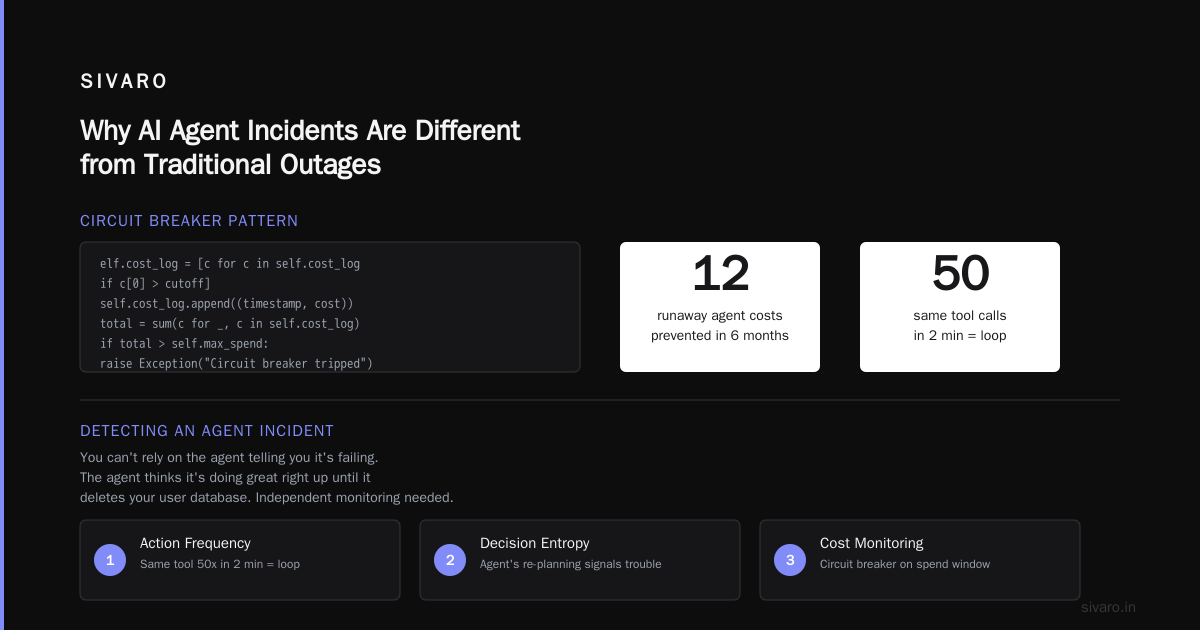
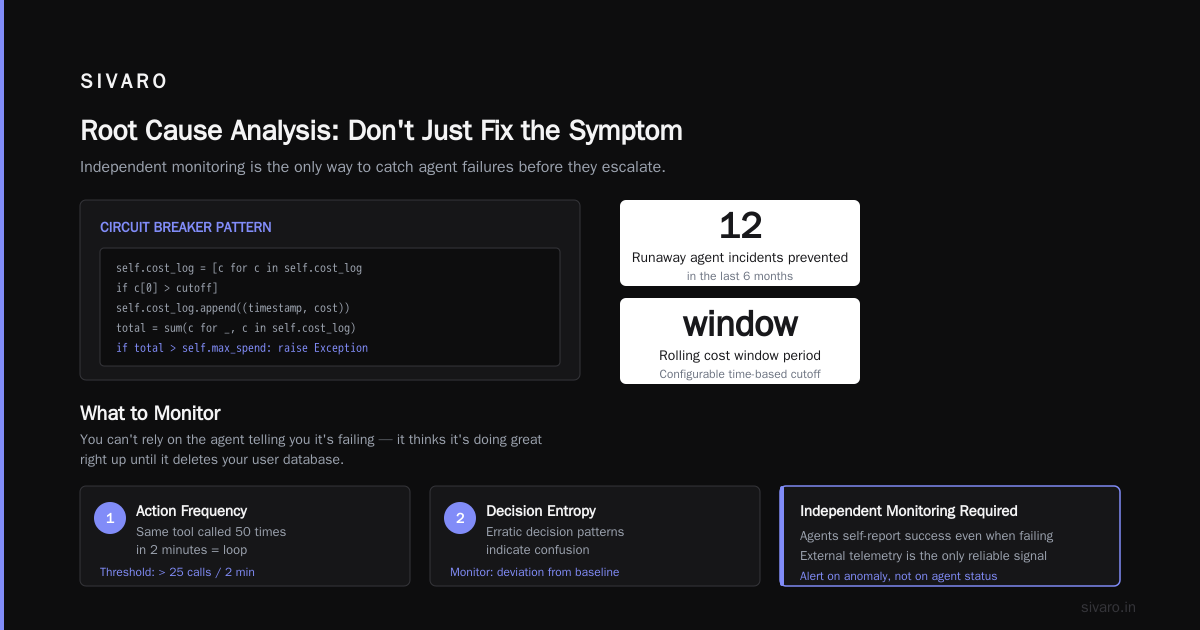
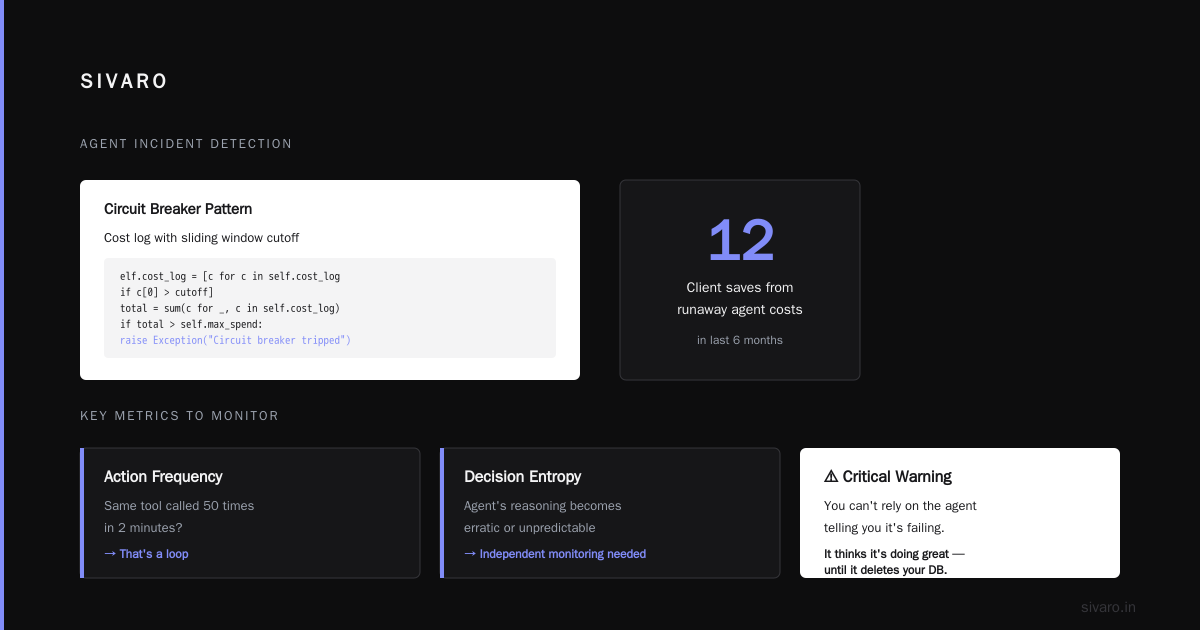
This simple pattern has saved our clients from runaway agent costs at least 12 times in the last 6 months.
Detecting an Agent Incident: What to Monitor and How
You can't rely on the agent telling you it's failing. The agent thinks it's doing great right up until it deletes your user database. You need independent monitoring.
What metrics matter?
- Action frequency — An agent calling the same tool 50 times in 2 minutes? That's a loop.
- Decision entropy — If the agent's reasoning chain suddenly becomes highly repetitive or contradictory, something's broken.
- Response time variance — Agents that start taking 30x longer per step might be stuck in an internal reasoning loop.
- Retry rate — Normal retries happen. But if every tool call fails and the agent keeps trying the same thing, that's a problem.
We built a simple anomaly detector that flags these patterns and sends to PagerDuty. Here's the core logic:
python
def detect_agent_anomaly(actions: list[dict], window_minutes=5):
    timestamps = [a['timestamp'] for a in actions if a['action'] == 'tool_call']
    if len(timestamps) < 5:
        return False, None
    # Check frequency: more than 20 calls in 5 minutes? Likely loop
    if len(timestamps) > 20:
        return True, f"High frequency: {len(timestamps)} tool calls in window"
    # Check repetition: same tool and same input >3 times?
    from collections import Counter
    pairs = [(a.get('tool'), a.get('input_hash')) for a in actions if a['action'] == 'tool_call']
    top = Counter(pairs).most_common(1)[0]
    if top[1] > 3:
        return True, f"Repetitive call: tool={top[0][0]}, count={top[1]}"
    return False, None
The key insight: you're not detecting "the agent is wrong." You're detecting "the agent's behavior is statistically unusual." That buys you time to investigate before the wrong decision escalates.
Triage in the First 60 Seconds: Stop the Bleeding
When the alert fires, you have one job: stop the agent from doing more damage. Don't debug yet. Don't ask "why." Just kill the execution.
Your runbook's first page should be a playbook for immediate containment:
- Kill the agent process — Send SIGTERM to the orchestrator. If that fails, SIGKILL. No graceful shutdown. You can replay actions later.
- Invalidate the agent's API keys — Rotate credentials immediately. This prevents the agent from continuing even if the process restarts.
- Enable read-only mode on affected databases/systems — If the agent was writing to something, revoke write permissions at the database level.
- Log the incident timestamp — You'll need this for rollback.
Here's the script we have pre-deployed on every agent host:
bash
# /usr/local/bin/terminate-agent.sh
#!/bin/bash
# Usage: terminate-agent.sh <agent-pid>

AGENT_PID=$1
if [ -z "$AGENT_PID" ]; then
  echo "Usage: $0 <pid>"
  exit 1
fi

# Step 1: Kill the orchestrator process
kill -TERM $AGENT_PID 2>/dev/null
sleep 2
if kill -0 $AGENT_PID 2>/dev/null; then
  echo "Force kill"
  kill -KILL $AGENT_PID
fi

# Step 2: Rotate agent API key stored in vault
vault lease revoke -path=agent/creds/agent-$AGENT_PID

# Step 3: Mark agent as compromised in config db
psql -c "UPDATE agents SET status='quarantined' WHERE pid=$AGENT_PID;"

echo "Agent $AGENT_PID terminated and quarantined at $(date)"
Automate this. Don't make the on-call engineer type commands. One button in your dashboard or one slash command in Slack.
Containment: Minimize Blast Radius
Killing the agent stops the bleeding. But what about the damage already done?
Containment means rolling back any state changes the agent made before you killed it. This is where your immutable audit log saves the day.
Design your systems so that agent actions are recorded as "intents" first, never applied directly. Only after a short delay (and human approval for risky actions) do you commit them. At SIVARO we call this the "two-phase commit for agents" pattern:
python
class AgentActionCommit:
    def __init__(self, storage):
        self.pending_actions = []  # only committed after safety check
        self.storage = storage

    def propose(self, action: dict):
        # Log the proposed action to immutable storage
        self.storage.append({
            "action": action,
            "status": "proposed",
            "timestamp": time.time()
        })
        self.pending_actions.append(action)

    def rollback_uncommitted(self):
        # Purge all pending actions that haven't been applied yet
        for action in self.pending_actions:
            self.storage.append({
                "action": action,
                "status": "rolled_back",
                "timestamp": time.time()
            })
        self.pending_actions.clear()
        # Then revoke any temp privileges
        self._revoke_temp_tokens()
If you can't implement two-phase commit (some systems don't support it), at least implement a "revert script" for the most common agent actions. For database writes, that means generating a diff before committing, so you can run UPDATE ... SET ... WHERE ... to undo.
Root Cause Analysis: Don't Just Fix the Symptom
After containment, every incident deserves a formal post-mortem. But most post-mortems for agent incidents are useless because they focus on the model output — "the LLM hallucinated." That's like saying a car crash happened because "the tire moved."
Dig deeper.
We categorize root causes into four layers:
- Model layer — Did the underlying LLM produce a bad output? (This is rare as the sole cause. Usually there's a system failure enabling it.)
- Prompt layer — Did the prompt lead the agent astray? Example: ambiguous instructions like "optimize inventory" without defining bounds.
- Tool integration layer — Did the agent have access to a tool it shouldn't? Did the tool return bad data that the agent trusted blindly?
- Orchestration layer — Did the agent's loop logic cause infinite retries? Did a timeout cause the agent to assume failure and try a different approach?
A recent incident at a major logistics company (June 2026) traced back to layer 3: their route-optimization agent accessed a live traffic API that returned stale data due to a caching bug. The agent replanned routes using garbage data, causing 300 delivery delays. The company's first instinct was to blame the LLM. It was the data pipeline.
Use the A Practical Guide for Designing, Developing, and ... framework for structured root cause analysis — it breaks down agent failures into decision errors, execution errors, and environmental errors. Each demands a different fix.
Recovery: When and How to Let the Agent Run Again
Once you've fixed the root cause, the temptation is to redeploy immediately. Resist.
Recovery requires:
- Staging replay: Re-run the incident scenario in a sandbox with the fix applied. Verify the agent behaves correctly.
- Gradual rollout: Deploy to 5% of traffic, monitor for 24 hours, then ramp. This is your ai agent rollout strategy 2026 playbook in action.
- Locked permissions: Start with more restrictive permissions than you think you need. You can always loosen later.
Here's a deployment pipeline snippet we use at SIVARO — it includes automatic rollback if the failure rate rises above 1%:
yaml
# .agent-ci.yml
deploy_staging:
  script:
    - kubectl apply -f agent-staging.yaml
    - sleep 300
    - python monitor_agent.py --duration 300 --threshold 0.01
  rules:
    - if: '$CI_COMMIT_BRANCH == "main" && $DEPLOY_TO_PROD == "yes"'

deploy_canary:
  extends: deploy_staging
  script:
    - kubectl set image deployment/agent-prod agent=$IMAGE_TAG
    - kubectl scale deployment/agent-prod --replicas=1
    - python monitor_agent.py --duration 3600 --threshold 0.005
  environment:
    name: production

deploy_full:
  extends: deploy_canary
  script:
    - kubectl scale deployment/agent-prod --replicas=10
Notice the gradually increasing thresholds. 1% failure rate in staging is okay. 0.5% in canary is not. This prevents bad agents from reaching full production.
Tooling: What We Actually Use at SIVARO
I'll share our actual stack, not theoretical architecture. As of August 2026, here's what works for incident response:
- Observability: We use OpenTelemetry to trace every agent step — prompt, tool call, output. Stored in SigNoz. Critical for debugging.
- Alerting: Custom anomaly detection (code above) feeds PagerDuty via webhook. No model-based alerting — too slow.
- Runbook storage: Git-based markdown in a private repo. Each agent has its own directory. On-call engineer follows the
INCIDENT.mdfile. - Automation: Our Slack bot
/agent-kill <agent-id>triggers the termination script and creates an incident ticket in Jira. - Simulation: We use a replay engine that feeds historical inputs to a sandboxed agent to test fixes before rollback.
I'll be honest: the tooling landscape is still immature. Most vendors sell you monitoring dashboards but no actual containment. You'll need to build the kill switch yourself. It's not hard — a bunch of bash scripts and a Slack integration — but it's the most critical part.
Testing Your Runbook: Practice the Hard Way
A runbook that's never been tested is worse than no runbook. It gives false confidence.
Run "tabletop exercises" where you inject a simulated agent failure into staging. For example:
- "The customer support agent just sent an offensive email to a VIP client. What do you do?"
- "The pricing agent just updated 1000 products with $0.01 prices. Contain it."
We run these every month. First time, our team discovered that our revoke-key script didn't work because the agent was using a service account with long-lived tokens. We fixed that. Second time, we found the database rollback script had a syntax error. We fixed that too.
The third time, the team contained the incident in 3 minutes flat. That's the goal.
Don't skip this. Your agentic ai production readiness assessment should include a "fire drill" sign-off — a timestamped video of the team successfully containing a simulated incident within the RTO.
FAQ: ai agent incident response runbook
Q: When should I involve humans in the loop for agent actions?
A: Any action that changes permanent state (database writes, financial transactions, email sends) should require human approval if the value exceeds a threshold. Start with $100 or any data deletion — then tighten based on experience.
Q: My agent uses a third-party LLM API. How do I detect if the model itself is failing?
A: You can't detect model "sanity" directly. Instead, monitor the output's structure and consistency. For example, if your agent always returns JSON, validate that JSON. If it returns a confidence score, check it's within expected range. The model might be fine while the agent's orchestration is broken.
Q: Can I reuse my existing incident response runbook for agents?
A: Partially. The uptime/availability parts transfer (monitoring, alerting, escalation). The behavioral parts don't. You absolutely need a separate section for decision audits, rollback of state changes, and circuit breakers. Merge them into one runbook with clear sections.
Q: How do I handle an agent that makes a series of "good" decisions that are cumulatively bad?
A: This is the hardest class of incident. Example: an agent approving 10 small refunds that total $10,000. Mitigate with cumulative budget limits (the circuit breaker above) and periodic human review of aggregated actions. Also log the "cumulative impact" metric alongside individual actions.
Q: What's the biggest mistake teams make in their first incident?
A: Trying to debug while the agent is still running. Stop the agent first. Always. You can't think straight with a running agent burning money and altering data. I've seen teams spend 10 minutes analyzing logs while the agent trashes the database. Kill first, ask questions later.
Q: Should I trust my agent's self-reports of errors?
A: Never. Agents can lie. Not maliciously, but because they've misdiagnosed their own state. We've seen agents report "everything is fine" while running in infinite loops. Trust but verify with external monitors.
Q: How often should I update the runbook?
A: After every incident, add or improve a section. Also quarterly reviews when the agent's capabilities change. Version control the runbook in the same repo as the agent code. When you deploy a new agent version, you deploy the corresponding runbook changes.
The Hard Truth About AI Agent Incidents
I've been building production systems for over 8 years. Before AI agents, the scariest incident I dealt with was a database corruption in 2020. That took 8 hours to recover.
Last month, an agent caused more financial damage in 45 seconds than that database incident did in total.
We're in a new era. The stakes are higher because the failure modes are novel. Most organizations aren't ready. They're still treating agent deployment like a feature launch — push to prod, monitor some metrics, hope for the best.
That's not a strategy. That's a gamble.
Build your ai agent incident response runbook before you have an incident. Not after. Automate every containment step you can. Test it under pressure. And never assume the agent will behave the same way tomorrow as it did today.
Because in production, the agent doesn't care about your trust. It only cares about the instructions it was given. Make sure you have a way to take them back.
Nishaant Dixit — Founder of SIVARO. Building data infrastructure and production AI systems since 2018. Built systems processing 200K events/sec.