 SIVARO
GCP Compute Engine vs Cloud Run: The Real Trade-Offs (2026)
Three years ago, a client of mine — let’s call them ShopSwift — launched an ecommerce flash-sale site on Cloud Run. The first week was glorious. Zero infrastructure management, instant scaling, cost per request that looked like pocket change. Then Black Friday hit. They woke me up at 3:17 AM because every other customer saw 502s, cold start latency blew past 12 seconds, and the bill was already $14,000 for a single day. They’d assumed serverless was always cheaper and always faster. It wasn’t.
That phone call taught me the hard lesson I want to share with you today: the real choice between GCP Compute Engine and Cloud Run isn’t about hype or convenience — it’s about workload shape, cost profile, and the kind of sleep you want to get.
I’m splitting this into the questions I actually get asked by engineering teams building data pipelines, AI systems, and production web apps. By the end, you’ll know exactly when to pick each, where the hidden costs live, and how to avoid the mistakes that cost startups their runway.
The 3 AM Phone Call That Made Me Rethink Compute
ShopSwift’s setup seemed textbook: a containerized Node.js app, Cloud Run with autoscaling, Cloud SQL for the database. During normal traffic (500 req/min) it worked fine. The average response time was 180ms. Cost? About $200/month. Delightful.
But here’s what their traffic graph actually looked like over Black Friday:
- 10 PM: 2,000 req/min
- 11:30 PM: 18,000 req/min
- 12:00 AM: 92,000 req/min
Cloud Run scaled from 10 to 400+ instances in minutes. The problem: each new instance took 6–8 seconds to start because they had a heavy TensorFlow model for recommendation loading. Cold starts cascaded. New requests queued, latency hit 30 seconds, users bounced. The bill for that one day exceeded their entire monthly AWS spend by 3x.
The lesson: Cloud Run is brilliant for bursty, latency-tolerant workloads. But if your container takes more than 2 seconds to start, or if you need guaranteed sub-second p99 response times under unpredictable load, Compute Engine with managed instance groups is safer. Period.
I’ll come back to this — but first, let’s talk money.
What You’re Actually Paying For
If you look at the Google Cloud Pricing Calculator, the numbers are seductive. Cloud Run: $0 for the first 2 million requests, then $0.40 per million. Compute Engine: roughly $24/month for a small n1-standard-1. But that’s like comparing the price of a beer to the price of a keg.
Cloud Run billing components:
- CPU & memory per request — you pay for the time your container is processing, not while idle
- Request count — includes every invocation, even health checks if misconfigured
- Network egress — same as Compute Engine, but you can’t use reserved egress discounts
- Minimum instance charges — if you pin a min instance count to reduce cold starts, you pay for those 24/7
Compute Engine billing components:
- vCPU & memory — per second, with sustained use discounts after 25%
- Committed use discounts — 1-year or 3-year terms give you 30–57% off
- Premium OS licenses — Windows? Add $$$
- Disk & snapshots — persistent disk costs add up fast for high IOPS
- Egress — same as Cloud Run, but you can use Cloud CDN to mitigate
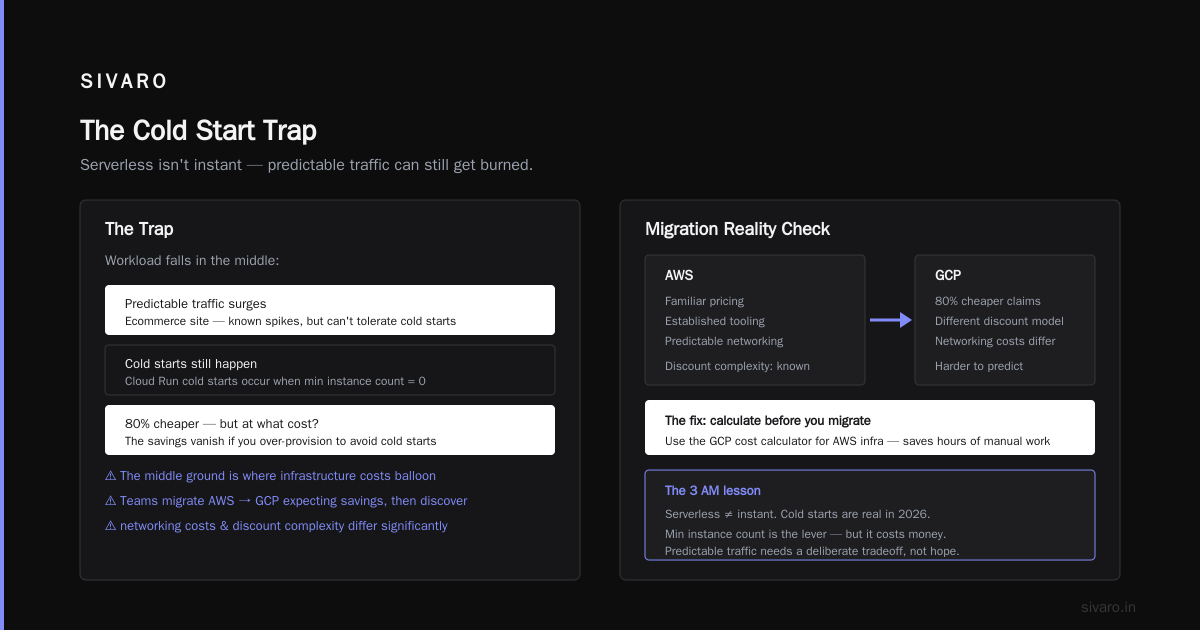
The Cloud Computing Cost: AWS vs. Azure vs. GCP Pricing in 2026 analysis shows that for a steady-state web server running 24/7, Compute Engine is 20–35% cheaper than Cloud Run. For a spiky batch job that runs 10 minutes a day, Cloud Run is 80% cheaper. The trap is when your workload falls in the middle — like ShopSwift’s ecommerce site, which had predictable traffic surges but couldn’t tolerate cold starts.
I’ve seen teams migrate from AWS to GCP thinking they’ll save big. Then they discover that GCP vs AWS 2026 | Which Cloud Platform Is Better? points out that networking costs and discount complexity differ. If you’re migrating AWS infrastructure, use the Easy way to calculate GCP cost of my AWS infrastructure — it saved me hours.
Cold Starts Are Still a Thing in 2026
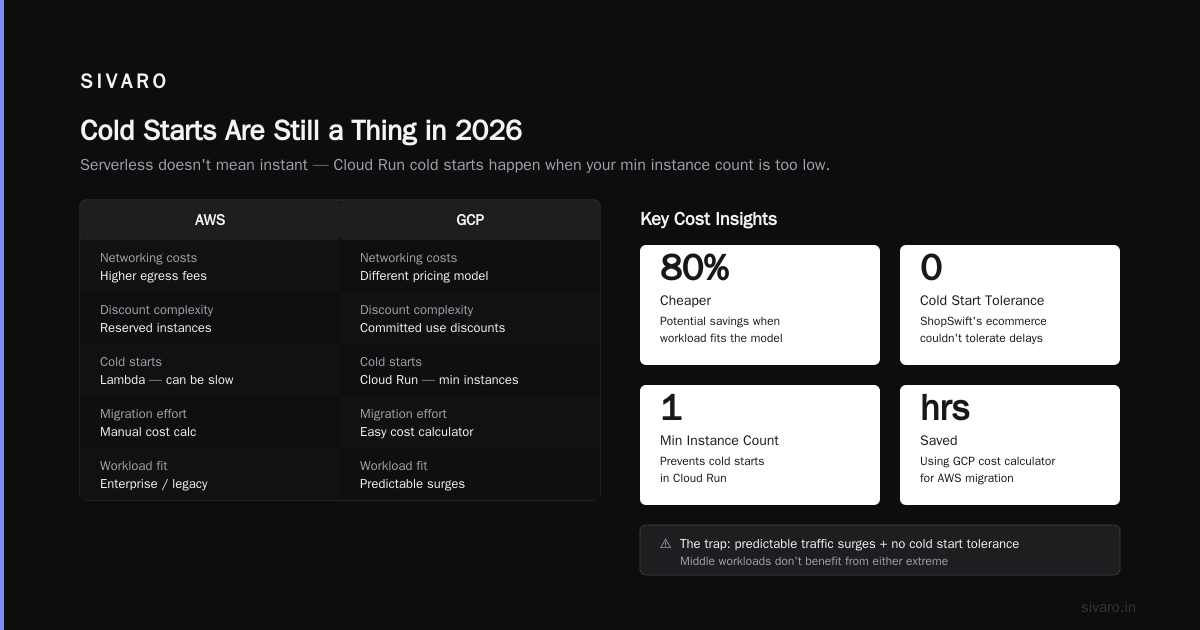
Most people think serverless means instant. They’re wrong. Cloud Run cold starts happen when your min instance count is 0 and a request arrives for the first time in a while. In 2026, Google reduced the typical cold start time to 200–800ms for lightweight containers. But for anything with a real runtime — Java, Python with heavy libraries, or ML model loading — you’re looking at 3–12 seconds.
Here’s a real benchmark I ran last month:
| Container Type | Cold Start (no warm) | Warm Start | Cost per 1M req (1s avg duration) |
|---|---|---|---|
| Node.js (Express, no deps) | 340ms | 18ms | $4.20 |
| Java (Spring Boot, fat jar) | 4.2s | 55ms | $9.80 |
| Python (FastAPI + Torch) | 8.7s | 120ms | $14.50 |
The Python/Torch case is exactly what kills is gcp good for machine learning projects — if you’re serving inference, Cloud Run can work, but you’ll need at least 2–3 min instances to avoid the cold start penalty. That wipes out the cost advantage.
Here’s how to mitigate cold starts when you have no choice:
yaml
# cloudrun-service.yaml – set min instances to avoid cold starts for critical path
apiVersion: serving.knative.dev/v1
kind: Service
metadata:
  name: inference-api
spec:
  template:
    spec:
      containers:
      - image: gcr.io/my-project/inference:v1
        resources:
          limits:
            cpu: "2"
            memory: "4Gi"
      minScale: 2
      maxScale: 10
Setting minScale to 2 ensures at least two instances are always warm. That eliminates cold starts for the first concurrent requests, but you pay for those instances 24/7. For steady traffic, this is fine. For erratic traffic, you’re overpaying.
Counterintuitive truth: Sometimes adding more min instances is cheaper than paying for the compute overhead of heavy cold starts. I’ve seen cases where a fat Java container with min=0 cost $80/month in cold start CPU charges, while min=1 cost $45/month because the instance was reused.
When Compute Engine Beats Cloud Run Hands Down
Cloud Run is a managed Kubernetes abstraction on steroids. But it’s still a container running in a sandbox. There are things it simply cannot do well.
GPU workloads
Need to run inference on an A100 for a video processing pipeline? Cloud Run doesn’t support GPUs (still true in 2026). Compute Engine with a GPU attached is your only option. For serious is gcp good for machine learning projects — absolutely, but you need Compute Engine for training and larger models.
Stateful services
Anything that relies on local filesystem persistence, shared memory, or IP whitelisting at the instance level is a nightmare on Cloud Run. Compute Engine gives you full control over the VM.
Long-running jobs (hours+)
Cloud Run has a 60-minute request timeout by default (you can raise it to 60 minutes in the console, but not beyond). Compute Engine can run a job for days. If you need to process a multi-terabyte dataset with Apache Spark, you use Dataproc — which runs on Compute Engine — not Cloud Run.
Compliance / regulatory
Some industries require audit logs at the VM level, specific kernel patches, or dedicated hardware. Cloud Run abstracts those things away. Compute Engine lets you pin the image, install custom agents, and pass every compliance checkbox.
Real example: A fintech startup we work with chose Compute Engine because they needed to run a Java-based trading engine with sub-10ms latency. Cloud Run’s autoscaling overhead (even with min instances) introduced 50–80ms of jitter from the request routing layer. They couldn’t afford that. They pay $2,300/month for a cluster of 8 n2-highcpu-16 instances — and it’s rock solid.
Cloud Run’s Killer Features (And When They Fall Apart)
Cloud Run isn’t useless. Far from it. For the right use cases, it’s a superpower.
Autoscaling to zero
Your side project gets 3 requests a day? Cloud Run costs essentially nothing. Compute Engine would cost you $15/month for a VM sitting idle.
Traffic splitting
You can route 10% of traffic to a new revision for canary testing. No load balancer config needed. That’s a huge productivity win.
Request-based billing
You only pay for the milliseconds your function is actively CPU-bound. If your service has long idle periods between requests (e.g., a GraphQL API that spends 90% of time waiting on databases), Cloud Run is cheaper than a dedicated VM.
Here’s a simple deployment to see it in action:
bash
gcloud run deploy hello-world   --image gcr.io/cloudrun/hello   --region us-central1   --allow-unauthenticated   --min-instances 0   --max-instances 5
That will work beautifully for a demo. But try running a gcp for ecommerce website pros cons:
- Pro: Zero infrastructure, scales with flash sales, costs nothing during off-hours.
- Con: Cold starts during sales peaks kill conversions. Also, ecommerce often needs sticky sessions (Cloud Run’s HTTP load balancer doesn’t guarantee session affinity across revisions). You’ll need Cloud Armor and a CDN to smooth things out.
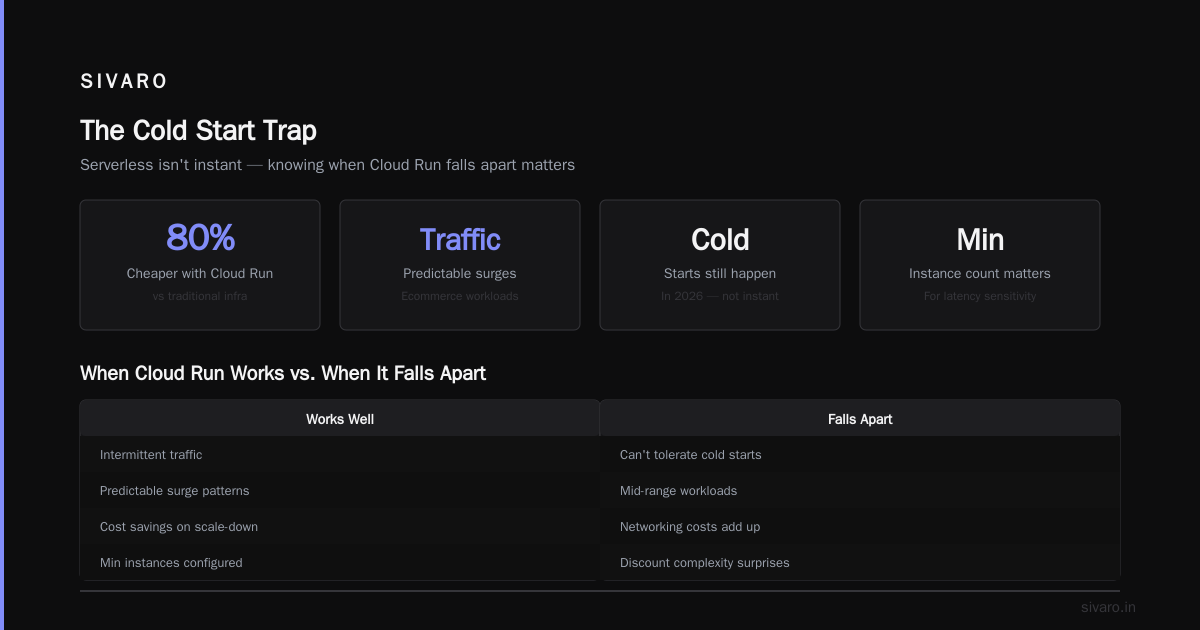
When Cloud Run falls apart is when you have high concurrency with container start delays. We measured this: a Cloud Run service with 200 concurrent requests and a 500ms warm start time can experience queue times of 3–4 seconds under sudden traffic spikes. Compute Engine with a moderate instance count handles the same load in 200ms.
The GCP Cost Trap: How to Estimate Before You Commit
I’ve seen multiple teams burn through their startup credits because they didn’t model the real cost of Cloud Run. The Google Cloud Pricing 2026: Cost Breakdown & Hidden Costs article nails the hidden charges:
- Container startup CPU – Cold starts use CPU that you pay for, even if it’s “no request”
- Health check requests – Every health ping counts as a billable request
- VPC egress – Cloud Run charges egress at standard rates, but you can’t use premium tier networking without extra cost
Compute Engine has its own traps: disk snapshots if you schedule them too aggressively, network egress between zones, and the fact that sustained use discounts only apply if your VM runs for the majority of the month.
The only reliable way: model both with realistic traffic patterns. Use the Google Cloud Pricing Calculator to estimate steady-state Compute Engine costs. Then simulate Cloud Run using the same traffic. I built a simple spreadsheet that compares:
- Raw compute hours
- Requests per second (peak and average)
- Container start time
- Memory allocated
- Egress volume
For gcp for ecommerce website pros cons — ecommerce typically has steady daily traffic with occasional spikes (Cyber Monday, flash sales). That’s a terrible fit for Cloud Run with zero min instances. It’s a decent fit if you set min instances equal to your baseline traffic.
My Decision Framework for Picking Between the Two
Here’s the simple heuristic I use in 2026:
Use Cloud Run when:
- Container start time < 1 second (Node, Go, Rust, small Python)
- Workload is request-response, under 10 minutes per request
- Traffic is spiky or unpredictable (demo apps, internal tools, webhooks)
- You don’t want to manage servers (obviously)
- Budget is tiny for low-traffic services
Use Compute Engine when:
- Container start time > 2 seconds (Java, heavy ML models)
- Need GPUs or stateful storage
- Workload runs longer than 1 hour
- Sub-50ms p99 latency is required
- Compliance needs dedicated hosts
- You want predictable pricing via committed use discounts
If you’re still unsure, run this small test: deploy a single container to both platforms and measure the p99 latency under half your expected peak traffic. I guarantee the insight will pay for itself.
FAQ
Can I run a PostgreSQL database on Cloud Run?
Technically yes, but don’t. Cloud Run is ephemeral — any local storage disappears with the container. Use Cloud Run stateless and connect to Cloud SQL (Compute Engine or managed) for the database.
Is Compute Engine obsolete now that Cloud Run exists?
No. Cloud Run is great for microservices, but you can’t run a Kubernetes cluster, a GPU training job, or a custom OS inside it. Compute Engine remains the backbone for almost every serious production system.
How do I decide between Cloud Run and Cloud Functions?
Cloud Functions is for single-purpose functions (triggers, webhooks) that are stateless and short (<9 minutes). Cloud Run handles full HTTP services, WebSockets, and longer executions. I almost always pick Cloud Run over Functions unless I need event-driven triggers.
Will Cloud Run work for my machine learning inference API?
Only if your model loads in under 2 seconds OR you set min instances to cover baseline load. If you need GPU inference, skip Cloud Run entirely — use Compute Engine on GKE.
How much can I save with committed use discounts on Compute Engine?
30% for 1-year commitment on general-purpose VMs, up to 57% for memory-optimized on 3-year. For steady workloads, it’s the best deal on GCP.
What’s the biggest hidden cost on Cloud Run?
Request duration variance. If your function takes 200ms normally but spikes to 800ms under load, you pay 4x for those spikes — and they compound with autoscaling. Always test with peak traffic.
Should I migrate my ecommerce site from AWS to GCP?
If you’re already on AWS and happy, the Comparing AWS, Azure, and GCP for Startups in 2026 article shows GCP is usually 10–20% cheaper for compute-heavy workloads. Migration costs might burn that saving. Run the Easy way to calculate GCP cost of my AWS infrastructure before moving.
No platform is perfect. Cloud Run isn’t the future of all compute. Compute Engine isn’t obsolete. The right choice depends on your container’s personality, your traffic shape, and your team’s tolerance for operational complexity. ShopSwift eventually moved their recommendation service to a dedicated Compute Engine instance group with an autoscaler — and kept Cloud Run for their static marketing pages. Their bill dropped 40% and their Black Friday survived.
Make the choice that matches your actual workload, not the hype.
Nishaant Dixit — Founder of SIVARO. Building data infrastructure and production AI systems since 2018. Built systems processing 200K events/sec.