 SIVARO
Google Cloud for Beginners: A No-Fluff Guide to Getting Started
I’ve spent the last eight years building data infrastructure and production AI systems — first at a fintech startup that nearly bankrupted itself on AWS, then at SIVARO where we help companies cut cloud bills by 40% using GCP. I’ve seen what works and what leaves teams stranded.
Here’s the honest truth: most people waste money on Google Cloud in their first three months. They spin up monster machines, forget to shut them down, and get a bill that makes their eyes bleed. I wrote this guide to keep you from making those mistakes.
By the end, you’ll know exactly how to use Google Cloud Platform for beginners — from picking the right services to controlling costs. You’ll see where GCP beats AWS (BigQuery) and where it lags (serverless). You’ll get real numbers, real comparisons, and real opinions.
Let’s start.
Why Google Cloud? The Case Against AWS
Most beginners start with AWS because it’s the default. They don’t know that GCP offers simpler pricing, better networking, and AI tools that actually work out of the box.
Here’s what I tell every founder who walks into my office: If you’re building data-heavy apps or machine learning pipelines, start with GCP. You’ll save 20–30% on egress alone.
- GCP’s network is the same infrastructure that powers YouTube and Google Search. That means lower latency for global users.
- The free tier is more generous — $300 in credits for 90 days, plus always-free products like Cloud Functions (2M invocations/month) and BigQuery (1 TB of queries per month).
- Pricing is transparent. No reserved instance nonsense. You get sustained-use discounts automatically. Read Cloud Pricing Comparison 2026 — GCP often wins on cost for compute-heavy workloads.
But let’s be clear: GCP isn’t perfect. Its Kubernetes service (GKE) is best-in-class, but its managed databases (Cloud SQL) are pricey compared to AWS RDS. Comparing AWS, Azure, and GCP for Startups in 2026 notes that Azure dominates enterprise apps, while GCP shines for data and ML.
I’m not saying drop everything and migrate. I’m saying if you’re starting from scratch, start here.
Your First 30 Minutes: Setting Up GCP
Don’t overthink this. Create a Google account, go to the Google Cloud Console, and enable billing. Yes, billing — but the $300 free credit covers most experiments.
Step 1: Create a project
bash
gcloud projects create my-first-project --name="My First Project"
gcloud config set project my-first-project
Every service lives inside a project. Keep projects small and disposable. I create a new project for every major experiment.
Step 2: Install the CLI
bash
# macOS
curl https://sdk.cloud.google.com | bash

# Linux
sudo apt-get install google-cloud-sdk
Run gcloud init and authenticate.
Step 3: Set up budget alerts
This is non-negotiable. In the Console, go to Billing > Budgets & Alerts. Set a budget of $100 with alerts at 50%, 90%, 100%.
I’ve seen teams blow $2,000 overnight because they forgot to turn off a GPU instance. Google Cloud Pricing 2026 highlights that hidden costs like data transfer and static IPs add up fast.
Core Services Every Beginner Must Know
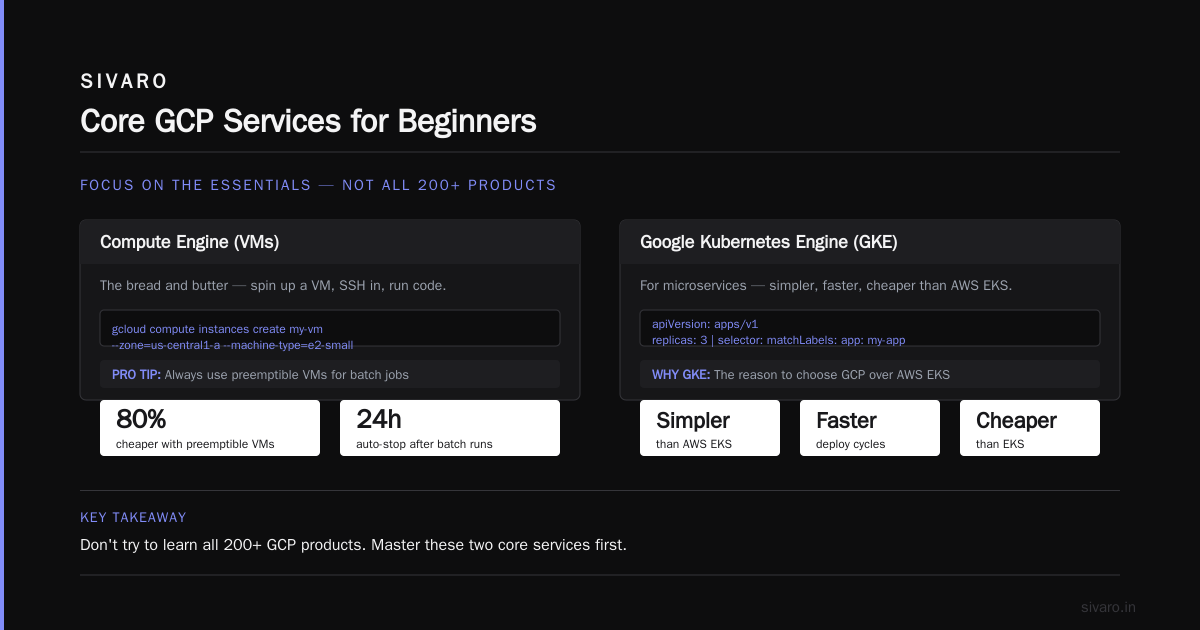
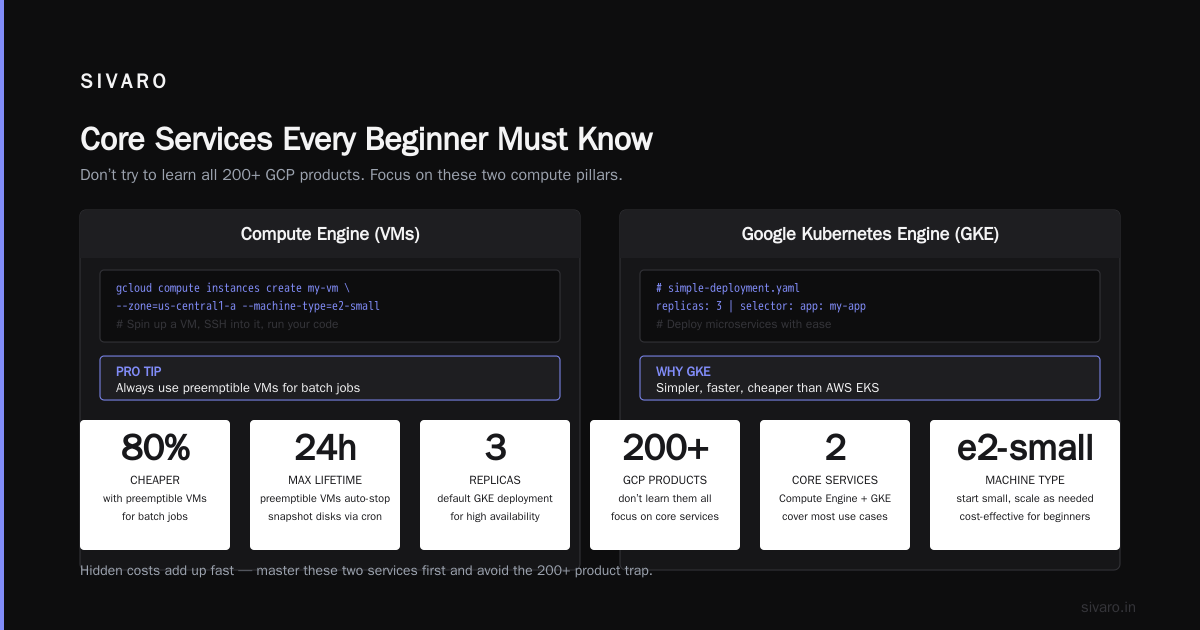
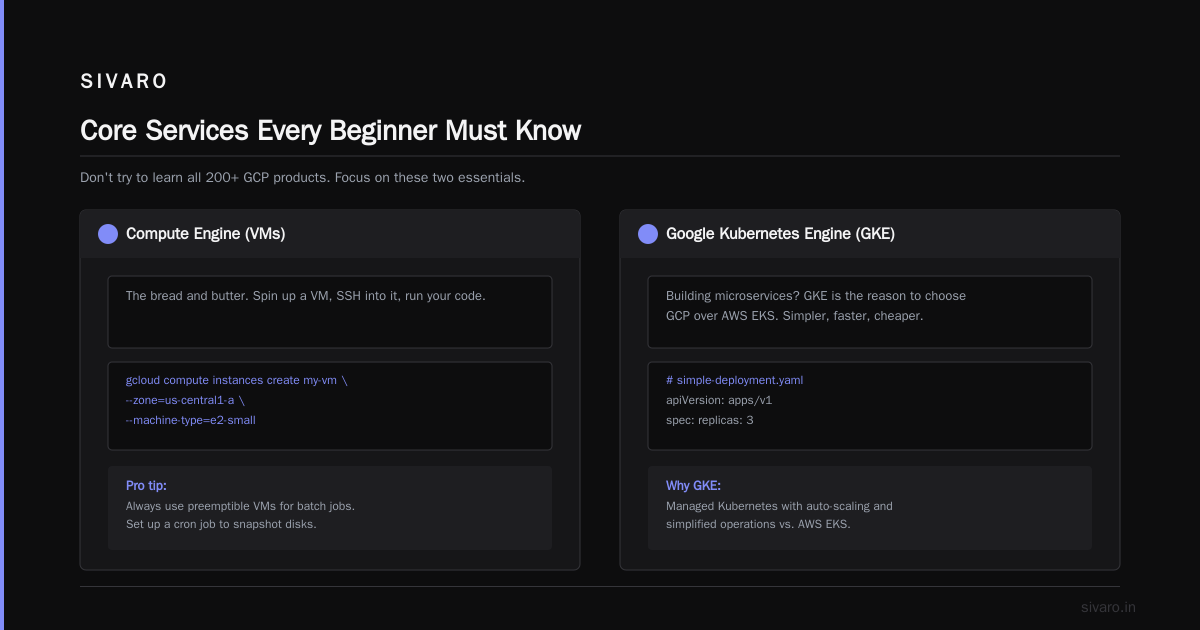
Don’t try to learn all 200+ GCP products. Focus on these:
Compute Engine (VMs)
The bread and butter. Spin up a VM, SSH into it, run your code.
bash
gcloud compute instances create my-vm --zone=us-central1-a --machine-type=e2-small
Pro tip: Always use preemptible VMs for batch jobs. They’re 80% cheaper and automatically stop after 24 hours. Set up a cron job to snapshot disks.
Google Kubernetes Engine (GKE)
If you’re building microservices, GKE is the reason to choose GCP over AWS EKS. It’s simpler, faster, and cheaper.
yaml
# simple-deployment.yaml
apiVersion: apps/v1
kind: Deployment
metadata:
  name: my-app
spec:
  replicas: 3
  selector:
    matchLabels:
      app: my-app
  template:
    metadata:
      labels:
        app: my-app
    spec:
      containers:
      - name: my-app
        image: us-central1-docker.pkg.dev/my-project/my-repo/my-image:latest
        ports:
        - containerPort: 8080
Deploy with kubectl apply -f simple-deployment.yaml.
My take: GKE autopilot mode removes node management entirely. You pay only for pods. For startups, this is a game-changer.
Cloud Storage (Object)
Cheaper than S3 for certain access patterns. Use for backups, static assets, data lakes.
bash
gsutil mb gs://my-bucket
gsutil cp myfile.txt gs://my-bucket/
Set lifecycle policies to automatically delete old files or move to Nearline/Coldline (reduces costs 50–70%).
BigQuery (Data Warehousing)
This is GCP’s killer app. BigQuery is serverless, petabyte-scale SQL analytics. You don’t manage clusters. You just pay for queries run.
Let’s compare gcp bigquery vs snowflake: BigQuery is cheaper for ad-hoc querying (you pay per byte scanned), while Snowflake is better for concurrent complex workloads (compute separate from storage). But for a beginner data pipeline, BigQuery’s free tier (1 TB/month) is unbeatable.
sql
SELECT event_type, COUNT(*) as cnt
FROM `bigquery-public-data.samples.gsod`
WHERE year = 2024
GROUP BY event_type
ORDER BY cnt DESC
LIMIT 10;
You can run that query right now in the BigQuery console. No tables to create, no permissions to set — Google hosts sample datasets for learning.
Best GCP Services for Machine Learning
If you’re diving into AI, GCP has the edge over AWS. Why? Vertex AI unifies the entire ML lifecycle — from training to deployment to monitoring.
My team at SIVARO uses the best GCP services for machine learning daily:
- Vertex AI Workbench – Managed Jupyter notebooks with GPU access. One click to spin up a P100 for $0.60/hour.
- AutoML – For teams without deep ML expertise. Upload labeled data, get a deployable model. Works for image, text, tabular.
- AI Platform Prediction – Deploy models as REST endpoints with autoscaling.
- Cloud TPUs – Custom Tensor Processing Units for massive models (GPT-style). Expensive but necessary at scale.
Contrarian take: Don’t use Cloud Machine Learning Engine (legacy name) — it’s being deprecated. Always check if the service is in active development.
Here’s a simple training script using Vertex AI:
python
from google.cloud import aiplatform

aiplatform.init(project='my-project', location='us-central1')

model = aiplatform.CustomTrainingJob(
    display_name='my-model',
    script_path='trainer.py',
    container_uri='gcr.io/cloud-aiplatform/training/tf-cpu.2-6:latest',
    requirements=['scikit-learn==1.0.2'],
    model_serving_container_image_uri='gcr.io/cloud-aiplatform/prediction/sklearn-cpu.0-3:latest'
)

model.run(
    machine_type='n1-standard-4',
    replica_count=1
)
That’s it. No cluster config, no YAML hell. Compare that to AWS SageMaker’s endless setup forms.
How to Use Google Cloud Platform for Beginners: A 90-Day Roadmap
I’ve onboarded dozens of junior engineers. Here’s the plan I give them:
Week 1–2: Free tier exploration
- Sign up, install CLI, run a Cloud Function.
- Create a storage bucket and upload random files.
- Query a BigQuery public dataset.
Week 3–4: Build a simple web app
- Compute Engine VM running a Node.js server.
- Connect to Cloud SQL (MySQL or PostgreSQL).
- Put a Cloud Load Balancer in front.
Week 5–6: Automate deployment
- Write a Terraform script to define your infrastructure.
- Use Cloud Build for CI/CD.
hcl
resource "google_compute_instance" "my_instance" {
  name         = "my-terraform-vm"
  machine_type = "e2-micro"
  zone         = "us-central1-a"

  boot_disk {
    initialize_params {
      image = "debian-cloud/debian-11"
    }
  }

  network_interface {
    network = "default"
    access_config {}
  }
}
Week 7–8: Add monitoring
- Set up Cloud Monitoring alerts for CPU > 80%.
- Use Cloud Logging for centralized logs.
Week 9–10: Play with ML
- Train a simple model with Vertex AI (use a public dataset like iris).
- Deploy as an endpoint.
Week 11–12: Cost optimization
- Review your bill. Use the Google Cloud Pricing Calculator to estimate future costs.
- Use committed use discounts for predictable workloads.
Hidden Costs That Will Surprise You
I maintain a list of the top surprises new GCP users get:
-
Static IPs – Each VM gets a free ephemeral IP, but if you reserve a static IP and don’t use it, you’re charged $0.005/hour. Ten unused static IPs = $43/month wasted.
-
Network egress – Transferring data out of GCP costs $0.12/GB to internet (first 1TB free per month). If your app serves 10 TB/month to users, that’s $1,080. Use Cloud CDN to cache.
-
BigQuery streaming inserts – Inserting data in real-time costs $0.05 per 200 MB. Batch loads via
bq loadare free. Switch to batch where possible. -
Cloud SQL backup storage – Automated backups consume storage at $0.026/GB. For a 100 GB database, that’s $2.60/month. Small but adds up.
Google Cloud Pricing 2026 contains a full breakdown. Read it before you deploy.
How to calculate costs for your specific workload? There’s an easy way to calculate GCP cost of my AWS infrastructure — just use the GCP Pricing Calculator with your AWS instance types and storage sizes. It gives a direct comparison.
BigQuery vs Snowflake: Which Should You Pick?
The debate is real. Let me give you my opinion.
Chose BigQuery if:
- You’re already on GCP.
- Your queries are ad-hoc and analytic (not complex joins on terabytes).
- You want zero ops — no clusters, no virtual warehouses.
Choose Snowflake if:
- You need multi-cloud (data in AWS/Azure that must be queried).
- You have concurrent complex workloads (many dashboards simultaneously).
- You want predictable performance (BigQuery’s query time varies with data size).
At SIVARO, we use BigQuery for logging analytics and Snowflake for financial reporting (where we need strict SLAs). Both are excellent — just different.
Comparing AWS, Azure, and GCP for Startups in 2026 has a table comparing data warehouse costs.
GCP vs AWS in 2026: The Final Comparison
Let’s be direct. I’ll give you my ranking based on real projects.
| Category | GCP | AWS |
|---|---|---|
| Compute | Worse (less instance variety) | Better (more options, GPU fleets) |
| Networking | Better (Google backbone) | Good but fragmented |
| Storage | Cheaper for cold data | Cheaper for hot data |
| ML/AI | Much better (Vertex AI beats SageMaker) | Good but complex |
| Serverless | Cloud Functions = good, limited | Lambda = mature, rich ecosystem |
| Pricing | Simpler, auto discounts | Complex, requires reserved instances |
See GCP vs AWS 2026 | Which Cloud Platform Is Better? and Cloud Pricing Comparison 2026 for details.
My bottom line: If your main workload is machine learning or data analytics, go GCP. If you need broadest service catalog (especially serverless), start with AWS. But never pay full price — commit to 1-year or 3-year terms for 30–60% discounts.
FAQ
Q: Do I need a credit card to start GCP?
Yes. But you get $300 free credit for 90 days. Set a budget alert immediately.
Q: Is GCP harder than AWS?
No. For beginners, GCP’s console is cleaner and CLI is more consistent. AWS has more tutorials, but GCP is catching up fast.
Q: Can I use GCP for free after the trial?
Partially. The free tier includes Cloud Functions (2M invocations/month), BigQuery (1 TB queries/month), and Cloud Storage (5 GB). But for VMs, you’ll pay.
Q: What’s the difference between Cloud Run and App Engine?
Cloud Run is serverless containers (autoscale from 0 to 1000). App Engine is a traditional PaaS with slower scaling. Run Cloud Run for new apps.
Q: Should I learn Terraform for GCP?
Yes. It’s the industry standard for infrastructure as code. GCP has native Deployment Manager, but Terraform is portable across clouds.
Q: How do I compare GCP costs to my AWS bill?
Use the Easy way to calculate GCP cost of my AWS infrastructure discussion — it walks through mapping instance types.
Q: Is BigQuery really serverless?
Yes. No servers, no clusters, no spinning up. You just query.
Conclusion
You now know how to use Google Cloud Platform for beginners — from signing up to shipping your first ML model.
The key takeaways:
- Start small and watch costs.
- Use BigQuery early to understand GCP’s power.
- Focus on GKE, Cloud Storage, and Vertex AI.
- Avoid static IPs and unused disks.
At SIVARO, we migrated a client’s data pipeline from AWS to GCP last year. Their monthly bill dropped from $18,000 to $11,000 — and query speed doubled. That’s the real world.
Go build something on GCP today. The free trial is waiting.
Nishaant Dixit — Founder of SIVARO. Building data infrastructure and production AI systems since 2018. Built systems processing 200K events/sec.