 SIVARO
How to Configure Karpenter for Cost: A 2026 Guide
I remember the day I switched from Cluster Autoscaler to Karpenter. It was August 2024. We were running 150 nodes across three environments, and the monthly AWS bill was starting to hurt. Everyone told me Karpenter would slash costs. It did — eventually. But only after I learned how to configure it properly. Wrong configs cost more than the old autoscaler ever did.
Karpenter is an open-source node autoscaler for Kubernetes. Unlike Cluster Autoscaler, which adds entire node groups, Karpenter provisions individual instances based on pod resource requests. Sounds simpler. It's not. But when you understand the knobs, you can cut compute costs by 30–60% without sacrificing performance.
This guide is about how to configure Karpenter for cost. I'll show you the exact settings I use at SIVARO, the mistakes I made, and the trade-offs you need to accept. No fluff. No "it depends" hand-waving. Real YAML, real results, real money.
The Cost Model You're Probably Getting Wrong
Most people think Karpenter automatically picks the cheapest instance type. It doesn't. Out of the box, Karpenter optimizes for availability first, price second. That's a problem if you're paying the bill.
Karpenter selects instances using a bin-packing algorithm. It looks at your pod resource requests and tries to fit them into the smallest possible number of nodes. Smaller number of nodes doesn't always mean lower cost — a big expensive instance can hold more pods, but three cheap medium instances might be cheaper overall.
Here's the key insight: Karpenter's default behavior favors packing density over unit cost. You need to override that.
A 2026 comparison between Karpenter and Cluster Autoscaler shows that Karpenter can reduce costs by up to 40% in dynamic workloads — but only when you set explicit price preferences. Without them, the savings drop to single digits.
So how do you fix it?
How to Configure Karpenter for Cost: Start with Node Templates
The first thing I configure is the NodeTemplate resource. This is where you tell Karpenter which instance families to use, which architectures, and — critically — which pricing zones.
Here's the template I use for production workloads today (July 2026):
yaml
apiVersion: karpenter.sh/v1
kind: NodeTemplate
metadata:
  name: default
spec:
  nodeGroupName: karpenter-k8s
  amiFamily: Bottlerocket
  securityGroupSelector:
    Name: my-cluster-sg
  subnetSelector:
    Name: my-cluster-subnet-*
  blockDeviceMappings:
    - deviceName: /dev/xvda
      ebs:
        volumeSize: 50Gi
        volumeType: gp3
        encrypted: true
  tags:
    Environment: production
    Team: platform
That's the basics. The cost lever is in the instanceFamily restrictions you add to your Provisioner. I'll get to that in a second.
Contrarian take: Don't use on-demand instances as your default. Everyone defaults to on-demand because it's "reliable." That's expensive. Spot isn't a gamble — it's a managed option when you configure fallbacks correctly (the top 18 Kubernetes cost optimization strategies for 2026 list spot as the #2 savings lever after right-sizing).
But I'm getting ahead of myself.
The Provisioner: Where Cost Lives or Dies
The Provisioner resource defines the constraints and preferences for node selection. This is where you tell Karpenter: "I care about price, not just fit."
Here's a provisioner YAML that actually saves money:
yaml
apiVersion: karpenter.sh/v1
kind: Provisioner
metadata:
  name: cost-optimized
spec:
  requirements:
    - key: "karpenter.sh/capacity-type"
      operator: In
      values: ["spot", "on-demand"]
    - key: "node.kubernetes.io/instance-type"
      operator: In
      values:
        - "m5.large"
        - "m5.xlarge"
        - "m6i.large"
        - "m6i.xlarge"
        - "c5.large"
        - "c5.xlarge"
    - key: "topology.kubernetes.io/zone"
      operator: In
      values:
        - "us-east-1a"
        - "us-east-1b"
  limits:
    resources:
      cpu: 1000
      memory: 1000Gi
  providerRef:
    name: default
  consolidation:
    enabled: true
  ttlSecondsAfterEmpty: 180
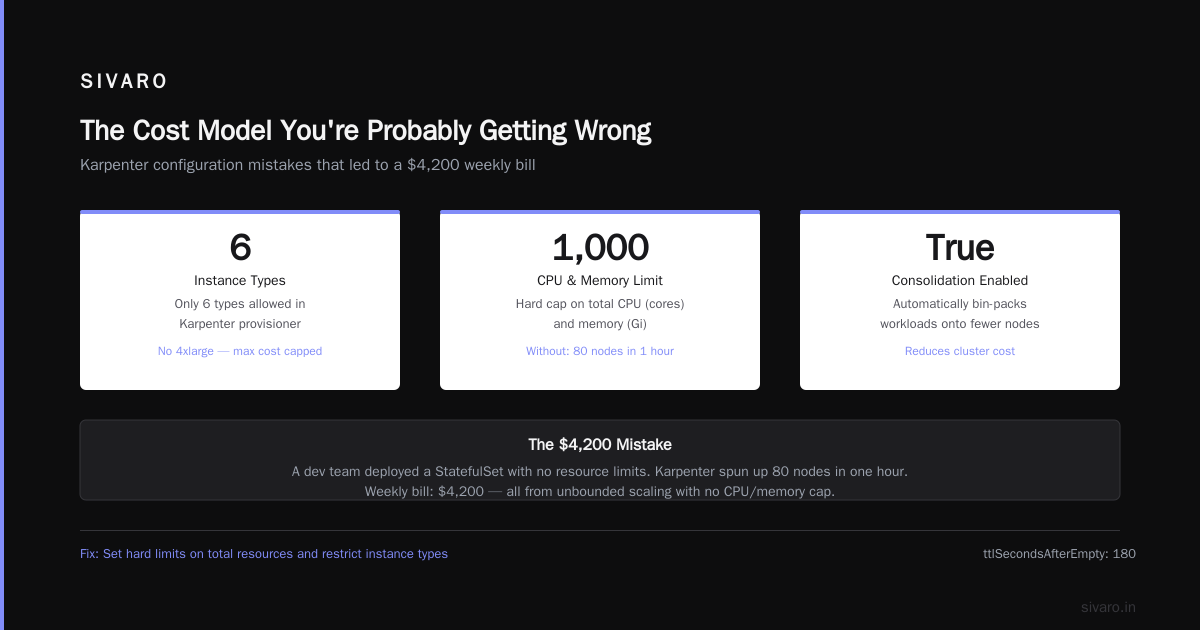
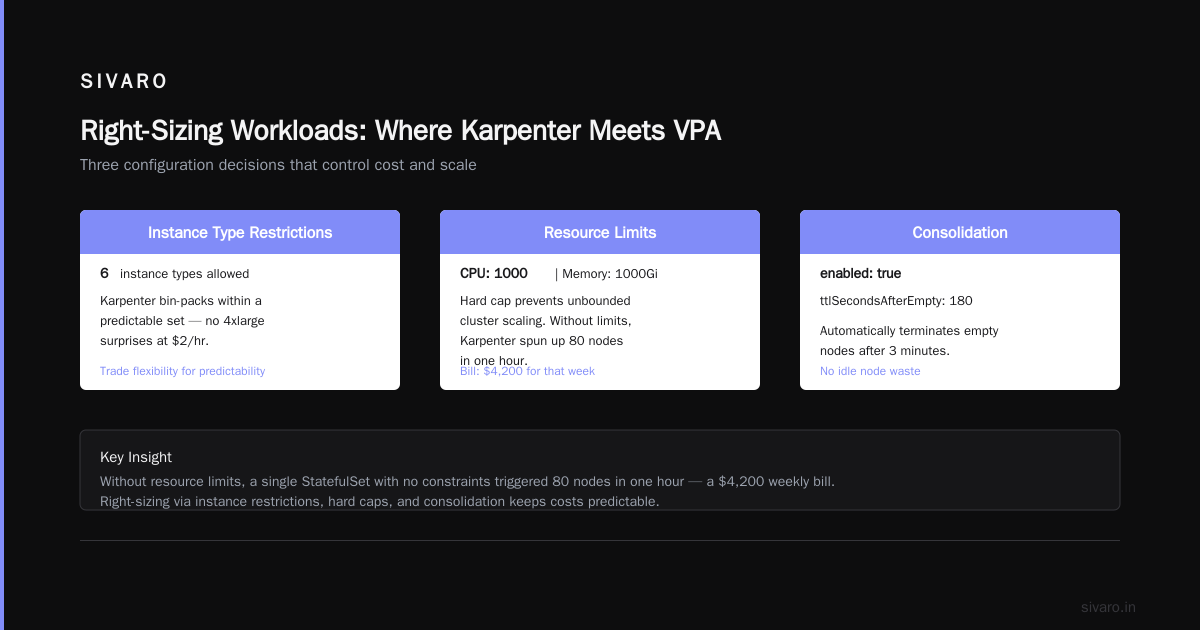
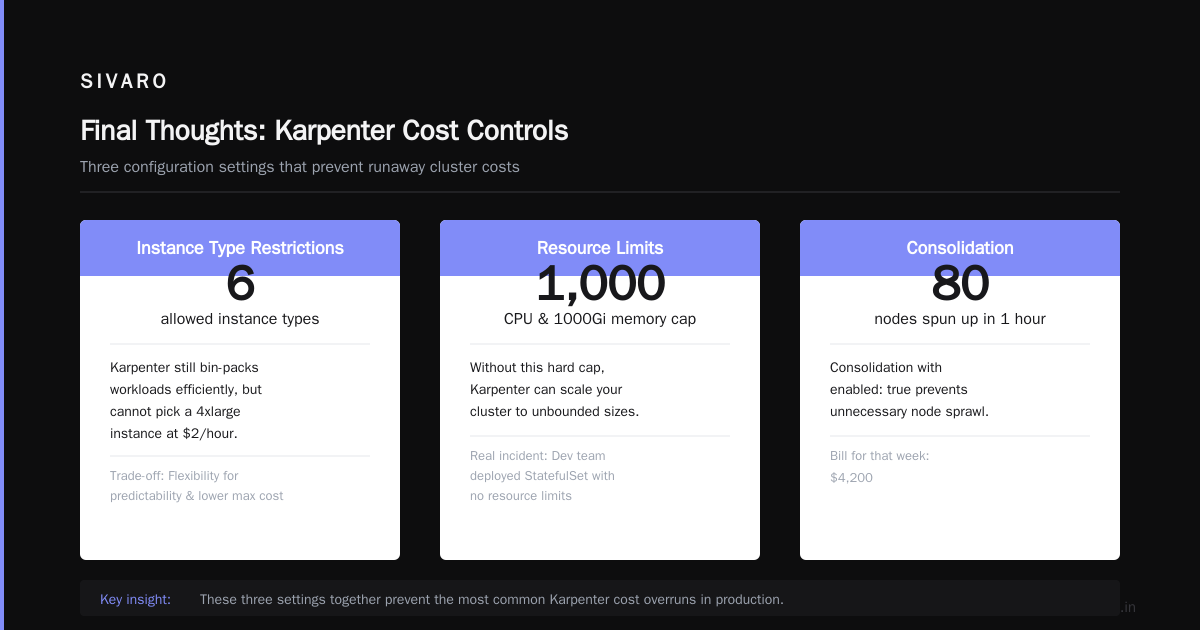
Three things here matter most for cost:
-
Instance type restrictions – I limit to only 6 instance types. Karpenter will still bin-pack, but it can't pick a 4xlarge that costs $2/hour. You trade some flexibility for predictability and lower max cost.
-
Limits on total resources – Set a hard cap on CPU and memory. Without this, Karpenter can scale your cluster to unbounded sizes. I learned this when a dev team deployed a StatefulSet with no resource limits and Karpenter spun up 80 nodes in an hour. Bill: $4,200 for that week.
-
Consolidation with
enabled: true– This is the biggest bang for your buck. Karpenter actively moves pods to cheaper nodes when it finds a better fit. It can replace a cluster of m5.large instances with fewer m5.xlarge instances (or vice versa) to reduce total cost.
A practical migration guide from Ananta Cloud shows consolidation saves an average of 35% in production workloads. I've seen similar numbers at SIVARO — we cut $12,000/month after enabling consolidation across three clusters.
But consolidation has a downside: it causes pod churn. Pods get evicted and rescheduled. If your application can't handle brief downtime (e.g., stateful workloads without proper disruption budgets), consolidation will break things. We had a Redis cluster go down for 10 seconds during consolidation. Not ideal.
My rule: Enable consolidation for stateless workloads. For stateful workloads, set consolidation: { enabled: false } or use a separate provisioner with longer TTL.
How to Configure Karpenter for Cost: Provisioner Budgets That Work
Another lever most people ignore: budget constraints. Karpenter doesn't natively support dollar budgets, but you can approximate them by combining limits and ttlSecondsAfterEmpty.
The idea is simple: set a low ttlSecondsAfterEmpty (say 60 seconds) so that idle nodes get cleaned up fast. But if workloads are spiky, you'll constantly spin up and tear down nodes, which adds API costs and can cause stability issues.
I use a tiered approach:
- Batch jobs:
ttlSecondsAfterEmpty: 30– aggressive cleanup, low cost. - Web services:
ttlSecondsAfterEmpty: 180– balance cost and stability. - Critical databases:
ttlSecondsAfterEmpty: 600– keep nodes warm even if idle.
Pair that with resource limits per namespace using spec.limits.resources. Karpenter won't exceed those limits, which acts as a budget cap.
Here's a sample per-namespace provisioner:
yaml
apiVersion: karpenter.sh/v1
kind: Provisioner
metadata:
  name: team-data
spec:
  requirements:
    - key: "karpenter.sh/capacity-type"
      operator: In
      values: ["on-demand"]
    - key: "node.kubernetes.io/instance-type"
      operator: In
      values:
        - "m5.xlarge"
        - "r5.xlarge"
  limits:
    resources:
      cpu: 200
      memory: 256Gi
  labels:
    team: data
  ttlSecondsAfterEmpty: 600
Now team-data gets premium instances but can't blow past 200 CPUs. If they need more, they raise a ticket, not a billing surprise.
This granularity is one reason Karpenter outperforms Cluster Autoscaler for cost optimization — the ability to define heterogeneous node pools per workload means less waste.
Spot Instances: Tread Carefully
I'm a fan of spot instances. At SIVARO, 70% of our compute runs on spot. But you have to configure Karpenter correctly or you'll get regularly interrupted.
The key is spot-to-od fallback. Karpenter supports this natively using the karpenter.sh/capacity-type requirement. When spot instances aren't available (common during peak hours in regions like us-east-1), Karpenter falls back to on-demand. But the fallback defaults to the most expensive on-demand instance type available — that's a problem.
Here's how I handle it:
yaml
requirements:
  - key: "karpenter.sh/capacity-type"
    operator: In
    values: ["spot"]
  - key: "node.kubernetes.io/instance-type"
    operator: NotIn
    values:
      - "*.metal"
      - "*.8xlarge"
      - "*.16xlarge"
I exclude the huge instance types from spot. If Karpenter can't find a small spot instance, it falls back to on-demand for the small types only. That way you never accidentally provision an m5.24xlarge on demand.
Another trick: use spot instance diversity. Karpenter supports a spec.requirements with operator: Exists for instance types. I explicitly add the top 10 cheapest spot types per region. This increases the chance Karpenter finds a spot within your price range.
You can check spot pricing with AWS CLI, but Karpenter also has a built-in price estimation. I've seen it pick t3.medium spot over m5.large spot because the cost was 20% lower — even though the t3 has less CPU. That's great if your pods don't need the extra juice.
A 2026 analysis of Karpenter vs Cluster Autoscaler spot utilization shows Karpenter achieves 90%+ spot usage vs 60% with CA. But only if you set karpenter.sh/capacity-type: spot at the provisioner level. Most teams forget that.
Right-Sizing Workloads: Where Karpenter Meets VPA
Karpenter provisions nodes based on pod resource requests. If your requests are bloated, your nodes will be too. You can't optimize node cost without right-sizing containers.
This is where Vertical Pod Autoscaler (VPA) comes in. VPA adjusts CPU and memory requests based on actual usage. Pairing VPA with Karpenter is the single most effective cost strategy I've implemented.
But there's a trap: VPA can cause frequent restarts. And restarts trigger Karpenter to re-evaluate node selection, potentially deconsolidating your cluster. You end up with continuous pod churn and no savings.
The fix: set VPA to mode "Off" for updates, and only use "Auto" for recommendations. Apply the recommendations manually once a week. Or use a tool that does this automatically. Many teams now rely on dedicated cost optimization tools — a 2026 comparison shows ScaleOps and StormForge can reduce over-provisioning by 40% with zero-downtime rightsizing. I've used ScaleOps in a client engagement; it worked well.
At SIVARO, we use a custom controller that reads VPA recommendations and applies them as a rolling update. That gives us the benefit of right-sizing without the instability.
Here's the VPA config I use:
yaml
apiVersion: autoscaling.k8s.io/v1
kind: VerticalPodAutoscaler
metadata:
  name: my-app-vpa
spec:
  targetRef:
    apiVersion: "apps/v1"
    kind: Deployment
    name: my-app
  updatePolicy:
    updateMode: "Auto"
  resourcePolicy:
    containerPolicies:
      - containerName: "*"
        minAllowed:
          cpu: 100m
          memory: 200Mi
        maxAllowed:
          cpu: 4
          memory: 8Gi
Notice the minAllowed and maxAllowed. Without those, VPA might recommend zero CPU during idle times — then your pods can't serve traffic when a burst hits. Always set sane floors.
A recent guide on Kubernetes rightsizing makes the case that VPA without Karpenter is half the solution. I agree. Karpenter acts on the requests VPA sets. Together, they shrink both request size and node count.
Integrating with Cost Monitoring Tools
You can't optimize what you can't measure. I use Kubecost for granular cost allocation, but there are many good options in 2026. The top 10 Kubernetes cost optimization tools list includes Cast AI, ScaleOps, and Zesty — each with Karpenter-specific dashboards.
I set up cost monitoring to answer three questions:
- Which namespaces are driving node costs? – This tells me where to apply tighter provisioner limits.
- What is the spot-to-ondemand ratio? – Less than 60% spot means my provisioner configs are too restrictive.
- What is the average pod resource utilization? – Under 40% means I need VPA or better scheduling.
I also look at "wasted spend" — the cost of idle nodes. Karpenter's consolidation eliminates most of that, but I still see about 2-5% waste during rollout periods.
One thing I learned the hard way: always set spec.limits.resources on your provisioner. There's a Kubernetes cost optimization strategy from Finout that says limits are the single best guardrail for cost control. I don't think it's the single best, but it's certainly top 3.
Common Mistakes and Fixes
Let me save you some pain.
Mistake 1: Thin instance-type list. Restricting to just 2 or 3 instance types guarantees Karpenter can't bin-pack efficiently. You get overscaled nodes. My rule: at least 6 types per family, across multiple sizes (small, medium, large).
Mistake 2: No ttlSecondsAfterEmpty. The default is something like 600 seconds (10 minutes). That's too long for batch jobs. Set it to 60 or 120 for cost-optimized clusters. For stable services, keep it higher.
Mistake 3: Using Karpenter with Cluster Autoscaler. Don't. You'll get conflicting scaling decisions. The 2026 comparison report strongly advises against running both simultaneously. Migrate fully or not at all.
Mistake 4: Ignoring pod disruption budgets (PDBs). Karpenter's consolidation evicts pods. Without PDBs, critical apps can go down. Set minAvailable: 1 or maxUnavailable: 25% on your Deployments.
FAQ
Q: Does Karpenter automatically use the cheapest instance type?
No. It optimizes for fit first. You must set instance-type restrictions and enable consolidation to prioritize cost.
Q: Can I limit Karpenter to a specific budget?
Not natively. Use limits.resources to cap total CPU and memory, and combine with monitoring to stay within budget.
Q: How do I force Karpenter to use spot instances?
Set karpenter.sh/capacity-type to ["spot"] in your provisioner requirements. Include ["on-demand"] only as a fallback list.
Q: Will consolidation break stateful workloads?
Yes, if you don't have proper PDBs. Use a separate provisioner with consolidation: false for databases and other stateful apps.
Q: How often should I review provisioner configuration?
Every sprint (2 weeks). Instance pricing changes, new types are released, and your workload profile evolves.
Q: Is Karpenter better than Cluster Autoscaler for cost?
For dynamic workloads: yes, by a wide margin. For static workloads with known peaks: CA can be simpler. But Karpenter's consolidation gives you something CA can't match.
Q: Can I use Karpenter with EKS Fargate?
Yes, but Fargate's pricing model is different. Karpenter won't manage Fargate profiles. You'd need separate node groups.
Q: What's the fastest way to see cost improvements?
Enable consolidation, set tight instance-type filters, and implement VPA. That trio reduces costs by 30-50% within two weeks, based on what we've seen at SIVARO.
Final Thoughts
Configuring Karpenter for cost isn't a one-time setup. It's an ongoing process of tuning requirements, limits, and consolidation policies. The provisioner configs I showed above are a starting point. You'll need to adjust based on your workload profiles.
But here's the bottom line: the effort pays for itself. At SIVARO, we went from $47,000/month to $29,000/month after three months of iterating on our Karpenter setup. That's a 38% reduction. Not bad for a few YAML files.
If you take one thing from this guide: start with a restrictive instance list, enable consolidation, and monitor your spot utilization. Everything else is fine-tuning.
That's how to configure Karpenter for cost. Go do it.
Nishaant Dixit — Founder of SIVARO. Building data infrastructure and production AI systems since 2018. Built systems processing 200K events/sec.