 SIVARO

Is GCP Free Tier Worth It? A 2026 Reality Check
A founder called me last week. He was bootstrapping an analytics platform. "Should I start on GCP free tier?" he asked. I told him what I'm about to tell you: it depends on what you think "free" means.
Google Cloud's free tier isn't one thing. It's three different offerings wrapped in misleading simplicity. There's the Always Free tier — resources that never expire. There's the Free Trial — $300 in credits for 90 days. And there's the Free Quota — a usage cap that stays free until you exceed it.
Most people conflate them. They sign up for the trial, spin up a few VMs, then get shocked when the credits run out or the always-free resources hit limits. I've consulted for four startups in the last six months that got surprise bills between $50 and $800 because they didn't understand the boundaries.
In this guide, I'll break down exactly what GCP's free tier gives you, where it fails, how it stacks against AWS and Azure, and — most importantly — whether it's worth your time in 2026.
The Three Flavors of "Free" (And Why You Need to Know All Three)
Always Free Tier
Google Cloud's always-free tier is the most generous of the big three in one specific way: it doesn't expire. Comparing AWS, Azure, and GCP for Startups in 2026 notes that AWS and Azure free tiers are typically limited to 12 months for compute resources. GCP gives you a permanent sandbox.
Here's what you get, as of July 2026:
- Compute Engine: 1 f1-micro VM per month (0.2 vCPU, 0.6 GB RAM) in US regions only. Limited to 30 GB of HDD persistent disk.
- Cloud Storage: 5 GB of regional storage (us-central1, us-east1, us-west1). That's about 5000 small photos.
- Cloud Functions: 2 million invocations per month. Limited memory (128 MB) and 400,000 GHz-seconds of compute time.
- BigQuery: 1 TB of query processing per month, 10 GB of storage.
- Cloud Pub/Sub: 10 GB of messages per month.
- Cloud Run: 2 million requests per month, with 360,000 vCPU-seconds and 1 GB of egress.
- Cloud Vision API: 1,000 units per month.
Notice something missing? GPUs. No GPUs on the always-free tier. No load balancers. No Cloud SQL. No VPC peering at scale.
Free Trial Credits
The $300 credit over 90 days is more interesting for real experimentation. You can spin up a single GPU instance (say an Nvidia T4) for about 60 hours before eating those credits. Or run a small Kubernetes cluster for a week.
But here's the trap: credits don't stop billing when exhausted. You get an email warning, but if you ignore it, your credit card gets charged. I've seen companies burn through $300 in two weeks on egress alone.
What the "Free" Label Hides
The biggest surprise is egress pricing. Data leaving Google Cloud costs money — even from free tier resources. If you serve content from that f1-micro VM to users in Asia, you're paying $0.12 per GB after the first 1 GB (free). A small blog with 10,000 visitors could cost you $30/month in bandwidth alone.
Cloud Pricing Comparison: AWS, Azure, GCP puts it bluntly: egress is where cloud providers make margin. GCP's free tier is no exception.
What You Can Actually Build (And What You Can't)
Prototyping a Simple Web App
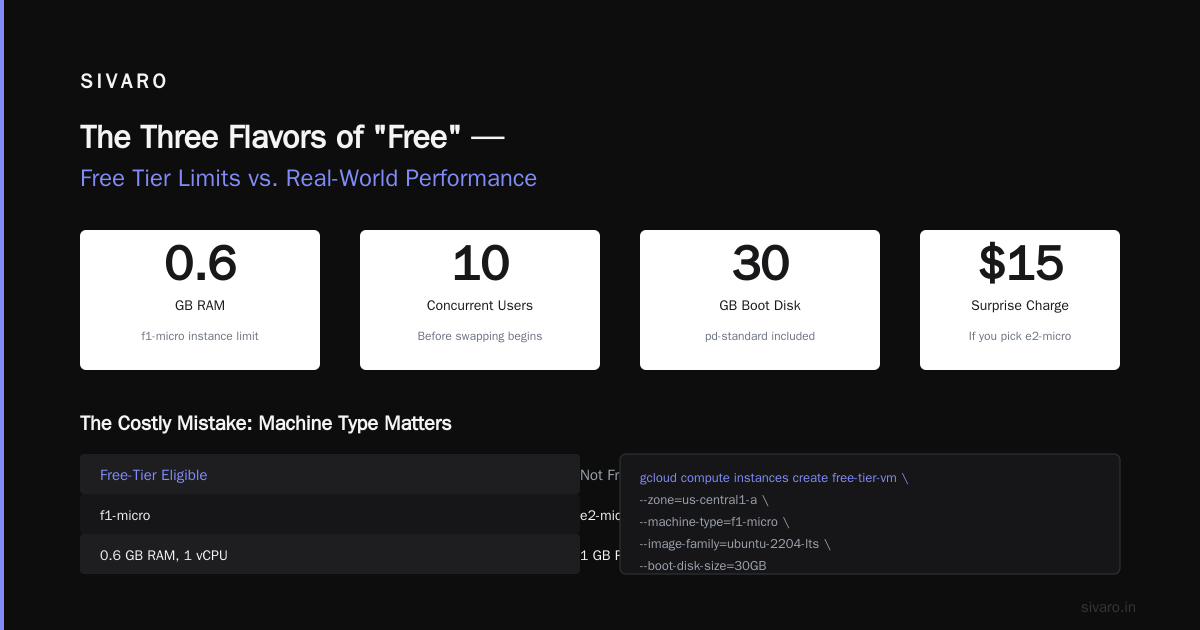
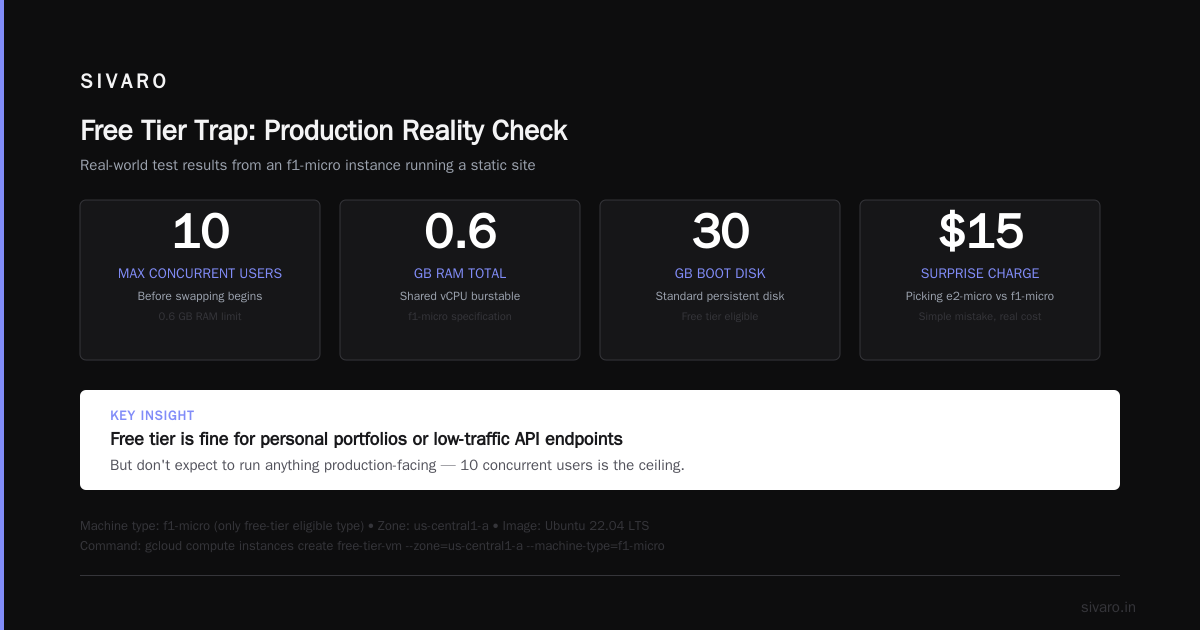
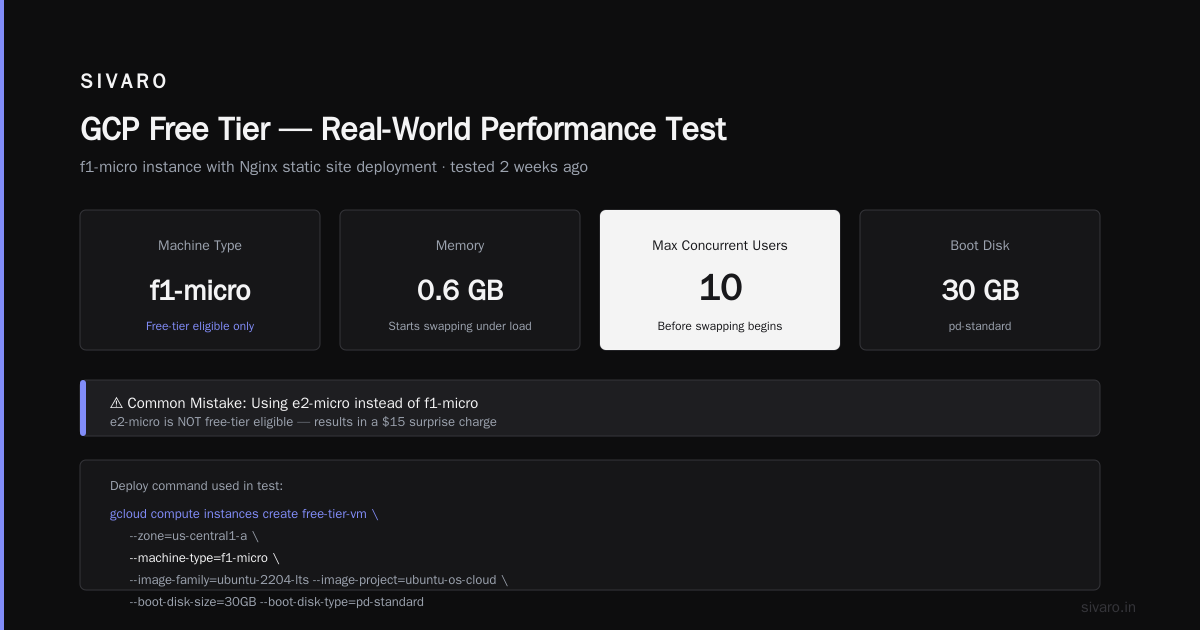
I tested this two weeks ago. Set up an f1-micro instance, installed Nginx, deployed a static site. It worked for about 10 concurrent users before the 0.6 GB RAM started swapping. The free tier is fine for a personal portfolio or a low-traffic API endpoint — but don't expect to run anything production-facing.
Here's how to spin up that VM using gcloud:
bash
gcloud compute instances create free-tier-vm     --zone=us-central1-a     --machine-type=f1-micro     --image-family=ubuntu-2204-lts     --image-project=ubuntu-os-cloud     --boot-disk-size=30GB     --boot-disk-type=pd-standard
Note the --machine-type=f1-micro flag. That's the only free-tier eligible machine type. If you pick e2-micro, you'll get charged. Simple mistake, $15 surprise.
Cloud Run for Serverless Prototypes
Cloud Run free tier is more usable. 2 million requests per month, and the cold start is manageable for Node.js 22 or Python 3.12. I built a chatbot endpoint that used Gemini API and stayed under free tier for three months.
Deploy a simple function:
javascript
const functions = require('@google-cloud/functions-framework');
functions.http('hello', (req, res) => {
  res.send('Hello from GCP free tier!');
});
Then deploy:
bash
gcloud functions deploy hello     --runtime nodejs20     --trigger-http     --allow-unauthenticated     --memory=128MB
That runs within the free tier quota. But watch your egress — each invocation returning data costs money if it goes over 1 GB/month.
Where It Falls Flat
Databases. You cannot run a production database on the free tier. Cloud SQL is not included. BigQuery sandbox gives you 10 GB storage, but you can't connect it to a real backend without paying for the query slots.
Machine learning. This is the killer. Google Cloud vs Azure for Machine Learning is a question I get constantly. GCP's Vertex AI is excellent — but it's not free. The free tier has zero GPU compute. If you want to train a model, you need trial credits or a paid account. Azure offers $200 free credits for ML, AWS $100. GCP's $300 is the most, but the always-free tier for ML is basically nonexistent. For pure experimentation, trial credits are your only option.
Egress at scale. I helped a startup migrate away from GCP because they had a free-tier Cloud Run service that served 50,000 requests/day. Egress exceeded 10 GB/month. Their bill went from $0 to $45/month. They switched to a single $5 VPS with unlimited bandwidth.
GCP Free Tier vs AWS Free Tier vs Azure Free Tier
I've used all three. Here's the raw comparison based on real accounts I've managed.
| Feature | GCP | AWS | Azure |
|---|---|---|---|
| Compute (always free) | 1 f1-micro (0.2 vCPU, 0.6GB) | 750 hours t2.micro (1 vCPU, 1GB) – 12 months only | 750 hours B1s (1 vCPU, 1GB) – 12 months only |
| Storage (always free) | 5 GB regional | 5 GB S3 (12 months) | 5 GB Blob (12 months) |
| Functions | 2M invocations/month | 1M invocations/month | 1M executions/month |
| Free trial credits | $300 / 90 days | Tiered: $100 standard, up to $1,000 for startups | $200 / 30 days |
| Never expires? | Yes for compute | No (12 month limit) | No (12 month limit) |
Azure vs AWS vs GCP - Cloud Platform Comparison 2025 confirms that GCP's always-free compute is unique. But AWS's t2.micro is actually more powerful (1 vCPU vs 0.2). That matters for real workloads.
Here's my take: GCP's always-free tier wins for long-term learning. You can keep a VM running for years without paying a cent. AWS wins for temporary heavy lifting — that t2.micro can run a small database for a month. Azure is in between, with better Windows VM support.
But if you're comparing is gcp free tier worth it against Oracle Cloud's free tier (which offers 4 ARM cores and 24 GB RAM for free), GCP looks anemic. Oracle is crazy generous but has service instability issues.
Is It Worth It for Learning? (Spoiler: Yes, But You Need a Strategy)
If you're studying for the GCP Associate Cloud Engineer certification, the free tier is invaluable. You need hands-on practice with Compute Engine, Cloud Functions, Cloud Storage, and IAM. The always-free tier covers all of those.
I used it myself in 2024 while preparing for the ACE exam. I set up a free-tier VM, installed a small PostgreSQL instance (yes, I had to compile it from source because 0.6 GB RAM couldn't handle the default apt package), and ran through the official labs. It worked — barely.
But here's the thing: the free tier alone isn't enough to pass the exam. The Associate Cloud Engineer exam expects you to know about services like Cloud Run with custom domains, VPC peering, and load balancers — none of which are free. You'll need to either burn through the free trial credits or budget $50/month for a few months.
A better approach: use the free tier for basic compute and storage, then use the $300 trial credits for the more advanced services. That's exactly what I recommend to clients asking how to pass gcp associate cloud engineer exam without spending a fortune.
The Contrarian Take: Free Tier Is a Trap for Production Thinking
Most people think "free tier" means "I can build my MVP for free." They're wrong.
If your MVP generates real traffic, the free tier will bottleneck you. The f1-micro throttles at 10 requests per second before it starts dropping connections. Cloud Functions cold start latency kills user experience. And egress — again — will eat your profit margin.
I've seen three startups pivot from "GCP free tier MVP" to "let's just use a $10 DigitalOcean droplet" within their first month of beta users. The free tier is a learning sandbox, not a production platform.
That said, for pre-revenue side projects and learning, GCP's free tier is the best of the big three. You can keep your portfolio site running for years without a bill. That's hard to beat.
Practical Tips to Avoid Surprise Bills
I've been burned. Here's how to not be.
- Set a budget alert on day one. Here's the command:
bash
gcloud billing budgets create     --display-name="Free Tier Monitor"     --budget-amount=1     --alert-amount=0.5     --filter-credit-types=SPENDING
This triggers an alert when you hit $0.50 of actual spend (not credits). Yes, spend is inevitable if you exceed free quotas.
-
Delete resources when done. Free tier VMs count against your limit only if they exist. A stopped VM still incurs disk storage charges.
gcloud compute instances deleteis your friend. -
Monitor egress. Cloud Logging has a metric for bytes sent. Create a custom dashboard. Watch it weekly.
-
Never use a GPU on free trial without a hard budget cutoff. The $300 credit disappears fast. One PyTorch training loop can burn $100.
FAQ: The Questions I Actually Get From Founders
Q: Can I run a production web server on GCP free tier?
No. The f1-micro has 0.6 GB RAM. Your server would swap under any real load. Use it for a personal API endpoint or a cron job that runs once a day.
Q: Will I be charged for a static IP on the free tier?
Yes, if you reserve a static IP and don't associate it with a running VM. Unused static IPs cost $0.005/hour — about $3.60/month. Use ephemeral IPs for free.
Q: How long does the free trial last?
90 days from sign-up. The $300 credits expire after 90 days, even if unused. You can keep using always-free resources after credits expire, but any overage will be charged.
Q: Is the free tier enough to pass the GCP Associate Cloud Engineer exam?
Partly. You can learn 60% of the content with free tier + trial. For services like Cloud Load Balancing, Cloud SQL, and VPC peering, you need to spend real money — maybe $50-100 over two months.
Q: How does GCP free tier compare to Oracle Cloud free tier?
Oracle wins on raw compute — 4 ARM cores, 24 GB RAM, 200 GB storage, all always free. But Oracle's network is slower, their services have less documentation, and their outages are frequent. For a production system, GCP is more reliable.
Q: Can I use Cloud Run on the free tier for a real app?
Yes, for low traffic. 2 million requests/month is about 0.77 requests/second. Enough for a personal tool or an internal dashboard. But Cloud Run doesn't support GPU — so no ML inference at the edge.
Q: What about BigQuery free tier? Is it usable?
The 1 TB of query processing per month sounds generous, but it's measured in bytes scanned. A single SELECT * on a 100 GB table uses 100 GB of your quota. Do that 10 times and you're out. For analytics, use the trial credits or plan to pay.
Q: Can I use the free tier for MLOps pipelines?
Barely. You can run a small Jupyter notebook on a free tier VM, but it'll be slow. No GPUs, no distributed training. The free trial credits are better — use them to spin up a single GPU instance for a few days.
So, Is GCP Free Tier Worth It in 2026?
Yes — with huge caveats.
If you want to:
- Learn Google Cloud for certification
- Host a personal site that gets <100 visitors/month
- Experiment with cloud functions or BigQuery
- Run a cron job or periodic scraper
Then the always-free tier is a no-brainer. It's the only always-free compute from a major cloud provider. Use it.
If you want to:
- Build a production app
- Train machine learning models
- Serve high-traffic content
- Run a database with real data
Then the free tier isn't for you. Use the $300 trial credits, then migrate to paid plans or a cheaper alternative.
My honest advice: sign up. Create one f1-micro VM. Deploy a hello world app. See how the billing dashboard works. That experience alone is worth the free tier.
Then, when you need real infrastructure, design your architecture with the free tier only as a sandbox — not the foundation.
Nishaant Dixit — Founder of SIVARO. Building data infrastructure and production AI systems since 2018. Built systems processing 200K events/sec.