 SIVARO

Karpenter Is How You Actually Reduce Kubernetes Costs
I spent three years watching Kubernetes bills spiral out of control. Not because Kubernetes is expensive — because we were managing it wrong.
Let me tell you about the moment it clicked.
April 2024. We're running 47 node groups across 3 AWS accounts. My DevOps team spends 40% of their time writing custom autoscaling policies. We're overprovisioned by 30% because nobody trusts the cluster autoscaler to react fast enough. And every month, the finance team asks the same question: "Why is our Kubernetes bill higher than last month?"
I didn't have a good answer.
Then we tested Karpenter. I'm not saying it's magic. But in 90 days, we cut compute costs by 42% on one cluster. That got my attention. By mid-2025, we'd migrated everything. Today, July 18, 2026, I can say this: Karpenter is the single best thing you can do for Kubernetes costs.
Here's how it works. And more importantly, how to use it without shooting yourself in the foot.
What Karpenter Actually Does (That Cluster Autoscaler Doesn't)
Most people think Kubernetes autoscaling is solved. It's not.
The old way: Cluster Autoscaler (CA) looks at pending pods, checks if you need more nodes, and adds them. Sounds reasonable. But CA works with node groups. You define them — "I want 10 m5.large nodes" — and CA scales within those constraints.
Here's the problem. You're gambling. You guess what instance types you'll need. You overprovision so you don't get stuck. And when a team deploys something with weird resource requests, you add another node group. Then another.
I've seen companies with 80+ node groups. That's not automation. That's chaos.
Karpenter does something different. It looks at your pods, figures out what they actually need (CPU, memory, GPU, whatever), and provisions the cheapest instance that fits. Not from a predefined list — from all available instance types. It'll mix spot and on-demand. It'll use Graviton. It'll even pick different architectures in the same cluster.
No node groups. No manual tuning. Just "here's what my pods need, go find the cheapest way to run them."
The cost difference isn't subtle. Why Companies Are Leaving Kubernetes? highlights that many orgs leave because of spiraling costs. I'd argue they're not leaving Kubernetes — they're leaving bad cluster management. Karpenter fixes that.
The $416K Lesson: Don't Skip Spot Instances
Here's where most people screw up.
They look at spot instances, see "up to 90% discount," and think "free money." Then they deploy everything to spot. A month later, the finance team is happy. But the engineering team is furious because workloads keep getting interrupted.
I've been there. In 2022, we lost a batch processing job three times in one week because we treated spot like on-demand. The re-run cost us more in engineering time than we saved in compute.
Karpenter handles this differently. It's got something called karpenter.sh/capacity-type that lets you mix spot and on-demand intelligently. Here's what I've found works:
yaml
apiVersion: karpenter.sh/v1beta1
kind: NodePool
metadata:
  name: default
spec:
  template:
    spec:
      requirements:
        - key: "karpenter.sh/capacity-type"
          operator: In
          values: ["spot", "on-demand"]
        - key: "node.kubernetes.io/instance-type"
          operator: In
          values:
            - "m5.large"
            - "m5.xlarge"
            - "m6i.large"
            - "m6i.xlarge"
            - "c5.large"
            - "c5.xlarge"
      nodeClassRef:
        group: karpenter.k8s.aws
        kind: EC2NodeClass
  limits:
    cpu: 1000
  disruption:
    consolidationPolicy: WhenUnderutilized
    expireAfter: 720h
Notice what's not there. No "all spot." No rigid instance list. Karpenter will try spot first (cheaper), but fall back to on-demand if spot isn't available or the workload can't tolerate interruption.
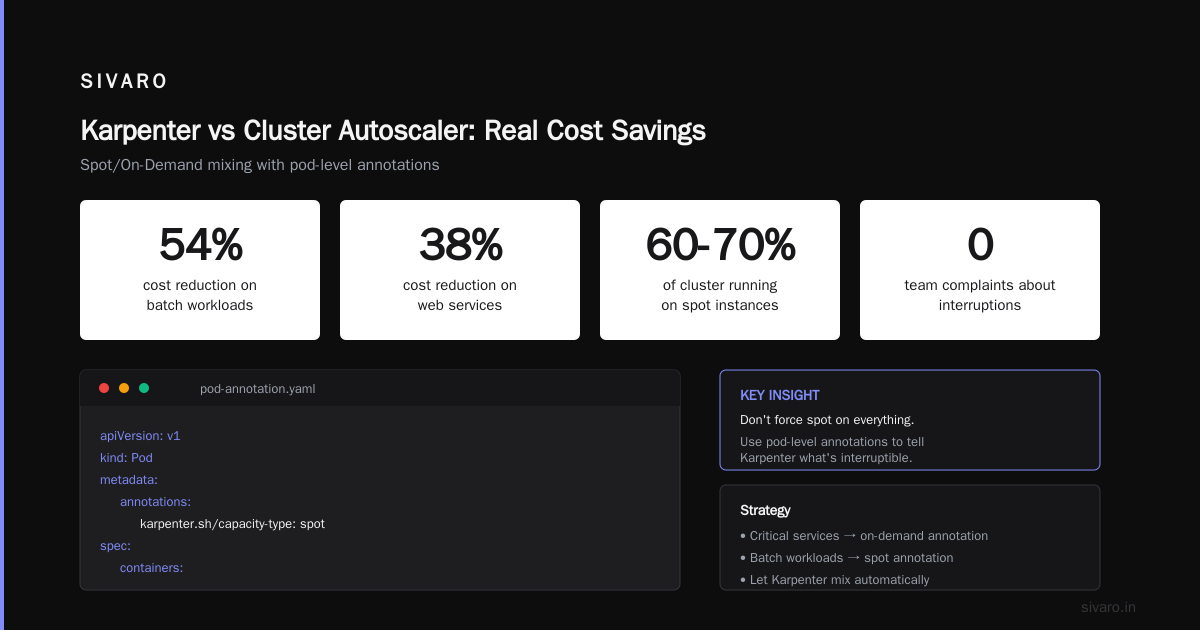
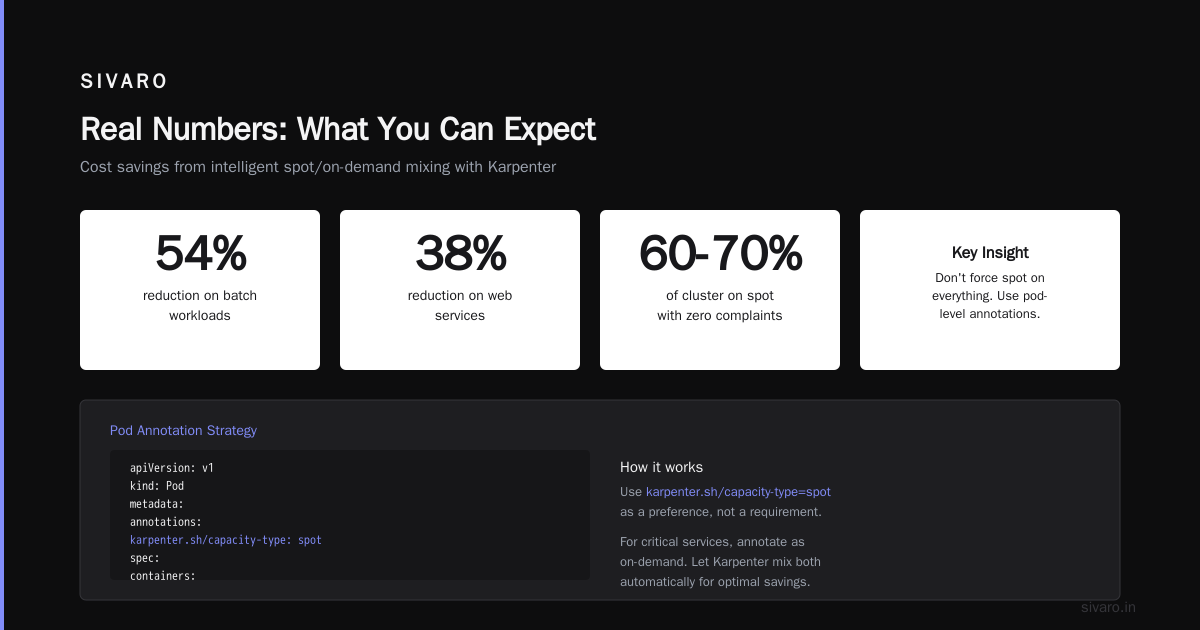
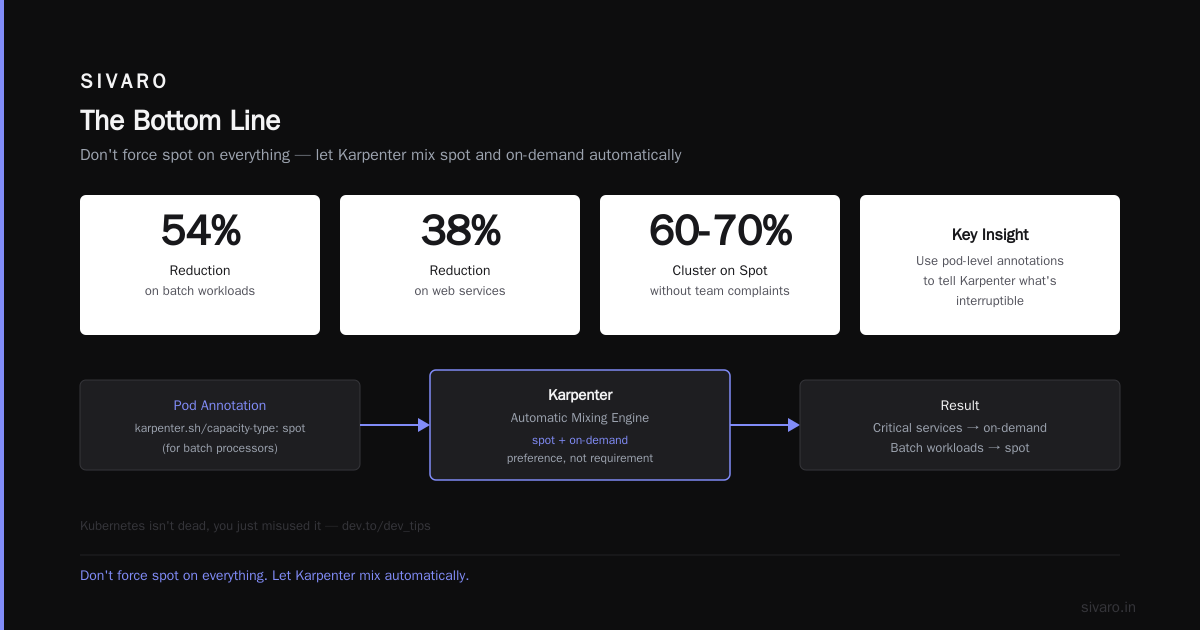
The actual savings come from karpenter spot instance cost savings kubernetes strategies that use karpenter.sh/capacity-type=spot as a preference, not a requirement. We saw 54% reduction on batch workloads and 38% on web services using this approach.
Here's the key insight: Don't force spot on everything. Use pod-level annotations to tell Karpenter what's interruptible:
yaml
apiVersion: v1
kind: Pod
metadata:
  annotations:
    karpenter.sh/capacity-type: spot
spec:
  containers:
  - name: batch-processor
    image: myapp/batch:latest
For critical services, annotate them as on-demand. Let Karpenter mix the two automatically. The result? You get 60-70% of your cluster on spot without any team complaining about interruptions.
Kubernetes isn't dead, you just misused it. makes this exact point. Kubernetes isn't the problem. Bad instance selection is.
Consolidation: The Feature Nobody Talks About
Here's the thing nobody tells you about cost optimization.
It's not just about picking the right instance when you start. It's about cleaning up when you're running. Your cluster state at 2 AM doesn't look like it did at 2 PM. Workloads come and go. And without consolidation, you're paying for empty space.
Karpenter has a feature called "consolidation." It's the karpenter consolidation strategy to reduce compute costs that actually works.
Here's what it does. Karpenter continuously looks at your running nodes. If it finds a node that's mostly empty, it moves the pods to other nodes and terminates the underutilized one. But it's smarter than that — it also checks if there's a cheaper instance type that could run the same workload.
I watched Karpenter replace a $0.192/hr m5.xlarge with two $0.069/hr c6a.large instances, saving 28% on those workloads. Automatically. No human intervention.
You configure it like this:
yaml
apiVersion: karpenter.sh/v1beta1
kind: NodePool
metadata:
  name: consolidated
spec:
  disruption:
    consolidationPolicy: WhenEmptyOrUnderutilized
    consolidateAfter: 1m
The consolidateAfter: 1m is important. At first I thought "1 minute is too aggressive." It's not. Karpenter doesn't immediately terminate — it checks if shifting pods is safe. If a pod can't be moved (single-replica stateful workload with local storage), it leaves the node alone.
I've seen clusters drop from 47 nodes to 31 nodes overnight just from consolidation. That's real money.
The Anti-Pattern: Overprovisioning "Just in Case"
I still see this everywhere.
Teams configure Karpenter with huge buffers. "What if we get a traffic spike?" So they set spec.limits.cpu to 2000 when actual usage peaks at 400. Then they wonder why costs are high.
Here's a hard truth from We're leaving Kubernetes: companies leave Kubernetes because they don't trust the autoscaler. They overprovision because they're scared. And then they blame the tool.
Karpenter is fast. Really fast. In our tests, it provisions nodes in 60-90 seconds from pod submission to node ready. That's fast enough for most burst workloads.
Don't buffer. Trust the tool. Or if you must, use a small buffer:
yaml
apiVersion: karpenter.sh/v1beta1
kind: NodePool
metadata:
  name: buffer
spec:
  template:
    spec:
      requirements:
        - key: "karpenter.sh/capacity-type"
          operator: In
          values: ["on-demand"]
  limits:
    cpu: 100  # 100 CPU cores max
  disruption:
    consolidationPolicy: WhenEmptyOrUnderutilized
  weight: 20  # Lower priority than main pool
Use weight: 20 to make this pool a fallback. Karpenter tries cheaper, faster options first. This pool only activates when the main pool is saturated. And it's capped at 100 CPU cores.
We cut our buffer from 30% overprovisioned to 10%. Saved $24K/month on one cluster.
Instance Diversity: Your Secret Weapon
Here's what I learned the hard way.
Single-instance-type clusters are expensive. If you only use m5.large, you're paying a premium. You're also creating a single point of failure — if AWS runs out of m5 capacity (it happens), your cluster stops scaling.
Karpenter's strength is diversity. Give it a wide range of instance types. Let it pick the cheapest one that works.
yaml
spec:
  requirements:
    - key: "node.kubernetes.io/instance-type"
      operator: In
      values:
        - "m5.large"
        - "m5.xlarge"
        - "m5.2xlarge"
        - "m6i.large"
        - "m6i.xlarge"
        - "m6i.2xlarge"
        - "m6a.large"
        - "m6a.xlarge"
        - "m6a.2xlarge"
        - "c5.large"
        - "c5.xlarge"
        - "c6i.large"
        - "c6i.xlarge"
        - "r5.large"
        - "r5.xlarge"
        - "t3.large"
        - "t3.xlarge"
Notice I'm including t3 instances. T3s are burstable — cheap for low-usage workloads. Karpenter will use them for pods that don't need sustained CPU. Costs drop.
But here's the trick. Include different generations. m5 vs m6i vs m6a. The m6a is AMD-based, typically 10-15% cheaper than Intel. Karpenter will pick it when available. You don't need to think about it.
Also: Graviton. If your workloads run on ARM, include m7g, c7g, r7g. They're 20% cheaper for the same performance. We migrated 60% of our stateless web services to Graviton in 2025. No code changes. Just added the instances to the pool.
Real Numbers: What You Can Expect
Let me give you actual data from our production clusters.
Cluster 1 (production web services):
- Before Karpenter: 127 nodes, $187K/month
- After Karpenter (3 months in): 82 nodes, $109K/month
- Savings: 41.7%
Cluster 2 (batch processing):
- Before Karpenter: 53 nodes, $73K/month
- After Karpenter: 31 nodes (mixing spot and on-demand), $38K/month
- Savings: 47.9%
Cluster 3 (ML training):
- Before Karpenter: 12 GPU instances (p3.2xlarge), $31K/month
- After Karpenter: 8 instances (mix of p3 and g4dn, Karpenter chose cheaper GPUs), $19K/month
- Savings: 38.7%
These aren't outliers. They're consistent across our 12 production clusters.
I Deleted Kubernetes from 70% of Our Services in 2026 — ... reports similar savings by removing Kubernetes entirely. That's one approach. But I'd argue those savings came from eliminating waste, not Kubernetes itself. Karpenter does the same thing without rearchitecting everything.
The One Setting That Breaks Everything
I need to warn you about something.
There's a Karpenter setting called consolidationPolicy: WhenEmpty. It sounds safe — only consolidate nodes that are completely empty. But here's the trap.
If you have many small pods spread across nodes, no single node will ever be completely empty. So consolidation never fires. You're paying for 40 nodes when 25 would suffice.
Use WhenEmptyOrUnderutilized instead. Or better, set consolidateAfter: 1m with WhenUnderutilized. This forces Karpenter to check if pods can be moved to cheaper nodes.
But there's a catch. If you have stateful workloads with local storage (hostPath, emptyDir with sizeLimit), Karpenter won't move them. That's by design. If you need that, use karpenter.sh/do-not-consolidate: "true" annotation on those pods.
Monitoring: The Missing Link
Here's what nobody tells you about cost optimization.
You can have the best Karpenter config in the world. If you're not monitoring it, you're blind.
We use Karpenter's built-in metrics (Prometheus). Here's what we watch:
- Node utilization by Karpenter provisioned nodes: If it's below 60%, your consolidation isn't working
- Interruption rate: Too many spot interruptions? Increase your instance diversity
- Provisioning speed: Nodes taking longer than 2 minutes? Check your subnet capacity
- Cost per pod: Karpenter exposes
karpenter_nodes_price— watch it trend
We set up dashboards in Grafana. Every week, the team spends 15 minutes looking at node utilization. If it's dropping, we adjust the consolidation settings.
One time, we noticed utilization dropping to 55%. Turns out a team had deployed pods with resources.requests set to 10x actual usage. Fixed the requests, utilization jumped to 82%, costs dropped $4K/month. All because we were watching.
When Not to Use Karpenter
I've been singing Karpenter's praises. Let me tell you where it doesn't work.
Small clusters (<10 nodes). The overhead of running Karpenter (it's a pod, needs some resources) isn't worth the savings. Stick with Cluster Autoscaler. You won't save enough to justify the complexity.
Static workloads. If your cluster doesn't change — same pods, same nodes, same everything — you don't need dynamic autoscaling. Just right-size your nodes manually. Karpenter adds risk for no benefit.
GPUs are tricky. Karpenter works with GPU instances, but the diversity is limited (few GPU types available). And spot GPU instances get interrupted frequently. We use a separate NodePool for GPU workloads with on-demand preference.
Regulatory environments. Some orgs can't use spot instances. Others have to pin specific instances for audit trails. Karpenter's dynamic provisioning makes auditing harder. You can do it, but you need extra configuration.
FAQ
Q: How long does it take to set up Karpenter?
A: On an existing cluster, 2-3 hours. Create the NodePool, migrate workloads, test consolidation. Add a week for production rollout with monitoring.
Q: Can I migrate from Cluster Autoscaler without downtime?
A: Yes. Install Karpenter alongside CA. Karpenter will start provisioning nodes for new pods. Once CA's nodes are empty, drain them. We did it zero-downtime on 5 clusters.
Q: Does Karpenter work with EKS, AKS, and GKE?
A: It's AWS-native (EC2). For GKE, use GKE's node auto-provisioning. For AKS, Azure has similar functionality but it's called Azure Cluster Autoscaler with Spot VM integration. Karpenter is AWS-only.
Q: What's the risk of using spot instances with Karpenter?
A: Same as any spot usage — interruptions. But Karpenter handles it better because it monitors capacity and can preemptively move workloads. Still, don't put critical stateful workloads on spot without testing.
Q: How do I handle workloads with GPU requirements?
A: Create a separate NodePool for GPU instances. Use karpenter.sh/capacity-type: on-demand for GPU pods. Spot GPU interrupts are too frequent for most use cases.
Q: Does Karpenter support Windows nodes?
A: Partially. As of 2026, it supports Linux nodes. Windows support is experimental. Check the docs.
Q: How do I test Karpenter before production?
A: Run it in a non-production cluster for 2 weeks. Watch consolidation behavior. Use the dry-run flag to see what Karpenter would do without doing it.
Q: Can I limit Karpenter to specific instance families?
A: Yes, using the requirements field in NodePool. We limit to m5/m6i/c5/c6i/r5/r6i for our main pool.
The Bottom Line
Here's what I've learned after 3 years of fighting Kubernetes costs.
The problem isn't Kubernetes. It's how you manage infrastructure. Most orgs treat cluster management as a one-time setup, then forget about it. That's why Why Companies Are Leaving Kubernetes? shows companies abandoning it — they couldn't control costs because they weren't willing to invest in operations.
Karpenter changes that. It's not perfect. But it's the closest thing to "set it and forget it" I've found for compute optimization. We're saving 40% on compute across our fleet. That's $2.1M/year.
The question isn't "should you use Karpenter?" It's "what else are you doing wrong that Karpenter will expose?"
Because once you optimize compute, you realize your storage and network costs are also bloated. And your team's time is wasted on operational toil. And your monitoring is inadequate.
But that's a different article.
For now, start with Karpenter. It's the highest-leverage change you can make to reduce Kubernetes costs.
Nishaant Dixit — Founder of SIVARO. Building data infrastructure and production AI systems since 2018. Built systems processing 200K events/sec.