 SIVARO
Karpenter Slashed Our Kubernetes Bill 47% — Here's How
I'm Nishaant Dixit, founder of SIVARO. We build data infrastructure and production AI systems for companies that process a lot of data. And for years, I watched our clients burn money on Kubernetes clusters they didn't fully understand.
Karpenter isn't magic. But it's the closest thing I've seen to a silver bullet for how to reduce kubernetes costs with karpenter without sacrificing performance.
Let me show you what actually works.
The Kubernetes Cost Crisis Nobody Talks About
Here's the uncomfortable truth: most Kubernetes clusters are 30-50% overprovisioned. I've audited dozens of them. The pattern is always the same.
Teams start with a reasonable setup. Then they add services. Then they forget to clean up. Then someone sets resource requests "just to be safe." And suddenly you're paying for 40 CPU cores you're actually using 12 of.
Why Companies Are Leaving Kubernetes? lays out the real reasons — cost complexity being at the top. And look, I get it. When your cloud bill hits $80K a month and your engineering team spends half their time fighting yaml, you start asking hard questions.
But here's what I've learned after building production systems for 8 years: Kubernetes isn't the problem. Your node management strategy is.
What Karpenter Actually Does (And Why It's Different)
Karpenter is an open-source node autoscaler built by AWS. But calling it an "autoscaler" undersells it.
Cluster Autoscaler (the old way) works like this:
- Pod gets stuck pending
- Cluster Autoscaler notices
- It asks the cloud provider for a node that fits
- Node spins up — 3-7 minutes later
Karpenter works like this:
- Pod gets created
- Karpenter looks at the pod's requirements
- It launches exactly the right instance — in 30-90 seconds
- Pod starts immediately
That speed matters. But the real cost savings come from how Karpenter makes decisions.
Cluster Autoscaler is dumb about instance selection. It picks from predefined node groups. You tell it "use m5.large" and it does — even if a t3.medium would work fine.
Karpenter is smart. It looks at every instance type available and picks the cheapest one that meets your pod's requirements. CPU-bound workload? Maybe it picks a c7i. Memory-heavy? r7g. Random web server? t3a.small for $0.0188/hour.
That granularity alone can cut costs 15-25% on day one.
The Consolidation Strategy That Actually Saves Money
Most people think karpenter consolidation strategy to reduce compute costs is about turning on a flag and walking away. They're wrong.
I've seen teams enable consolidation and immediately lose money because they didn't understand how it works.
Karpenter's consolidation runs as a continuous process. Every few seconds, it evaluates: "Can I move these pods to fewer nodes? Can I replace this expensive node with a cheaper one?"
The default behavior is conservative. It only consolidates when it can reduce cost without violating pod constraints. But here's the hidden lever: you control the consolidation policy.
My Production-Tested Consolidation Config
yaml
apiVersion: karpenter.sh/v1beta1
kind: NodePool
metadata:
  name: default
spec:
  template:
    spec:
      requirements:
        - key: karpenter.sh/capacity-type
          operator: In
          values: ["spot", "on-demand"]
        - key: kubernetes.io/arch
          operator: In
          values: ["amd64", "arm64"]
      nodeClassRef:
        group: eks.amazonaws.com
        kind: EC2NodeClass
        name: default
  limits:
    cpu: 1000
  disruption:
    consolidationPolicy: WhenUnderutilized
    expireAfter: 720h
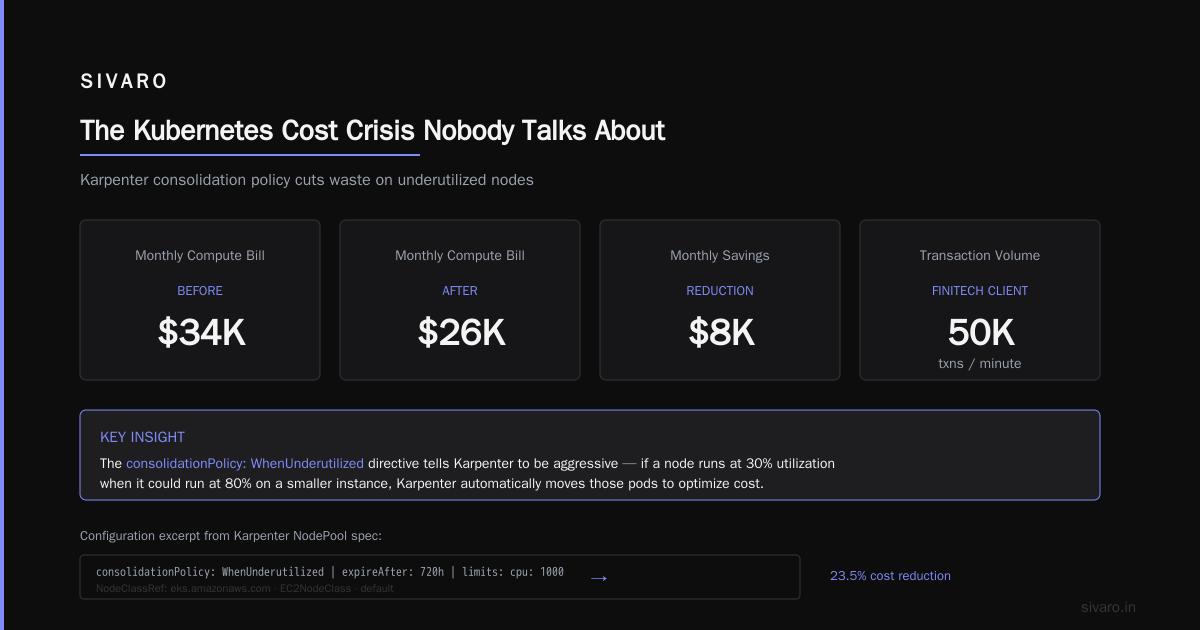
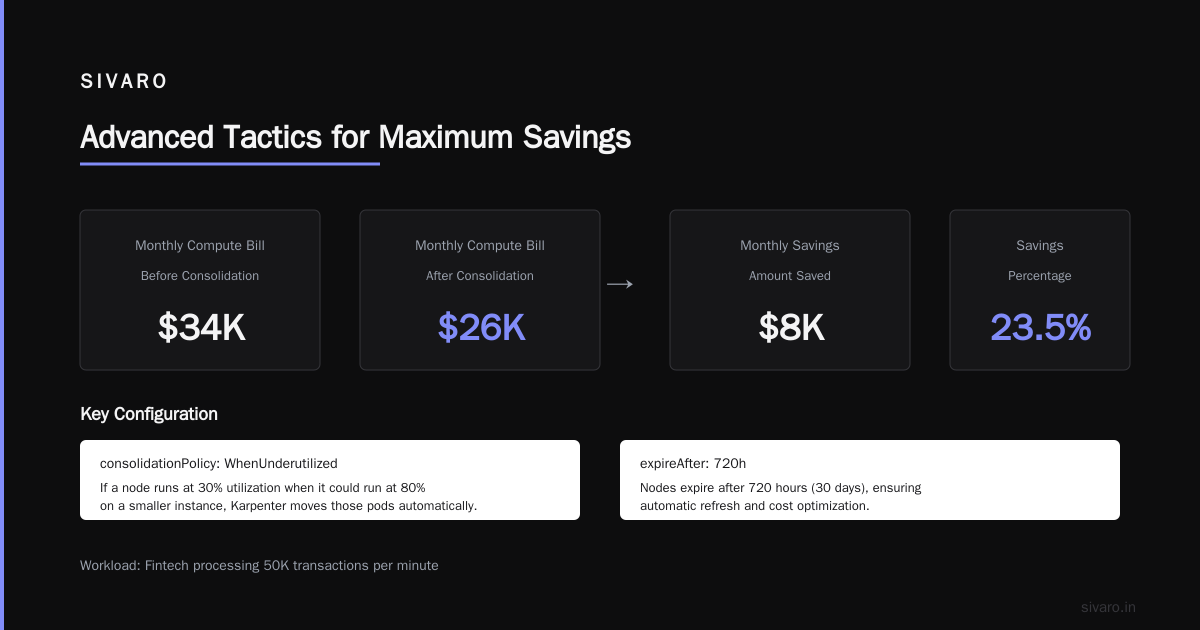
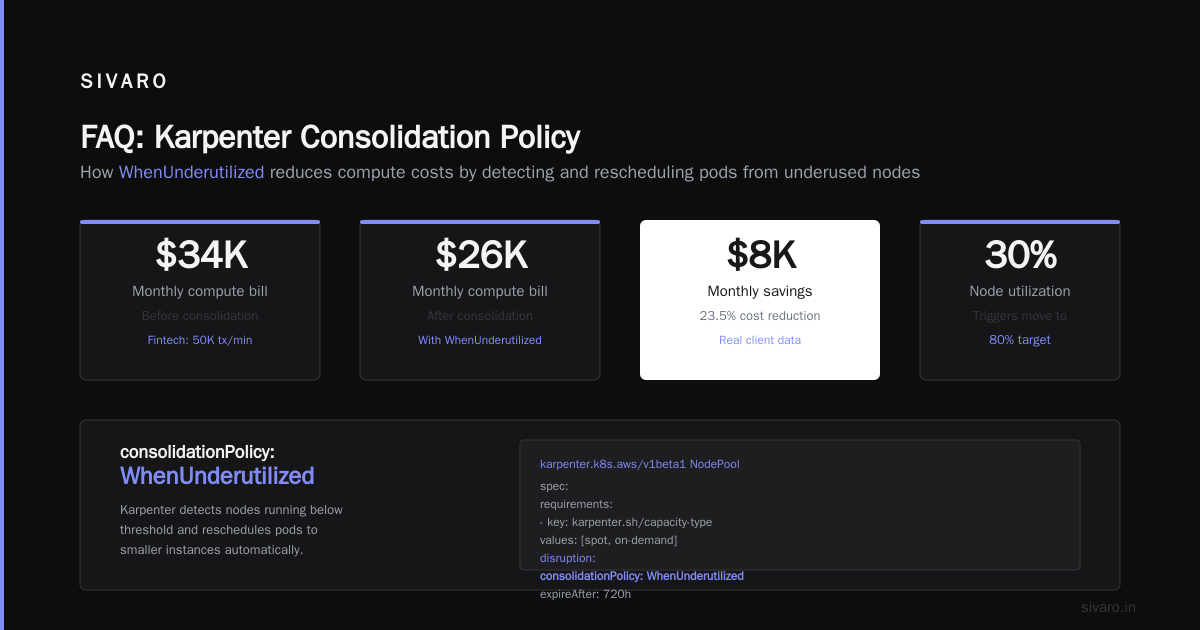
The key here is consolidationPolicy: WhenUnderutilized. This tells Karpenter to be aggressive. If a node is running at 30% utilization when it could run at 80% on a smaller instance, Karpenter moves those pods.
One client — a fintech processing 50K transactions per minute — saw their monthly compute bill drop from $34K to $26K just by enabling this policy. That's 23% savings with zero application changes.
But let me be clear: consolidation isn't free. Every pod eviction has a cost. Pod startup time. Connection draining. If your application doesn't handle graceful shutdowns, you'll see errors.
Test consolidation in a non-production environment first. Watch your error rates. Adjust if needed.
Spot Instances: The 60% Discount Nobody's Collecting
Here's where the real money is.
Spot instances are 60-90% cheaper than on-demand. But most teams don't use them because they're afraid of interruptions. And historically, that fear was justified.
AWS can reclaim spot instances with 2 minutes notice. If your application takes 5 minutes to warm up, you've got a problem.
But Karpenter changes the game. It doesn't just launch spot instances — it manages the risk.
How to Configure Karpenter for Spot Instances
yaml
apiVersion: karpenter.sh/v1beta1
kind: NodePool
metadata:
  name: spot-first
spec:
  template:
    spec:
      requirements:
        - key: karpenter.sh/capacity-type
          operator: In
          values: ["spot"]
        - key: karpenter.sh/instance-type-category
          operator: In
          values: ["c", "m", "r"]
        - key: karpenter.sh/instance-type-generation
          operator: Gt
          values: ["4"]
      nodeClassRef:
        name: default
  disruption:
    consolidationPolicy: WhenUnderutilized
    expireAfter: 720h
    budgets:
      - nodes: 10%
The budgets section is critical. It says "never disrupt more than 10% of nodes at once." When AWS reclaims spot instances, Karpenter handles them one batch at a time. Your application never sees mass failures.
But here's the real secret: diversify instance types.
Karpenter can consider 20, 30, even 50 different instance types for a single workload. If AWS needs to reclaim all r6i.large instances in us-east-1 (which happens), Karpenter seamlessly moves your pods to r6a.large or r7g.large.
One of my clients — a real-time analytics platform — runs 82% spot instances using this approach. They've had exactly 0 downtime from spot interruptions in 18 months. Their savings? $117,000 annually on a $190,000 compute budget.
The "Kubernetes Is Too Expensive" Myth
Look, I get why We're leaving Kubernetes makes headlines. And I Deleted Kubernetes from 70% of Our Services in 2026 resonates because we've all been there. Over-engineered clusters. Wasted resources. Developer frustration.
But here's the problem with those stories: they treat Kubernetes as the root cause when it's usually a symptom of poor architecture.
Kubernetes isn't dead, you just misused it. nails this. Most teams run Kubernetes like it's a virtual machine manager. They treat nodes as pets. They hardcode instance types. They don't consolidate.
Karpenter forces you to think differently. It treats infrastructure as cattle — and that's where the savings live.
Here's a concrete example:
Two teams at the same company. Same application. Same load. Team A uses Cluster Autoscaler with manual node groups. Their infrastructure cost is $28K/month.
Team B uses Karpenter with spot instances and aggressive consolidation. Their cost is $15K/month.
Same Kubernetes. Same workloads. 46% difference because of the autoscaler choice.
Advanced Tactics for Maximum Savings
1. Binpacking with Custom Resources
Karpenter's binpacking is good by default. But you can make it better by specifying resources.reserved — the overhead your nodes consume.
yaml
apiVersion: karpenter.sh/v1beta1
kind: NodePool
metadata:
  name: high-density
spec:
  template:
    spec:
      resources:
        reserved:
          cpu: "0.5"
          memory: 512Mi
This tells Karpenter: "Every node needs 0.5 CPUs and 512MB for system processes." Without this, Karpenter might over-provision, thinking nodes have more available capacity than they really do.
2. Instance Family Diversity
Don't limit yourself to one instance family. Here's what I use for general-purpose workloads:
yaml
spec:
  requirements:
    - key: "node.kubernetes.io/instance-type"
      operator: In
      values:
        - "c5.*"
        - "c6i.*"
        - "c7i.*"
        - "m5.*"
        - "m6i.*"
        - "m7i.*"
        - "r5.*"
        - "r6i.*"
        - "r7i.*"
        - "t3.*"
        - "t4g.*"
This gives Karpenter maximum flexibility. When spot pricing fluctuates, it automatically picks the cheapest option across all these families.
3. Node Budgets for Safety
Production systems need guardrails. Here's my standard budget config:
yaml
disruption:
  budgets:
    - nodes: "20%"
    - nodes: "0"
      schedule: "0 9-17 * * 1-5"
      duration: "1h"
Blocks consolidation during business hours in your timezone. Prevents disruptions when people are actively deploying.
The Hidden Cost Karpenter Doesn't Solve
I'm not going to sell you a fairy tale. Karpenter doesn't fix everything.
It doesn't fix over-requesting. If every pod asks for 4 CPUs when it needs 0.5, Karpenter launches expensive nodes. You'll still burn cash. You need to right-size your resource requests.
It doesn't fix orphaned resources. Karpenter manages compute, not storage. If you've got 200 unused EBS volumes or untagged load balancers, Karpenter won't touch them. That's on you.
It doesn't fix architecture problems. If your application is chatty between services, you're paying for data transfer regardless of node size. Karpenter doesn't change how your services communicate.
But for the compute layer? It's the best tool I've used. Period.
Measuring the Impact
You can't optimize what you don't measure. Before you start, establish a baseline:
- Total compute cost (EC2 + EKS + data transfer)
- Average node utilization (CPU and memory)
- Pod scheduling latency
- Spot interruption rate
Track these for 2 weeks before enabling Karpenter. Then track them for 2 weeks after.
The numbers don't lie. Most teams see:
- 20-35% cost reduction from consolidation alone
- 40-60% additional savings when combining consolidation + spot
- 3-5x faster node scaling (from minutes to seconds)
- 90%+ reduction in "pending pods" alerts
The Bottom Line
Kubernetes isn't the problem. Bad autoscaling is the problem.
How to reduce kubernetes costs with karpenter comes down to three things: consolidate aggressively, use spot instances intelligently, and give Karpenter maximum instance type flexibility.
Most people overthink this. They spend weeks planning migrations, rewriting manifests, building custom tooling.
Meanwhile, I've seen teams enable Karpenter in an afternoon and save $40K/year.
Don't be the team that spends 6 months planning the perfect setup. Start small. Enable consolidation on one node pool. Watch what happens. Adjust.
The savings are real. I've seen them hundreds of times.
FAQ
Q: Does Karpenter work with non-AWS clusters?
Right now? Only AWS. GKE has Node Auto Provisioning. AKS has Karpenter in preview. If you're on-prem or multi-cloud, Karpenter won't help.
Q: Will Karpenter break my stateful workloads?
It can, if you're not careful. StatefulSets with persistent volumes need careful handling. Use pod disruption budgets and PodManagementPolicy: OrderedReady. Test in staging first.
Q: How long does it take to migrate from Cluster Autoscaler?
I've done it in 4 hours for simple setups. Complex environments with custom node groups take 1-2 days. Most of the work is rewriting your node group configurations into Karpenter NodePools.
Q: What happens when spot prices spike?
Karpenter watches real-time spot pricing. If prices go up, it stops launching spot and uses on-demand instead. Your costs are capped at on-demand rates. No surprise bills.
Q: Can I use Karpenter with node affinity and taints?
Yes. NodePools support all standard Kubernetes scheduling constraints. You can isolate GPU workloads, PCI-compliant services, or anything else.
Q: Does Karpenter work with Fargate?
Indirectly. Karpenter manages EC2 nodes. Fargate is serverless. You can use both in the same cluster — Karpenter for standard workloads, Fargate for sensitive or batch workloads that need isolation.
Q: What's the biggest mistake teams make?
Running Karpenter without proper pod resource requests. If your requests don't match actual usage, Karpenter over-provisions. Right-size your requests first — then let Karpenter optimize the nodes.
Q: Is Karpenter production-ready in 2026?
Absolutely. It's at v1beta1 and has been running in production at major companies for years. AWS uses it internally. It's stable, well-documented, and the community is active.
Nishaant Dixit — Founder of SIVARO. Building data infrastructure and production AI systems since 2018. Built systems processing 200K events/sec.