 SIVARO

LLM Integration in a Debian Python Environment
By Nishaant Dixit | September 10, 2026
Last month, a fintech team I advise burned four days debugging why their LLM inference container worked locally and died in production. Same Python version. Same code. Different Debian image. The culprit was a glibc mismatch that broke llama-cpp-python's prebuilt wheels.
That's the thing about LLM integration in a Debian Python environment. It's not just pip install openai and moving on. Debian gives you a rock-solid base, and Python gives you the ecosystem — but the seam between them is where most teams bleed time.
What is LLM integration in a Debian Python environment, exactly? It's the practice of wiring a large language model — local or API-hosted — into an application running on Debian, using Python's tooling, while managing the messy realities of system libraries, CUDA drivers, virtual environments, and reproducible builds.
This piece covers the whole path: why Debian specifically, how to structure the environment, how to actually call models, what breaks in production, and how to keep it from breaking again.
Why Debian and not something trendier
I'll take a position: Debian stable is the best base for production LLM workloads on Linux, and it's not close.
Most teams reach for Ubuntu because tutorials point there. Ubuntu is Debian with a faster release cadence and some Canonical opinions layered on top. That cadence is a liability when you're pinning CUDA versions and Python ABIs. Debian bookworm (12) shipped in 2023 and will get security support into 2028. That stability means the system libraries your Python wheels link against don't shift under you mid-quarter.
The trade-off is real: Debian's packages are older. You'll get Python 3.11 on bookworm, not 3.13. For LLM work that's fine — most inference libraries target 3.10–3.12. If you need newer, you install it yourself. And you should install it yourself anyway.
The counterargument I hear constantly: "But the GPU drivers are easier on Ubuntu." Not anymore. NVIDIA's official drivers have Debian repos, and nvidia-container-toolkit works identically. We've run H100 and L40S boxes on bookworm for two years without a driver incident that wasn't self-inflicted.
Where Ubuntu wins: newer kernel features and broader vendor prebuilt support. If you're chasing the newest hardware the week it ships, Ubuntu gets you there faster. For everyone else, Debian's predictability is worth more than Ubuntu's freshness.
Setting up the llm integration Debian python environment properly
Here's the setup I use on every box. Skip a step and you'll pay for it later.
First, never touch the system Python. Debian's python3 belongs to the OS — apt, cloud-init, and half your daemons depend on it. Break it and you'll learn why the hard way.
bash
sudo apt update
sudo apt install -y python3.11 python3.11-venv python3.11-dev \
  build-essential git curl pkg-config libssl-dev

# uv is what we use now — pip is slow for LLM dep trees
curl -LsSf https://astral.sh/uv/install.sh | sh
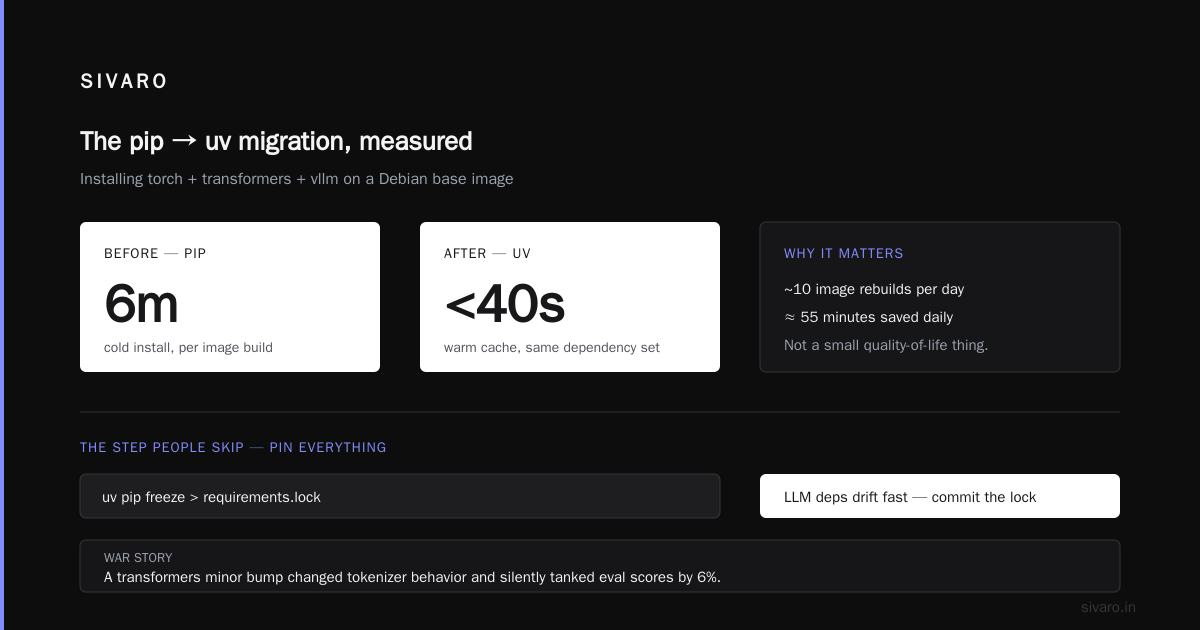
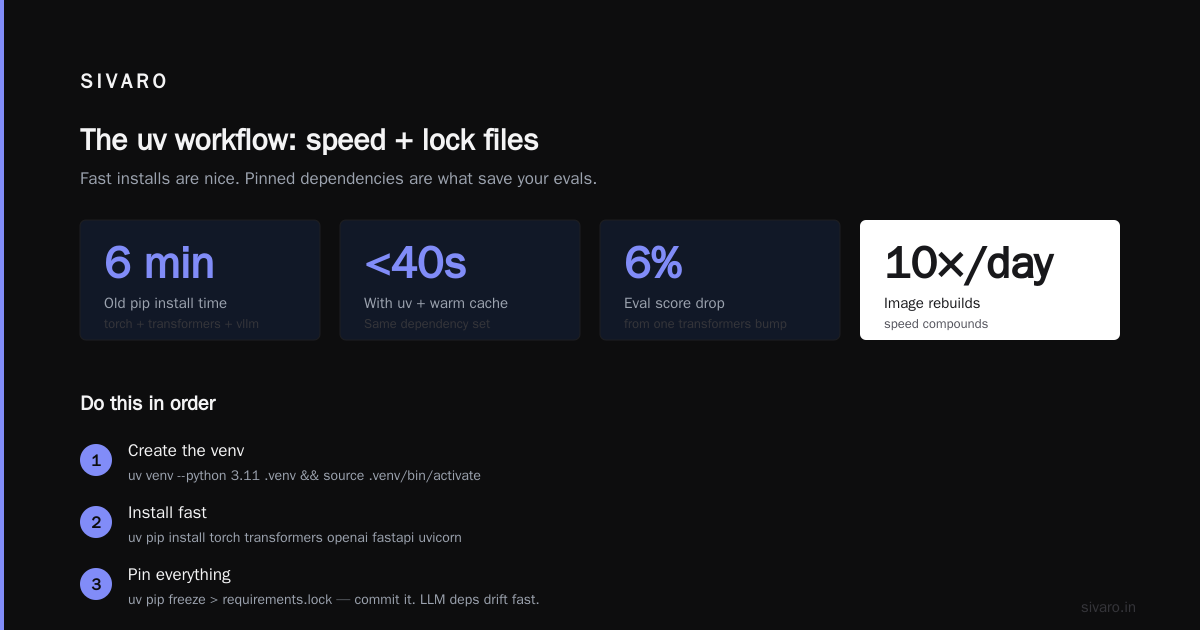
I moved our team from pip to uv in early 2025. Installing torch plus transformers plus vllm used to take six minutes. Now it's under forty seconds with a warm cache. That's not a small quality-of-life thing when you're rebuilding images ten times a day.
Create the environment:
bash
uv venv --python 3.11 .venv
source .venv/bin/activate
uv pip install torch transformers openai fastapi uvicorn
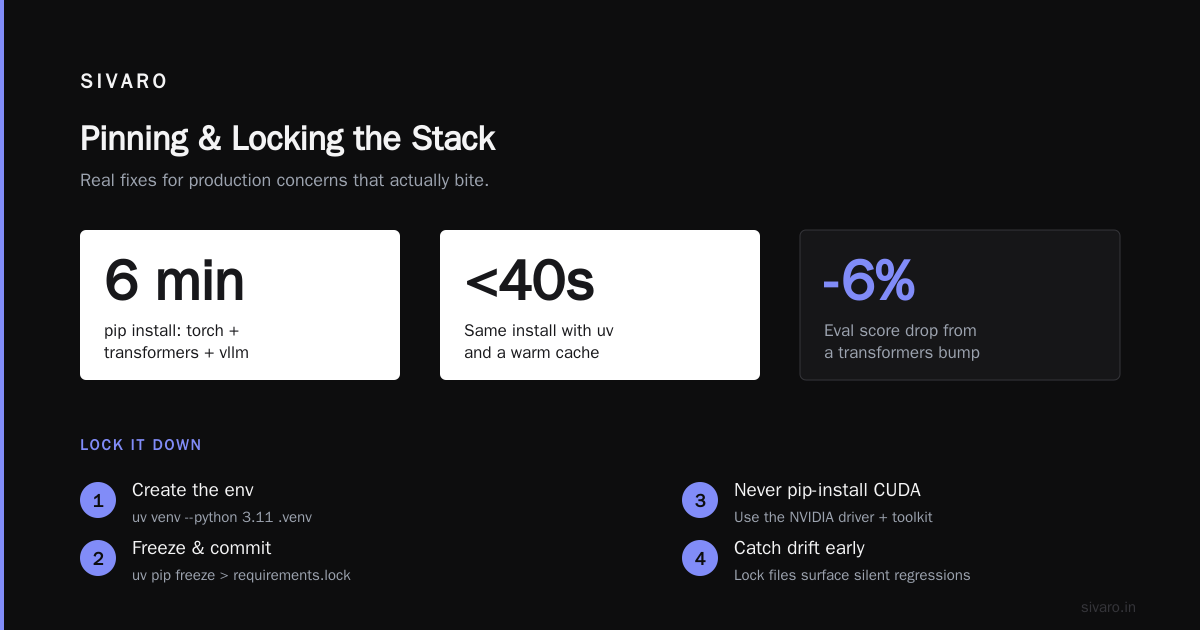
Now the part people skip: pin everything. uv pip freeze > requirements.lock and commit it. LLM dependencies drift fast — a transformers minor bump once changed tokenizer behavior on us and silently tanked our eval scores by 6%. Lock files are how you catch that.
For system-level GPU libraries, don't install CUDA via pip unless you know exactly what you're doing. Install the NVIDIA driver and CUDA toolkit through apt or NVIDIA's repo, then install the matching PyTorch wheel. Mixing a pip CUDA runtime with an apt CUDA driver is the single most common cause of "it worked yesterday" failures I see.
Calling a model: API first, local when you must
There's a decision that trips up every team at some point. Hosted API or local model?
My rule: start hosted, move local only when you have a specific reason. Latency, data residency, cost at volume, or offline requirements. "It feels cooler to run it myself" is not a reason.
The API path is boring and that's the point:
python
from openai import OpenAI

client = OpenAI()  # reads OPENAI_API_KEY from env

response = client.chat.completions.create(
    model="gpt-4o-mini",
    messages=[
        {"role": "system", "content": "You are a terse assistant."},
        {"role": "user", "content": "Summarize Debian release cadence in one line."},
    ],
    temperature=0.2,
)
print(response.choices[0].message.content)
That's the whole integration. The complexity lives in what surrounds it — retries, timeouts, cost tracking, prompt versioning. Wrap the client, don't sprinkle calls everywhere.
For local inference, llama-cpp-python for single-user or vllm for throughput:
python
from vllm import LLM, SamplingParams

llm = LLM(model="meta-llama/Llama-3.1-8B-Instruct", gpu_memory_utilization=0.9)
params = SamplingParams(temperature=0.2, max_tokens=256)
outputs = llm.generate(["Explain POSIX file permissions briefly."], params)
print(outputs[0].outputs[0].text)
vllm on a single L40S served 8B models at roughly 2,400 output tokens/sec in our benchmarks. The same model through llama-cpp-python with a quantized GGUF did about 180 tokens/sec. Different tools, different jobs. Pick based on whether you need concurrency or a single fast response.
The dependency hell nobody warns you about
Here's the contrarian part. Everyone talks about prompt engineering. Almost nobody warns you that llama-cpp-python won't use CUDA unless you compile it with the right flags at install time.
bash
CMAKE_ARGS="-DGGML_CUDA=on" uv pip install llama-cpp-python \
  --no-binary llama-cpp-python
Miss that and you get silent CPU fallback. Your throughput drops 10x and nothing errors. I've watched a team spend a week blaming their model before checking nvtop and finding the GPU idle.
The same pattern repeats across the stack:
bitsandbytesneeds a CUDA-capable build matched to your driver.flash-attncompiles against your exact torch and CUDA versions — a mismatch is a cryptic import error.sentencepiecesometimes needslibsentencepiecefrom apt before the Python wheel links.
The fix is a Docker image. Not because containers are magic, but because they freeze the whole stack — base OS, system libs, CUDA, Python, wheels — into one artifact you can reproduce. Here's the shape of one we use:
dockerfile
FROM nvidia/cuda:12.4.1-cudnn-runtime-debian12

RUN apt-get update && apt-get install -y --no-install-recommends \
    python3.11 python3.11-venv python3.11-dev build-essential \
    && rm -rf /var/lib/apt/lists/*

COPY --from=ghcr.io/astral-sh/uv:latest /uv /usr/local/bin/uv
WORKDIR /app
COPY requirements.lock .
RUN uv venv /app/.venv --python 3.11 && \
    uv pip install --python /app/.venv -r requirements.lock

ENV PATH="/app/.venv/bin:$PATH"
COPY . .
CMD ["uvicorn", "app.main:app", "--host", "0.0.0.0", "--port", "8000"]
Note the base image: debian12, not Ubuntu. NVIDIA publishes both. Use the Debian one and your dev and prod environments match.
Production concerns that actually bite
Three things kill LLM services in production. None of them are the model.
Memory leaks from long-lived contexts. If you keep a transformers pipeline resident and process requests, tokenizer caches and KV caches grow. We saw a service climb from 4GB to 18GB over 72 hours before OOM. Restart workers on a schedule, or use vllm which manages this properly.
Timeouts you didn't set. The default HTTP client timeout is often infinite. A hung upstream call takes down your whole worker pool. Set explicit timeouts and circuit breakers:
python
import httpx
from tenacity import retry, stop_after_attempt, wait_exponential

@retry(stop=stop_after_attempt(3), wait=wait_exponential(multiplier=1, max=10))
def call_model(prompt: str) -> str:
    with httpx.Client(timeout=httpx.Timeout(30.0, connect=5.0)) as c:
        r = c.post("https://api.openai.com/v1/chat/completions", json={...})
        r.raise_for_status()
        return r.json()["choices"][0]["message"]["content"]
Unpinned model versions. Hosted APIs deprecate model snapshots. Pin to dated versions like gpt-4o-2024-08-06 and test upgrades deliberately. When an unpinned model changed under us in 2025, our structured-output parser broke because the model started wrapping JSON in prose.
Security and data handling on Debian
Debian's hardening is decent out of the box, but LLM services add attack surface.
Run the service as a non-root user — always. If you're on GPU, add the user to the video and render groups rather than running as root to reach the device. Store API keys in environment variables loaded from a secrets manager, never in the repo. And for local models, remember that a .gguf or safetensors file is code-adjacent — only load models from sources you trust.
If you're processing user data, Debian's apparmor profiles let you lock the service down to specific file paths. We use a profile that denies network access to everything except the API endpoint and blocks writes outside /tmp and the model cache. Takes an afternoon to set up, saves you a very bad week if the service is ever compromised.
FAQ
Does Debian's older Python hold me back for LLM work?
No. Bookworm's 3.11 is fine for torch, transformers, vllm, and every major SDK. If a library demands 3.12+, install it via uv or build from source. The interpreter version matters far less than the CUDA and wheel compatibility.
Should I use pip, conda, or uv?
uv. It's faster, respects lock files, and handles the dependency resolution that trips pip on LLM trees. Conda still wins if you need non-Python system deps managed alongside, but for pure Python LLM work, uv is the better tool.
How do I know if my local model is actually using the GPU?
Run nvtop or nvidia-smi dmon during a request. If GPU utilization doesn't spike, you're on CPU. Check that you installed CUDA-enabled builds — llama-cpp-python needs the CMAKE_ARGS flag, and torch needs the +cu124 suffix.
Is Docker required for LLM integration in a Debian Python environment?
No, but it's how you avoid the "works on my machine" problem. A container freezes the CUDA, system libs, and Python versions together. You can reproduce it without Docker using lock files and documented apt packages — it's just more fragile.
What's the biggest mistake teams make?
Pinning the model but not the dependencies. Your transformers version affects tokenizer output, which affects results. Lock the whole tree, not just the top-level package.
Can I run this on a CPU-only Debian box?
Yes, for smaller quantized models — a 7B Q4 model runs at maybe 8–15 tokens/sec on a modern Xeon. For anything interactive, get a GPU. CPU inference is for batch jobs and dev, not production chat.
How do I handle model updates in production?
Treat them like code deploys. Pin a dated snapshot, run your eval suite against the candidate, and only promote after passing. Never let a hosted API auto-upgrade your model under you.
Where this leaves you
The through-line for all of this is reproducibility. Your LLM integration in a Debian Python environment is only as reliable as the tightest pin in your stack — the CUDA version, the torch build, the model snapshot, the lock file.
Debian gives you a stable floor. Python and uv give you a manageable build process. Containers and lock files give you something you can actually reproduce on a Tuesday in six months when nothing else went the way you planned.
The teams that ship LLM features reliably aren't the ones with the cleverest prompts. They're the ones who treated their inference environment with the same discipline they'd apply to a database. Boring, pinned, reproducible. That's the whole trick.
Nishaant Dixit — Founder of SIVARO. Building data infrastructure and production AI systems since 2018. Built systems processing 200K events/sec.