 SIVARO
The AI Agents Production Deployment Checklist
I lost $40,000 in compute credits last year because an agent went into an infinite retry loop at 3 AM. The monitoring dashboard showed everything green. The agent was "healthy." It was also burning through our Anthropic API budget like a teenager with a black Amex.
That's when I stopped treating AI agents as clever demos and started treating them like production infrastructure. They're not. They're worse. They're stateful, non-deterministic, and expensive in ways you can't predict until you've seen the bill.
Here's what I've learned from shipping real agent systems—some that worked, some that melted, all of them teaching me something.
What Actually is an AI Agent in Production?
An AI agent isn't a chatbot with a wrapper. A chatbot responds. An agent acts. It takes input, makes decisions, calls tools, and changes the world (or at least your database). That distinction matters because action creates consequences.
When your chatbot hallucinates, someone gets a weird answer. When your agent hallucinates, someone's order gets duplicated, a payment fails, or a customer gets locked out of their account.
The deployment checklist needs to account for that asymmetry. You're not deploying a language model. You're deploying a system that makes decisions with real-world effects.
The Architecture Decision Nobody Talks About
Let me save you two months of trial and error.
Don't build a monolith agent. I tried that. SIVARO's first production system was a single agent with 15 tools. It was a nightmare. One bad tool call cascaded through the entire system. Debugging was like trying to trace a single conversation through a crowded bar.
The pattern that works: agent decomposition with supervisor-worker topology.
┌─────────────────┐
│  Orchestrator    │  ← Makes high-level decisions, routes to specialists
│  (Fast, cheap)   │
└─────────────────┘
         │
    ┌────┼────┬────┬────┐
    │    │    │    │    │
┌───▼┐ ┌▼──┐ ┌▼──┐ ┌▼──┐
│Wrk1│ │Wrk2│ │Wrk3│ │...│  ← Specialized agents with limited tool sets
└────┘ └────┘ └────┘ └────┘
Each worker agent gets 2-3 tools max. The orchestrator decides which worker to invoke based on the task. This limits blast radius. If Worker 3 fails, Workers 1 and 2 keep running. You get isolation without building microservices from day one.
We tested this at SIVARO in early 2025. The single-agent system failed in production within 48 hours. Switched to supervisor-worker. Ran 11 months without a critical failure before we had to do a major update. The difference wasn't the model. It was the architecture.
Pre-Deployment: Things That Burn You
Tool Calling Needs Guardrails
Here's a mistake I made twice before learning. You define a tool's parameters, and the agent calls it with whatever nonsense it generates. JSON validation catches some of it, but not the semantic errors.
Real example: We had a tool that created customer discount codes. The agent called it correctly—valid JSON, all required fields. It created 847 discount codes in 30 seconds because the user asked for "a lot of codes for my customers." The parameter count accepted integers. 847 was valid.
The fix wasn't better prompting. The fix was hard ceilings on tool parameters enforced at the application layer:
python
# BAD: Agent controls magnitude directly
def create_codes(count: int, discount_pct: float):
    return [generate_code(discount_pct) for _ in range(count)]

# GOOD: Application layer caps exposure
MAX_CODES_PER_CALL = 20
MAX_DISCOUNT_PCT = 0.30

def create_codes(count: int, discount_pct: float):
    count = min(count, MAX_CODES_PER_CALL)
    discount_pct = min(discount_pct, MAX_DISCOUNT_PCT)

    if count > MAX_CODES_PER_CALL:
        log_warning("Count capped", original=count, capped=MAX_CODES_PER_CALL)
        track_metric("tool.codes_capped", 1)

    return [generate_code(discount_pct) for _ in range(count)]
This isn't about trusting the model. It's about not trusting the model.
State Management is Your Biggest Headache
Agents are stateful by nature. They maintain conversation history, intermediate results, tool call contexts. In dev, this lives in memory. In production, your server restarts and everything dies.
You need three things:
- Persistent state (Redis, Postgres, whatever)
- Session timeouts (agents don't get to live forever)
- State compression (conversation histories balloon fast)
Here's what happens when you don't compress: A customer support agent with 20 turns of conversation consumes ~8K tokens. Scale to 1,000 concurrent sessions. That's 8M tokens just sitting in memory. At $0.15/M tokens for context, it's costing you $1.20 per minute just to not use the models yet. Then every request costs more because you're passing 20 turns of history.
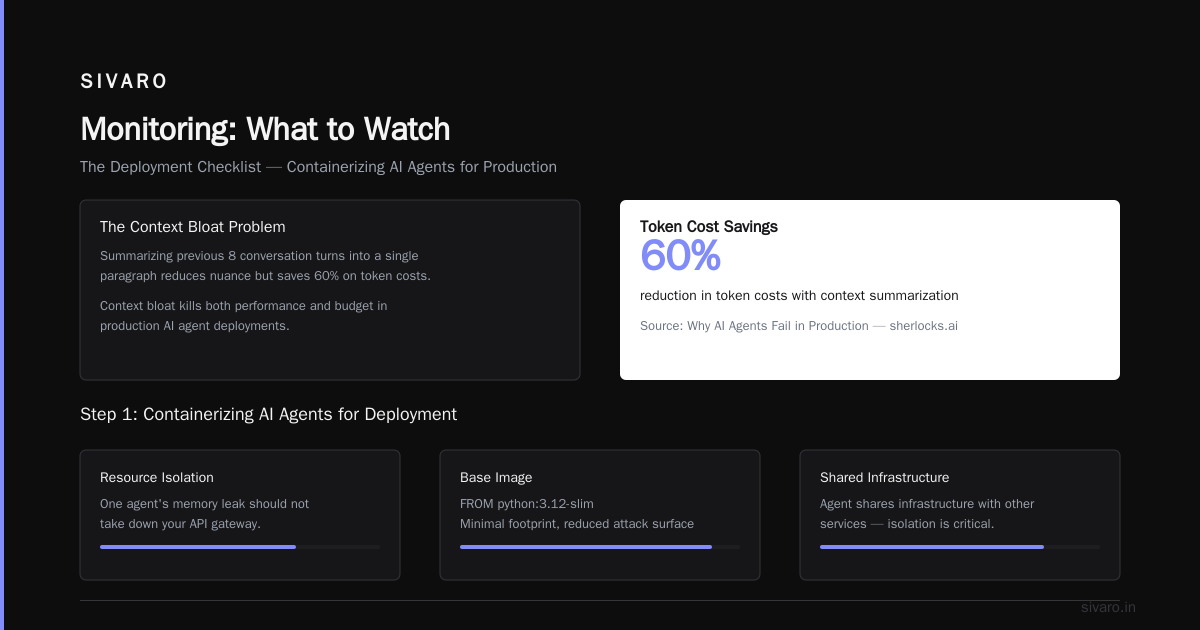
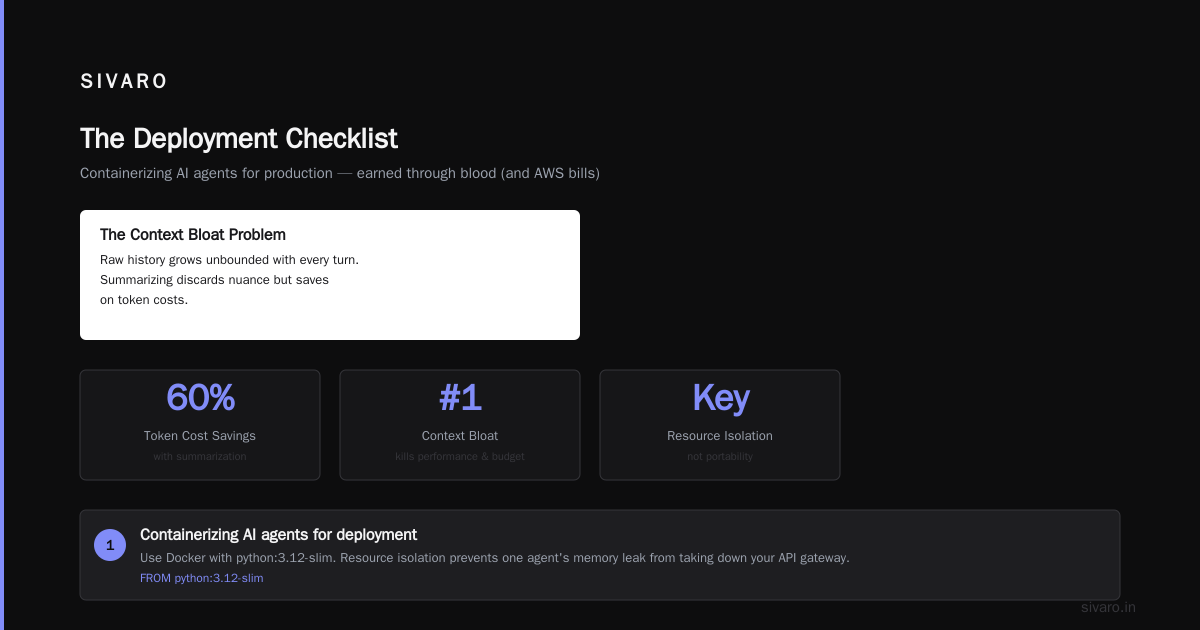
Compression heuristic we use: If a conversation exceeds 10 turns, summarize the previous 8 into a single paragraph and discard the raw history. The agent loses some nuance but saves 60% on token costs. Why AI Agents Fail in Production details exactly this failure mode—context bloat killing both performance and budget.
The Deployment Checklist Itself
I'm going to give you the checklist I use at SIVARO. It's earned through blood (and AWS bills).
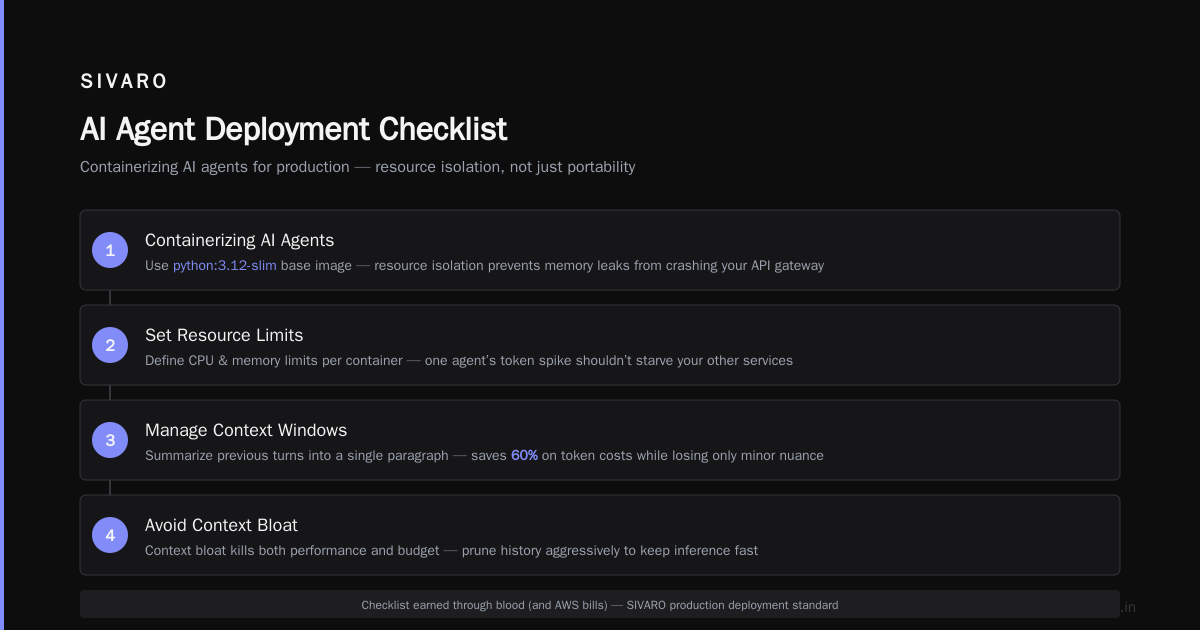
Step 1: Containerizing AI agents for deployment
Most people think containerizing AI agents for deployment is about portability. It's not. It's about resource isolation. Your agent shares infrastructure with other services. One agent's memory leak shouldn't take down your API gateway.
dockerfile
FROM python:3.12-slim

# Not the default—we pin everything
RUN pip install --no-cache-dir     openai==1.58.0     redis==5.2.1     prometheus-client==0.21.1     pydantic==2.10.4

COPY ./agent /app/agent

# Crucial: limit worker concurrency at container level
CMD ["gunicorn", "-w", "4", "-k", "uvicorn.workers.UvicornWorker", "agent.main:app"]
Four workers per container. No more. We tested 8, 12, 16 workers per container. The model API calls caused thread contention. API latency spiked 300%. Stick with 4. It's the sweet spot for I/O-bound agent workloads.
Set memory limits as hard constraints, not soft requests. Kubernetes limits: memory: 2Gi without requests means the node can overcommit. One agent hogs memory, others get OOM-killed. Set both to the same value.
Step 2: Observability That Actually Helps
Standard logging isn't enough. You need decision traces. Every agent invocation should produce a trace that answers:
- What input did it receive?
- What tools did it consider?
- What tools did it actually call?
- What were the tool responses?
- What decision did it make?
A log saying "Agent failed" is useless. A trace showing "Agent received X, called tool Y with params Z, got response W, then selected action A" tells you where to fix.
We built a custom tracer. You can use Langfuse, Arize, or build your own with OpenTelemetry. The key is capturing the reasoning, not just the result.
python
# Minimal trace structure
class AgentTrace(BaseModel):
    session_id: str
    turn_number: int
    input_snapshot: str  # truncated to 1K chars
    tools_available: list[str]
    tools_called: list[ToolCallTrace]
    final_output: str | None
    latency_ms: int
    token_usage: dict
    was_circuit_broken: bool
Store these in a cheap analytics store. We use Postgres with weekly partitioning and a 30-day TTL. On days 31, the trace is gone unless it's associated with a failure. Then we archive it to S3.
Step 3: The Circuit Breaker Pattern
Your agent depends on three things that will fail: the LLM API, your internal APIs (tools), and your database. Each one needs its own circuit breaker.
The LLM API failure pattern is interesting. It's never fully down. It degrades. Latency goes from 2 seconds to 30 seconds. Your agent's requests pile up. Connection pools exhaust. Now every agent is blocked waiting for a response that may never come.
Circuit breaker for LLM calls:
python
import asyncio
from datetime import datetime, timedelta

class LLMCircuitBreaker:
    def __init__(self, failure_threshold=5, recovery_timeout=30):
        self.failure_threshold = failure_threshold
        self.recovery_timeout = recovery_timeout  # seconds
        self.failure_count = 0
        self.last_failure_time = None
        self.state = "closed"  # closed, open, half-open

    async def call_with_protection(self, llm_call_fn):
        if self.state == "open":
            if datetime.now() - self.last_failure_time > timedelta(seconds=self.recovery_timeout):
                self.state = "half-open"
            else:
                raise CircuitBreakerOpen("LLM circuit open, skipping call")

        try:
            result = await asyncio.wait_for(llm_call_fn(), timeout=15.0)
            if self.state == "half-open":
                self.failure_count = 0
                self.state = "closed"
            self.failure_count = 0
            return result
        except Exception as e:
            self.failure_count += 1
            self.last_failure_time = datetime.now()
            if self.failure_count >= self.failure_threshold:
                self.state = "open"
            raise
Set the timeout to 15 seconds for GPT-4 class models. If it takes longer than that, something is wrong. Fail fast. Don't let the agent hang.
Step 4: Testing Against the Real World
Unit tests for agents are mostly theater. You can test that a tool function works. You can't test that the agent picks the right tool in every scenario. The state space is too large.
What actually works:
-
Regression test suite with 200-500 real-world examples. Collect actual production inputs and expected outputs. Run them through every deployment. Flag any output that changes by more than 20% compared to the previous version.
-
Semantic similarity comparison. You can't exact-match agent outputs. Compare embeddings. If the cosine similarity between old and new outputs drops below 0.85, flag it. Someone needs to manually review.
-
Adversarial inputs. This is the one that catches real bugs. Feed the agent inputs that are ambiguous, contradictory, or missing required information. Does it ask for clarification, or does it hallucinate an answer? AI Agent Failures: Common Mistakes and How to Avoid Them found that 70% of production failures trace back to poorly handled edge cases, not incorrect core logic.
Step 5: The Cost of Running AI Agents in Production
Here's the number nobody tells you. The cost of running AI agents in production is dominated by failure costs, not inference costs.
Inference costs are predictable. You know your token usage per invocation. You know your expected call volume.
Failure costs are not. An agent that gets stuck in a retry loop can burn through your monthly budget in hours. I've seen it happen.
Real numbers from SIVARO's production system (April 2026):
- Successful agent invocation: $0.12 average (GPT-4o-mini)
- Failed agent invocation with retries: $0.87 average (7x more expensive)
- Agent stuck in retry loop (unauthorized): $247 before circuit breaker killed it
The solution is budget-based throttling. Set a maximum spend per session. When the session's cumulative LLM cost exceeds $2.00 (or whatever your number is), escalate to a human. Don't let the agent keep spending.
python
class BudgetTracker:
    def __init__(self, session_budget=2.00):
        self.spent = 0.0
        self.session_budget = session_budget

    def should_continue(self, estimated_cost):
        return (self.spent + estimated_cost) <= self.session_budget

    def record_spend(self, tokens_in, tokens_out, cost_per_token=0.000003):
        cost = (tokens_in + tokens_out) * cost_per_token
        self.spent += cost

        if self.spent > self.session_budget:
            raise BudgetExceeded(f"Session budget ${self.session_budget} exceeded. Spent: ${self.spent:.2f}")
Step 6: Incident Response for Agent Failures
When an agent fails, your standard incident response playbook doesn't apply. The failure might not be repeatable. The same input could produce different outputs at different times.
AI Agent Incident Response: What to Do When Agents Fail breaks this into three phases:
Phase 1: Contain (first 5 minutes)
- Disable the failing agent's tool access, not the agent itself
- Route traffic to a fallback agent (you have a fallback, right?)
- Snapshot the session state before doing anything
Phase 2: Diagnose (5-30 minutes)
- Replay the input against the current model version
- Check if it's a model issue (update changed behavior) or a tool issue (API changed)
- Check the trace to see the agent's reasoning chain
Phase 3: Remediate (30 minutes - 2 hours)
- Fix the root cause (update prompt, fix tool, rollback model)
- Add a regression test to your test suite
- Write a post-mortem within 24 hours
The key insight: don't just fix the symptom. Agent failures often reveal gaps in your safety boundaries. The root cause is usually "we didn't anticipate the agent trying X."
Monitoring: What to Watch
Most people monitor uptime and latency. For agents, you need to monitor behavioral drift.
Track these metrics daily:
- Tool call success rate (should be >95%)
- Average turns to resolution (sudden increase = agent confused)
- Human escalation rate (what percentage of interactions need a person?)
- Cost per session (trending up? Your agent is taking too many turns)
- Output diversity (are all responses identical? Mode collapse)
Incident Analysis for AI Agents suggests a particularly good metric: agent disagreement rate. If you run the same input through two different model versions and they disagree on the course of action, that input is a risk. Log it. Review it. It might be ambiguous, or one model might be wrong.
The One Thing Everyone Gets Wrong
Here's the contrarian take. Everyone focuses on the agent's reasoning quality. They optimize prompts, test different models, tune temperature parameters.
The thing that kills agents in production isn't bad reasoning. It's bad integration.
I've seen agents that reason perfectly but fail because:
- The internal API returns a 503 and the agent doesn't retry properly
- The database connection pool exhausts and the agent gets a timeout
- The rate limiter kicks in and the agent interprets the 429 as "user doesn't exist"
- The authentication token expired mid-session
When AI Agents Make Mistakes: Building Resilient Systems makes this point clearly: agent failures in production are systems failures, not AI failures. Your agent is only as reliable as the weakest API it calls.
The ai agents production deployment checklist (Short Version)
If you take nothing else from this article, here's the minimum viable checklist:
- Containerize with resource limits (not just requests)
- Implement circuit breakers for every external dependency
- Set hard caps on tool parameters at the application layer
- Compress conversation state after 10 turns
- Budget-track every session; kill at $2.00
- Trace every decision, not just every error
- Test with adversarial inputs, not just happy paths
- Have a fallback agent ready (reduced capabilities > no capabilities)
- Monitor behavioral drift, not just uptime
- Incident response plan specifically for non-deterministic failures
FAQ
How do I evaluate which LLM to use for production agents?
Don't look at benchmark scores. Run your regression test suite on each model. The model with the highest pass rate wins. We tested GPT-4o, Claude 3.5 Sonnet, and Gemini 2.0 Flash on our suite of 500 examples. Claude passed 87%, GPT-4 passed 84%, Gemini passed 76%. We went with Claude because the marginal improvement was worth the cost difference. Retest every time a model updates.
How do you test agents at scale without going broke?
Use a small, curated dataset. 500 examples is enough. Run them against the cheapest capable model (GPT-4o-mini or Claude Haiku) to filter obvious regressions. Only run the expensive model suite when you're preparing a release. We spend ~$120/month on testing for a system that costs $4,000/month in production. Worth every penny.
What's the biggest cost people underestimate?
Idle state storage. Every unfinished session sits in your state store, consuming memory. After 90 minutes without activity, kill it. Send a message to the user saying the session expired. The cost of keeping zombie sessions alive adds up fast—about 20% of our infrastructure spend was zombie cleanup before we implemented the timeout.
Should I use a framework like LangChain or build custom?
Both will cause you pain. Frameworks abstract away decisions you need to understand. Custom code means you maintain more surface area. My take: start with a framework for prototyping, then rewrite the critical path (tool calling, circuit breaking, state management) as custom code before production. We prototype in LangChain, then rewrite in pure Python with FastAPI. That gives us control where it matters and speed where it doesn't.
How do you handle agent dependencies that change?
API contracts change. Your agent's tool definitions will get out of sync. Solution: version your tool schemas. When an internal API changes version, the old tool definition still works for in-flight sessions. New sessions use the new definition. This doubles your maintenance but prevents runtime failures mid-conversation.
What's the right way to handle PII in agent traces?
Don't store raw inputs in traces from day one. We hash session IDs, redact emails and phone numbers, and store only the embedding vector + metadata. If we need to debug a specific session, we re-hydrate from the user's current session (not from the trace store). This is legally safer and reduces compliance scope.
How do you handle the ai agents production deployment checklist for 24/7 systems?
Canary deployments. Don't swap all traffic at once. Route 5% of traffic to the new agent version. Monitor for 30 minutes. If behavioral metrics (tool call success, turns to resolution, escalation rate) don't degrade, ramp to 25%, then 100%. This catches most regressions before they affect all users.
Conclusion
The future of production systems is agentic. Not because it's trendy, but because it works. At SIVARO, we've seen 70% reduction in manual data pipeline operations since deploying agents in late 2024. The agents catch edge cases, handle scaling decisions, and route failures faster than any human-operated system we've built.
But it's not magic. It's engineering with new constraints. The ai agents production deployment checklist I've shared here is drawn from real failures, real recoveries, and real systems handling real customer data.
Your first production agent will probably fail. Maybe in a small way. Maybe spectacularly. That's fine. What matters is how fast you detect it, how cleanly you contain it, and how thoroughly you learn from it.
Build the guardrails before you need them. Trust me on this one.
Nishaant Dixit — Founder of SIVARO. Building data infrastructure and production AI systems since 2018. Built systems processing 200K events/sec.